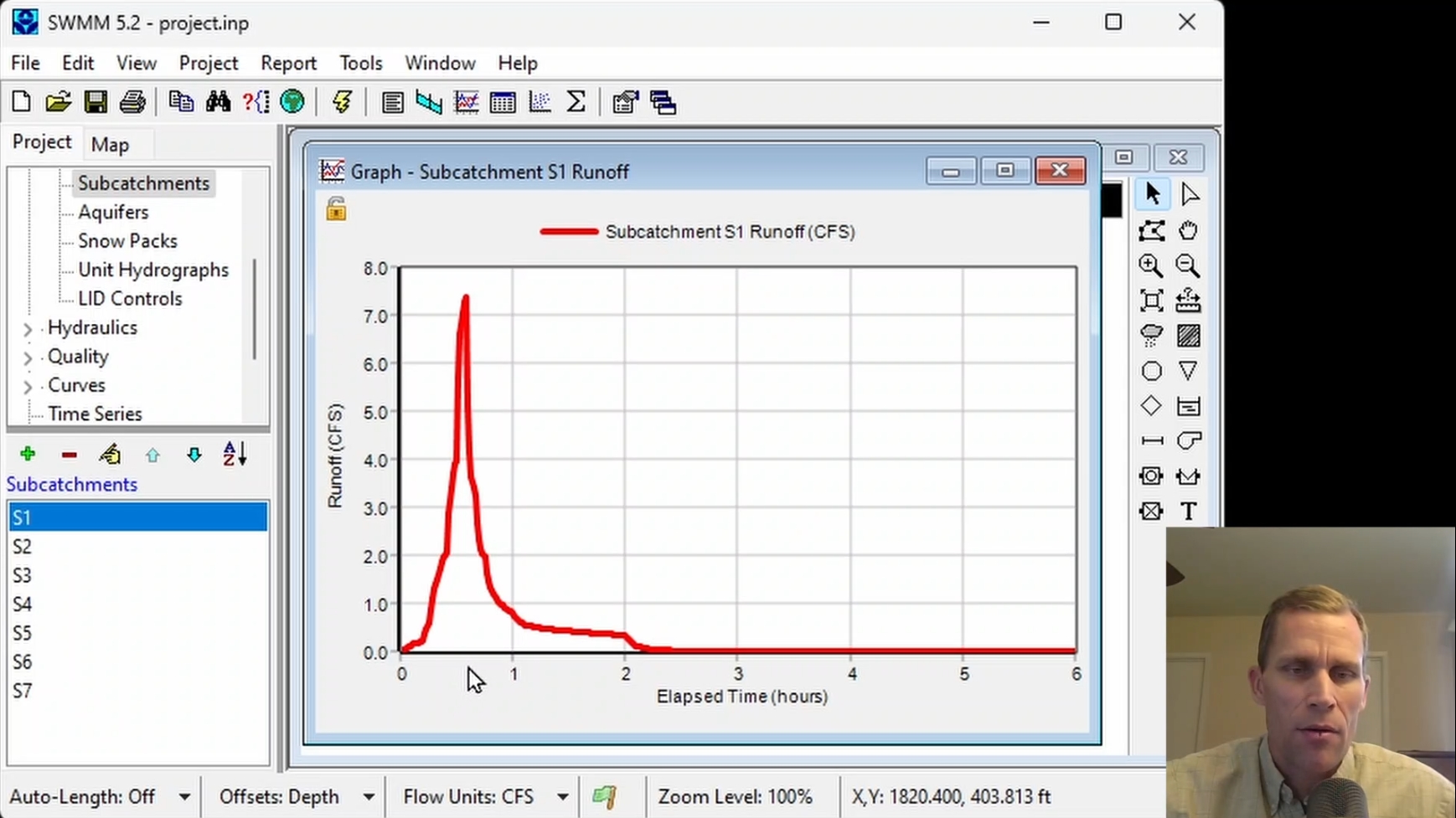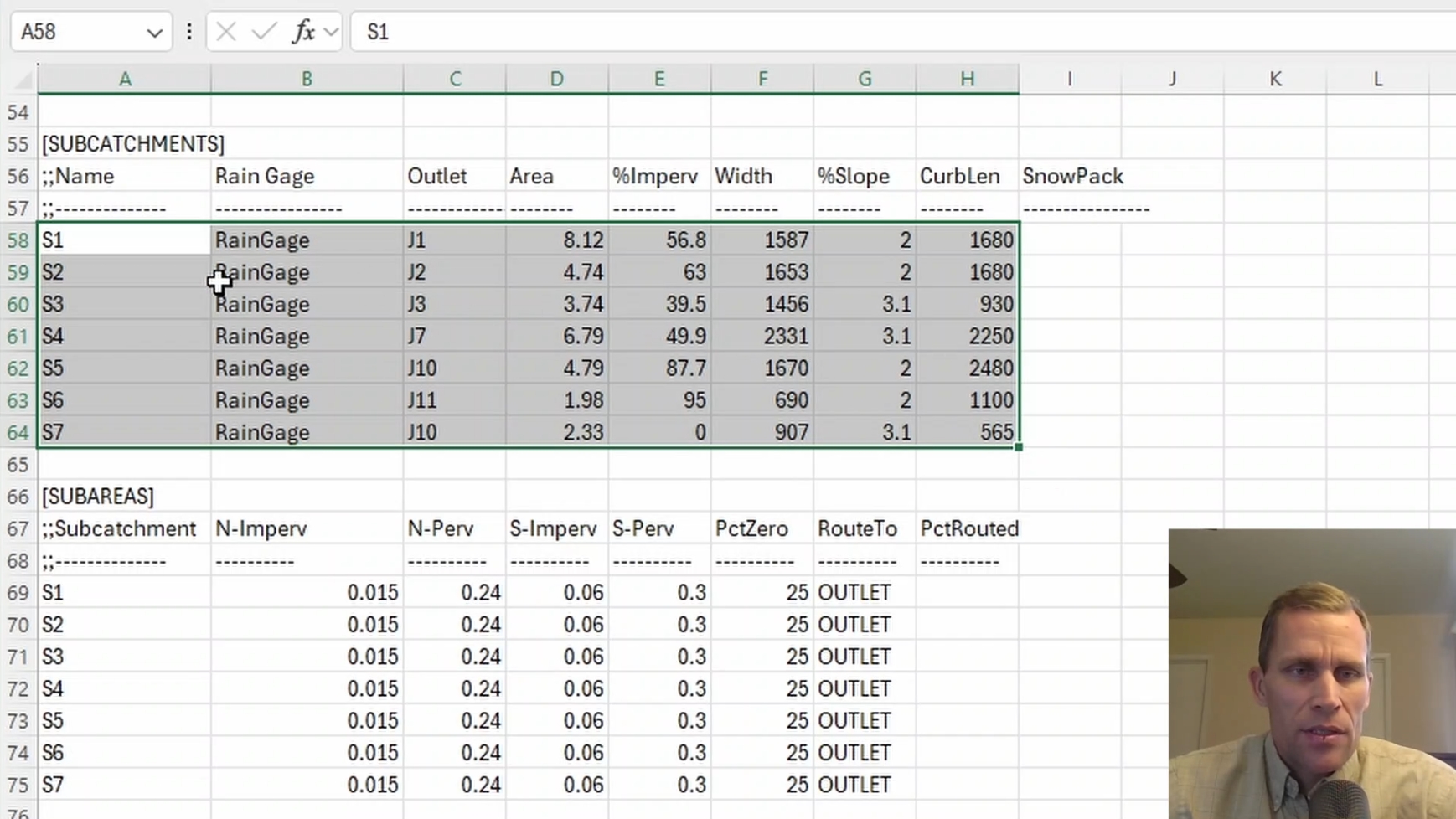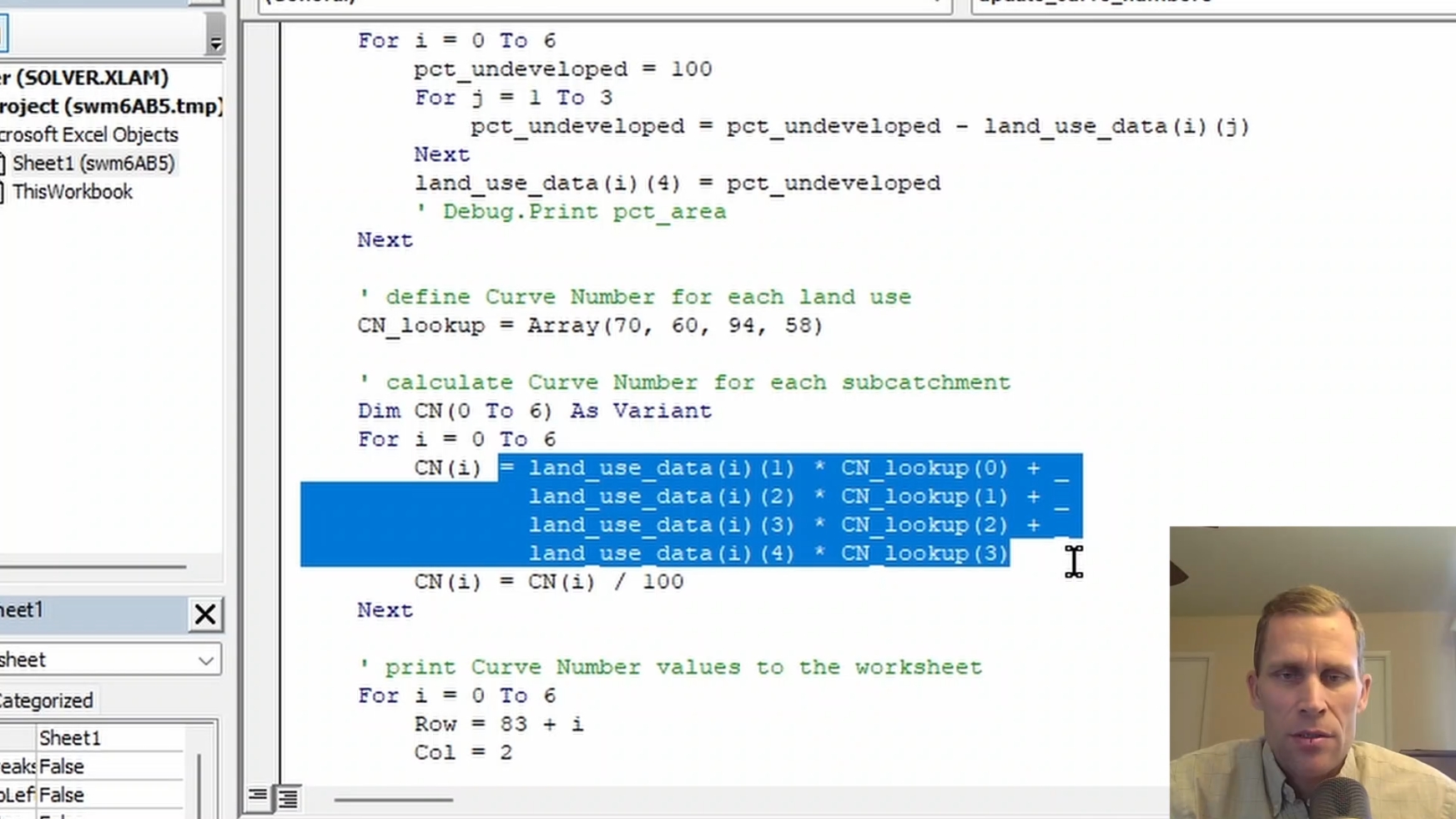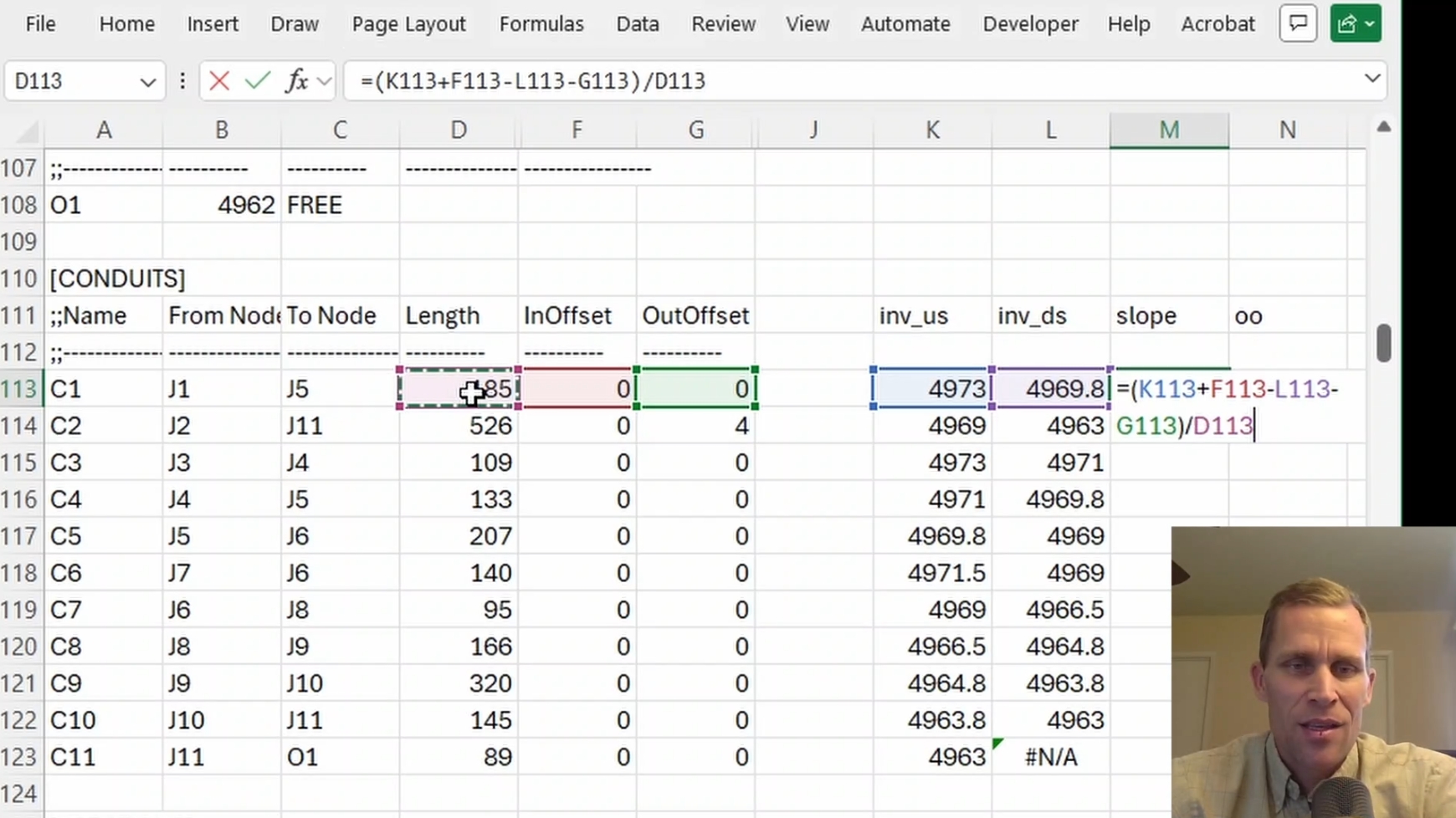
EPA-SWMM Professional Development Training Series
Stormwater, Drainage, and Urban Watershed Modeling for Civil Engineers, Floodplain Managers, and Stormwater/Water Resources Professionals
Online • Self-Paced • 1 Hour per Course
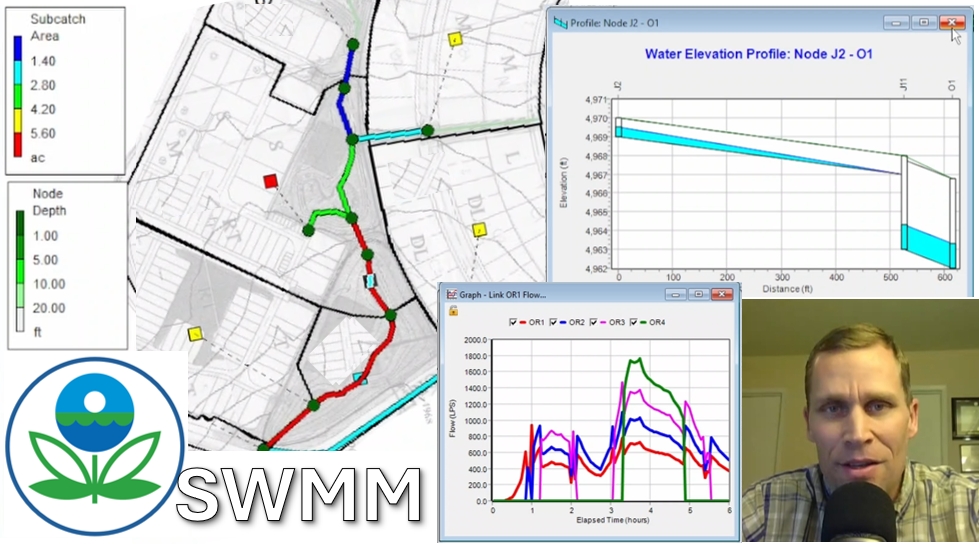
The EPA-SWMM Professional Development Training Series consists of individual, self-paced courses designed to help water resources, stormwater, and environmental professionals develop practical skills using EPA-SWMM. Each course includes approximately 50 minutes of instruction followed by a 5-question Knowledge Assessment.
Quick Info:
- Cost: $5 per course
- Duration: 1 Hour per course
About 50 minutes of Interactive Video LectureAbout 10 minutes for Knowledge Assessment
- Format: Pre-recorded, online video instruction. Self-paced. Multiple choice review questions.
- Audience: Water resources professionals seeking continuing education, as well as anyone interested in learning or refreshing their knowledge of EPA-SWMM.
- Course Access: 365 days from the date of purchase.
Accreditation:
Each course provides 1 Professional Development Hour (PDH) for continuing professional competency purposes.
Read more
Continuing Education Credit:
- Association of State Floodplain Managers (ASFPM): Approved for continuing education credit.
- American Institute of Hydrology (AIH): Approved for continuing education credit.
- Professional Engineers (PEs): These courses are applicable to professional engineers in: Alabama, Alaska, Arkansas, Delaware, District of Columbia, Florida (P.E. Area of Practice), Georgia, Idaho, Illinois, Illinois (S.E.), Indiana, Iowa, Kansas, Kentucky, Louisiana, Maine, Maryland, Michigan, Minnesota, Mississippi, Missouri, Montana, Nebraska, Nevada, New Hampshire, New Jersey, New Mexico, New York, North Carolina, North Dakota, Ohio (P.E. Self-Paced), Oklahoma, Oregon, Pennsylvania, South Carolina, South Dakota, Tennessee, Texas, Utah, Vermont, Virginia, West Virginia, Wisconsin, Wyoming. Please confirm with your state licensing board that these courses are eligible for continuing education credit.
How To Complete a Course:
To receive a Certificate of Completion for a course, you must:
- Enroll in a course. Scroll down to view all EPA-SWMM Courses.
- Watch the Interactive Video Lecture (~ 50 minutes)
- Answer at least 4 of the 5 Knowledge Assessment questions correctly (~ 10 minutes)
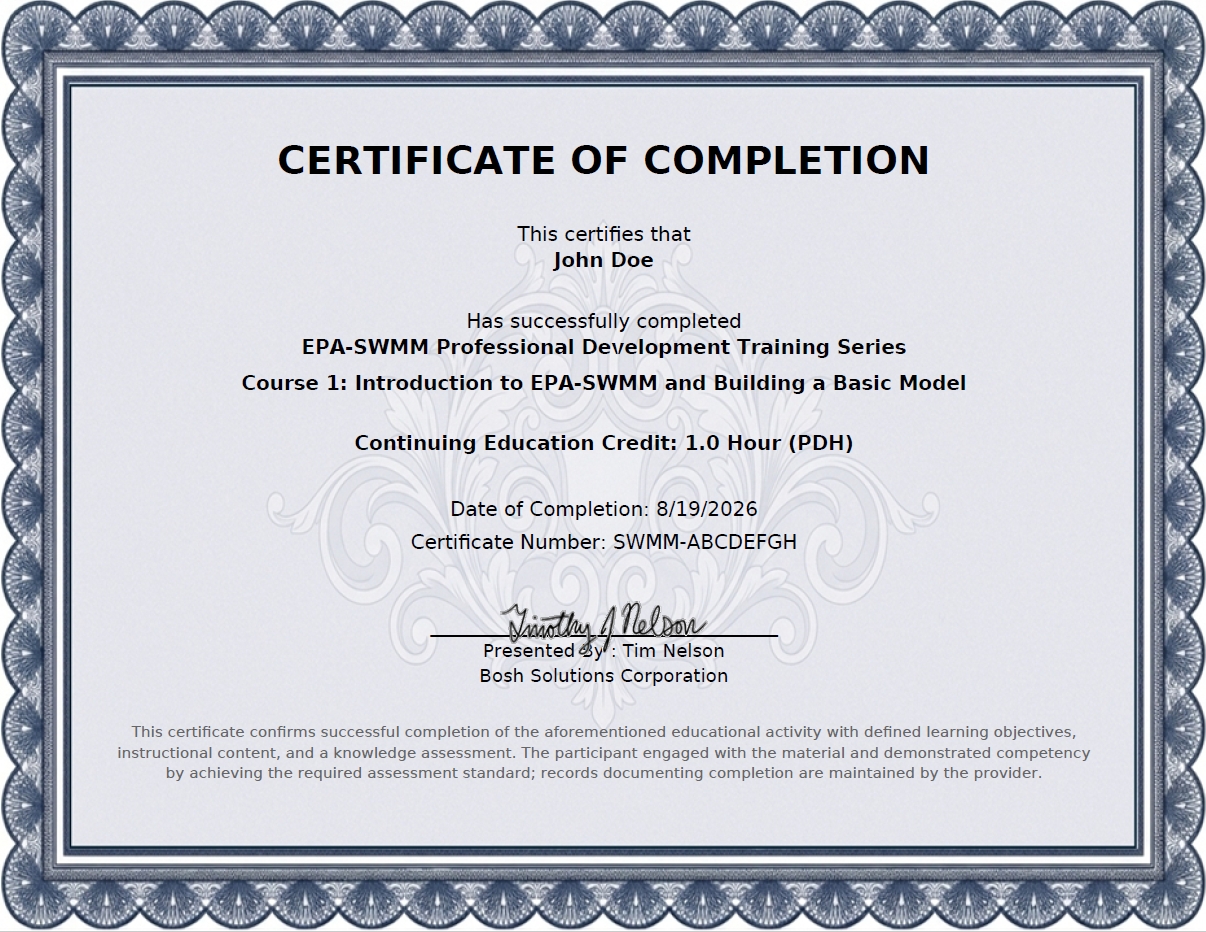
After successfully completing the Knowledge Assessment, your Certificate of Completion will be issued. View Example Certificate of Completion
Interactive Video Lecture:
Once you enroll, a link to your Interactive Video Lecture will be emailed to you.
Your task is to watch the video lecture and follow the instructor's lead in the model-building process.
This video instruction will last about 50 minutes.
Read more
You can pause or rewatch the video instruction as much as you want. The video course page may sometimes include a Zip File icon where you can download the starting project files associated with that course.
Before your first course, you are highly encouraged to download and install EPA-SWMM version 5.2 on your computer. That way, you can follow the same model-building steps as the instructor during the course. This will significantly help you learn EPA-SWMM and make it easier to pass the Knowledge Assessment questions.
5-Question Knowledge Assessment:
To successfully complete a course, a minimum score of 80% is required. The assessment may be retaken if necessary, with a new set of questions each time. This portion of the course is expected to take about 10 minutes.
Read more
Throughout the Video Lecture, you'll be prompted to pause the video and answer specific questions. Upon successful completion, you will receive a Certificate of Completion.
See Example
Each course includes 5 multiple-choice questions. You must answer at least 4 questions correctly to pass. Questions may cover different areas, including conceptual understanding, interpretation, applied/calculation, and model-specific topics. The questions will be located just below the video player on the course page, which will be emailed to you upon enrollment.
Before Your First Course:
-
Download and Install EPA-SWMM Version 5.2.Download the latest version from the U.S. Environmental Protection Agency (EPA):Video tutorial: Show Video
-
Download the EPA-SWMM User's Manual (recommended)
-
Confirm Microsoft Excel is InstalledThis training series uses Micrsoft Excel for external data for many of its courses.

Verifiable Certificates:
Each completed course is assigned a unique Certificate Number. Employers, licensing boards, certification organizations, and other third parties can independently verify course completion through the online Course Verification Page. A receipt will be provided for every purchase.
Available Courses:
Each course is about 1 hour in duration, consisting of a 50 minutes video lecture and a knowledge assessment. You may enroll in any individual course or select multiple courses. Upon checkout you will be sent an email containing a link for each course you enrolled in.
| View: | Standard |
| Show Details |
| COURSE 1 | |
| Introduction to EPA-SWMM and Building a Basic Model | |
| Description: |
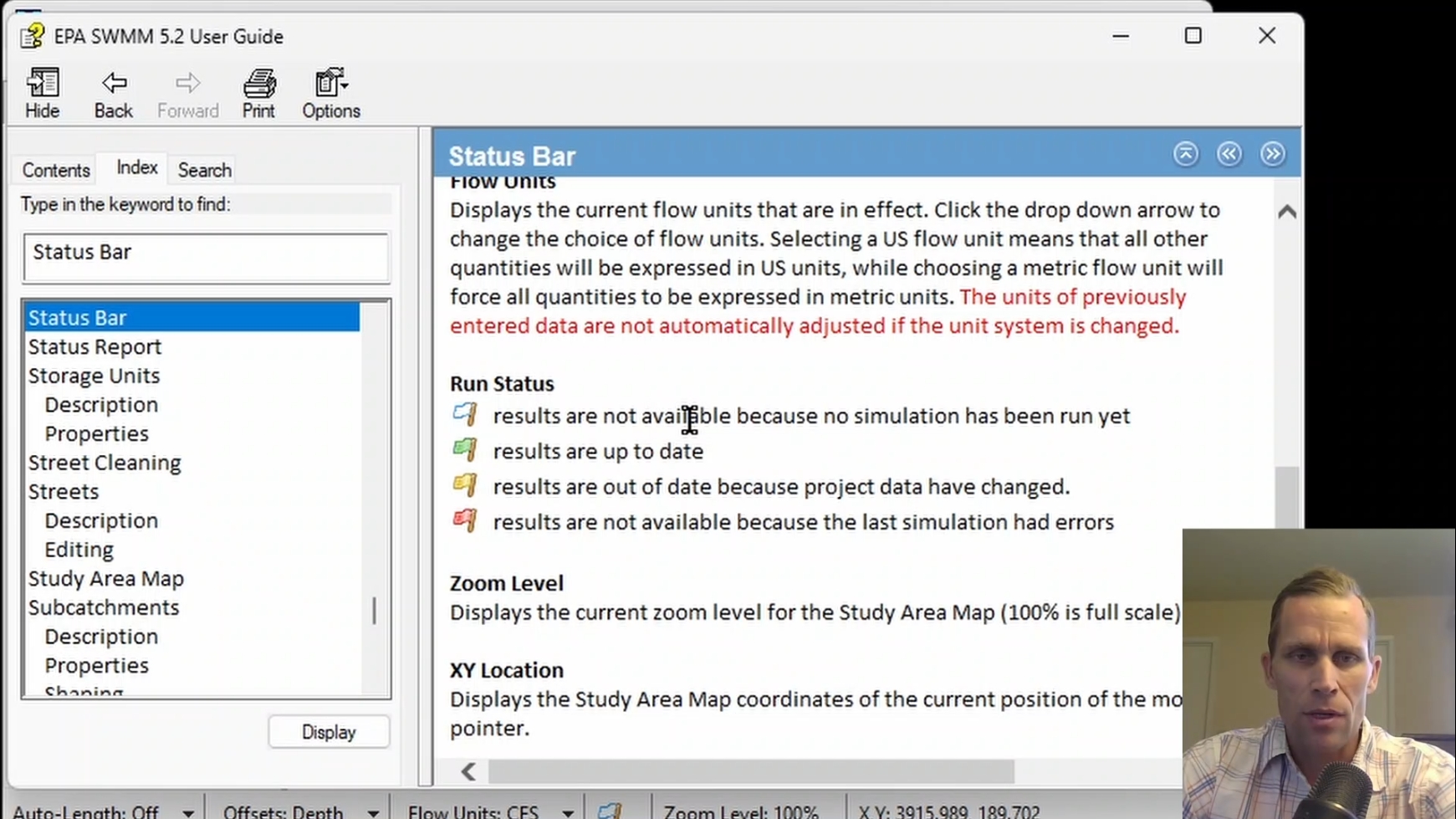
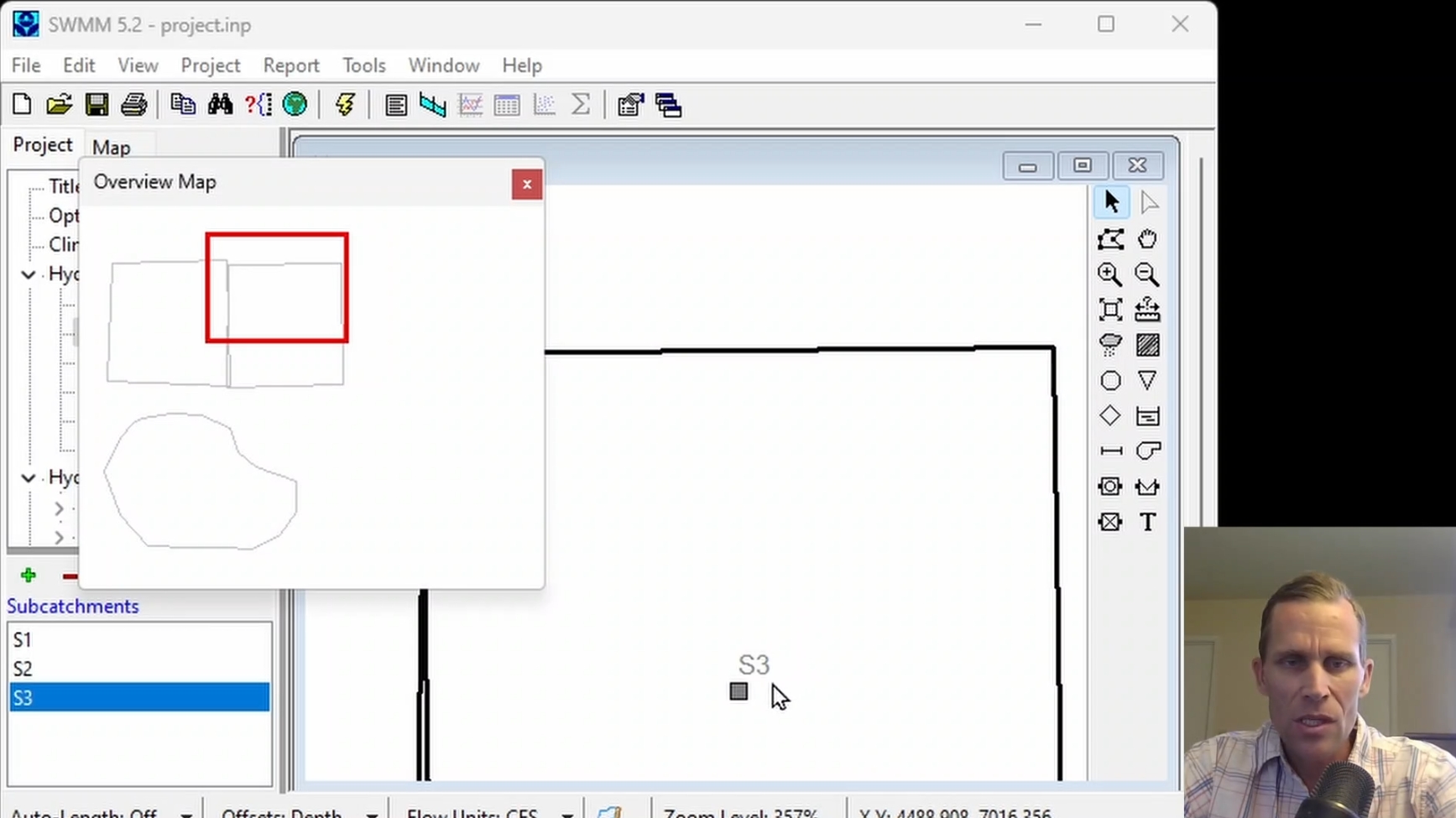
This course covers the EPA SWMM user interface and basic project setup, including menus, toolbars, project and map browsers, study area map, zoom and display controls, labeling, and default settings. The course also introduces project files, the organization of SWMM model components, and demonstrates basic model setup, simulation options, and viewing rainfall and runoff results from a simple model.
|
| Objectives: |
Upon successful completion of this course, participants will be able to:
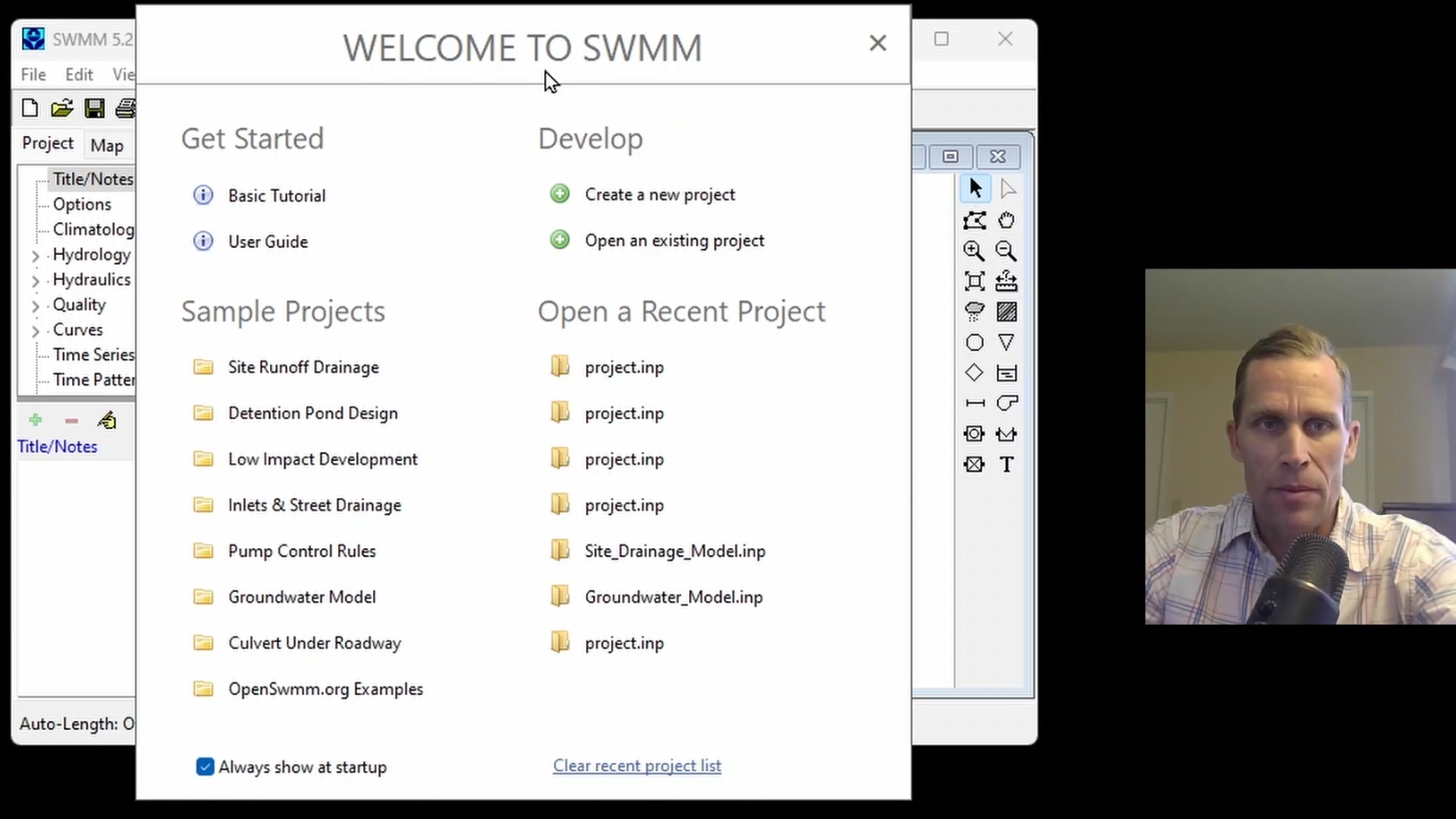
Click the image above to view various images from this course.
|
| Duration: | 50 Minute Video + Assessment |
| Assessment: | 5 questions; 80% passing score required. |
|
Price: $5.00
|
|
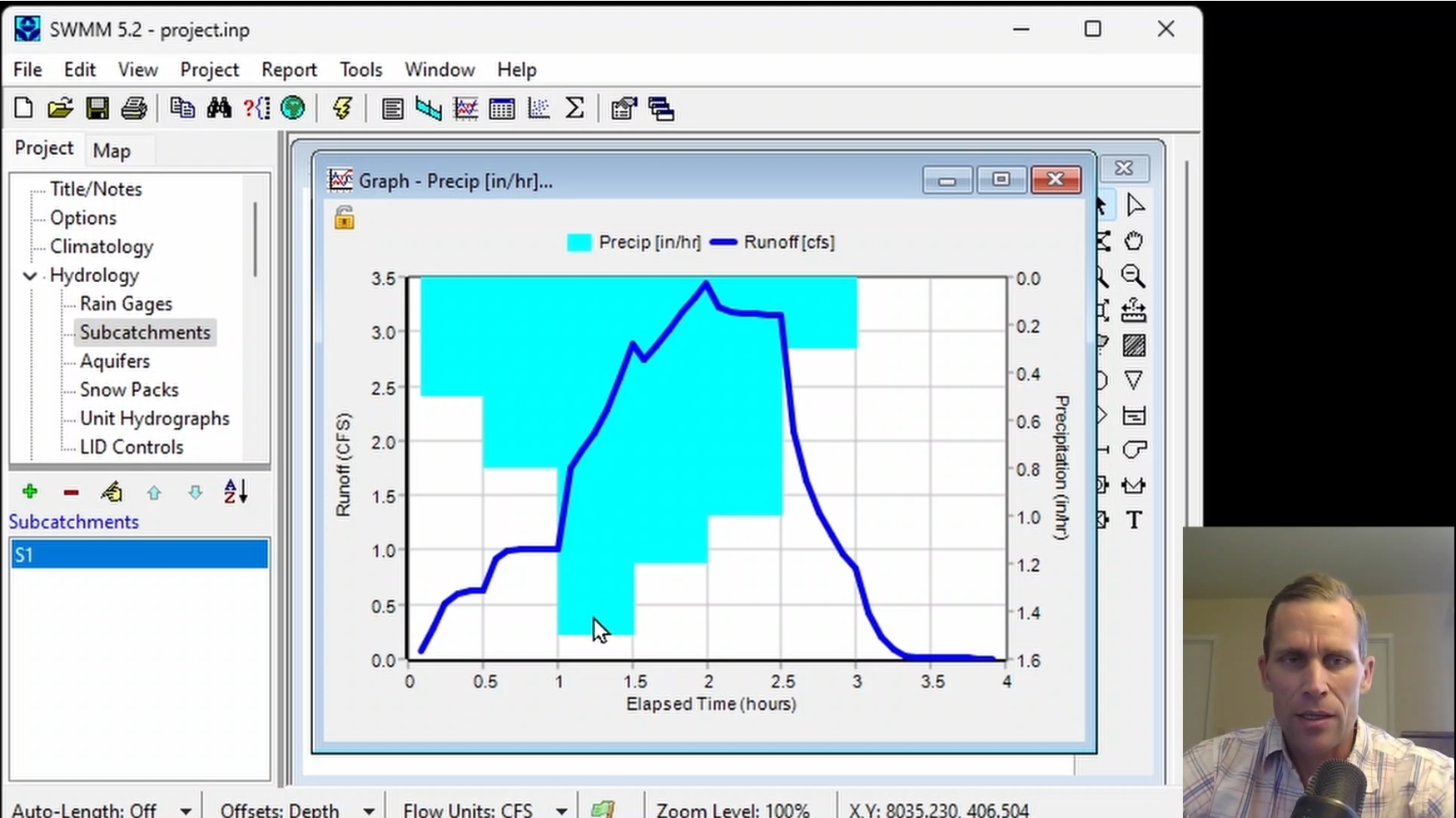
| COURSE 2 | |
| Backdrop Maps, Rain Gages, and Timeseries Data | |
| Description: |
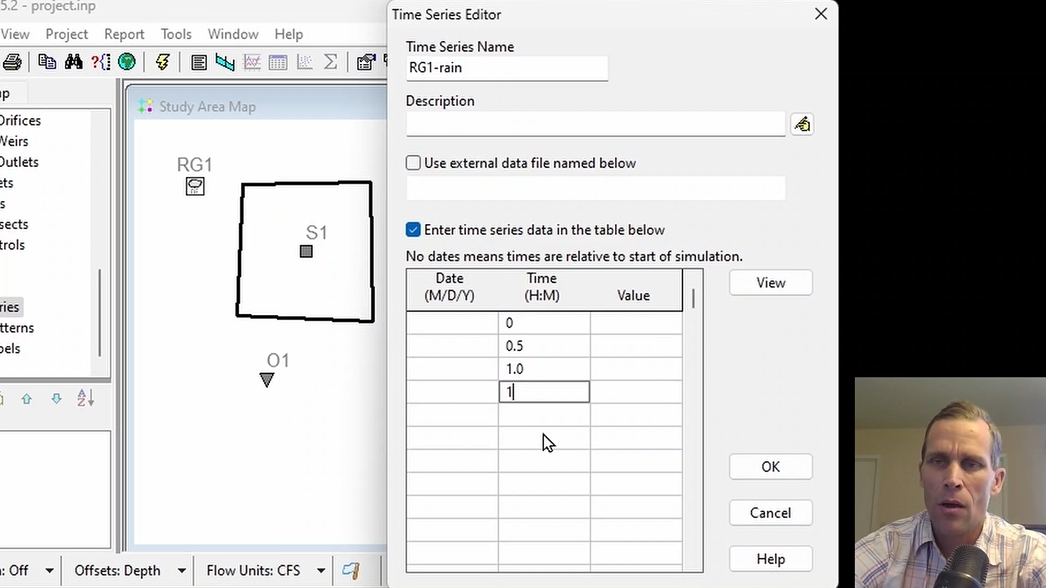
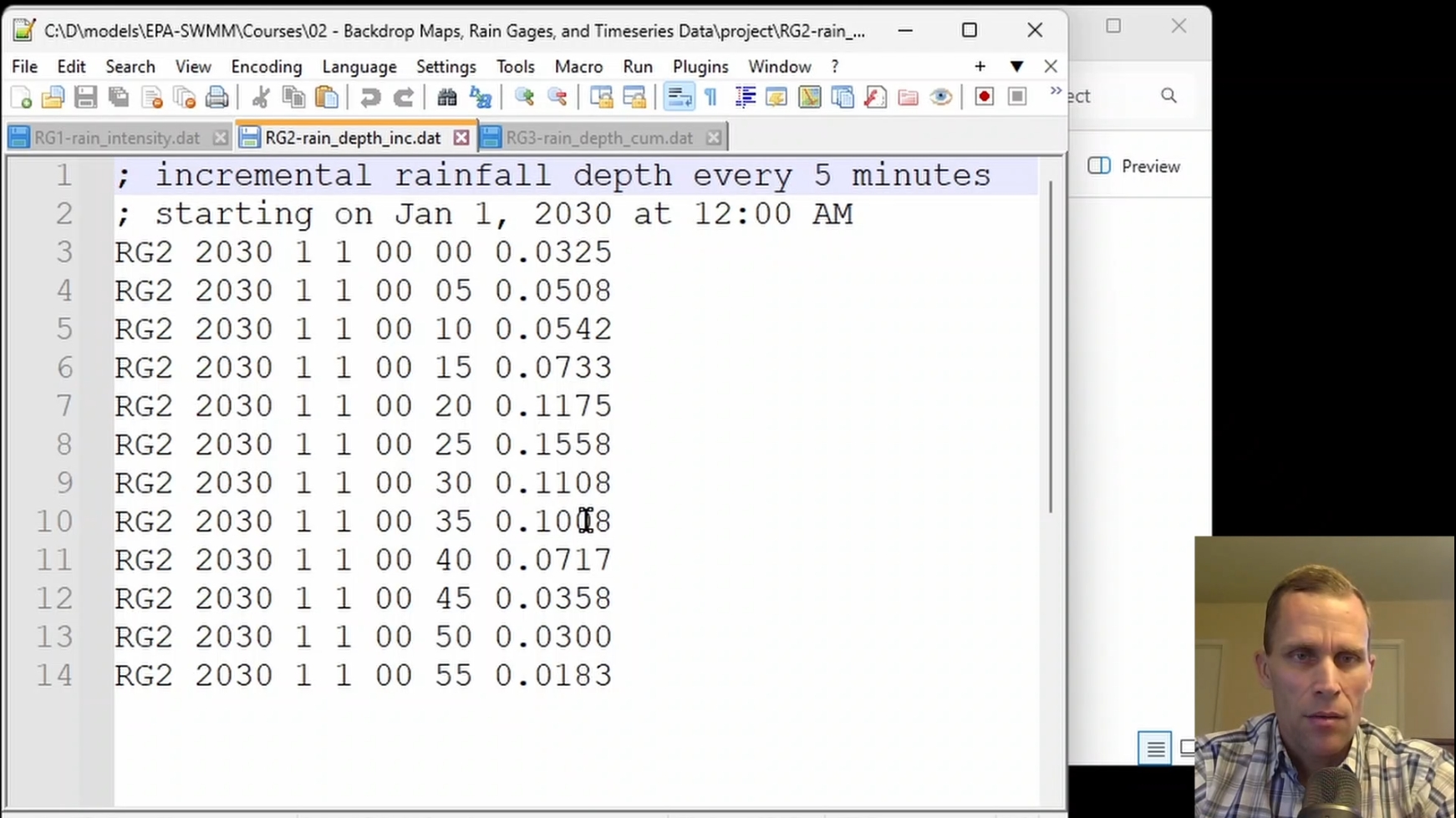
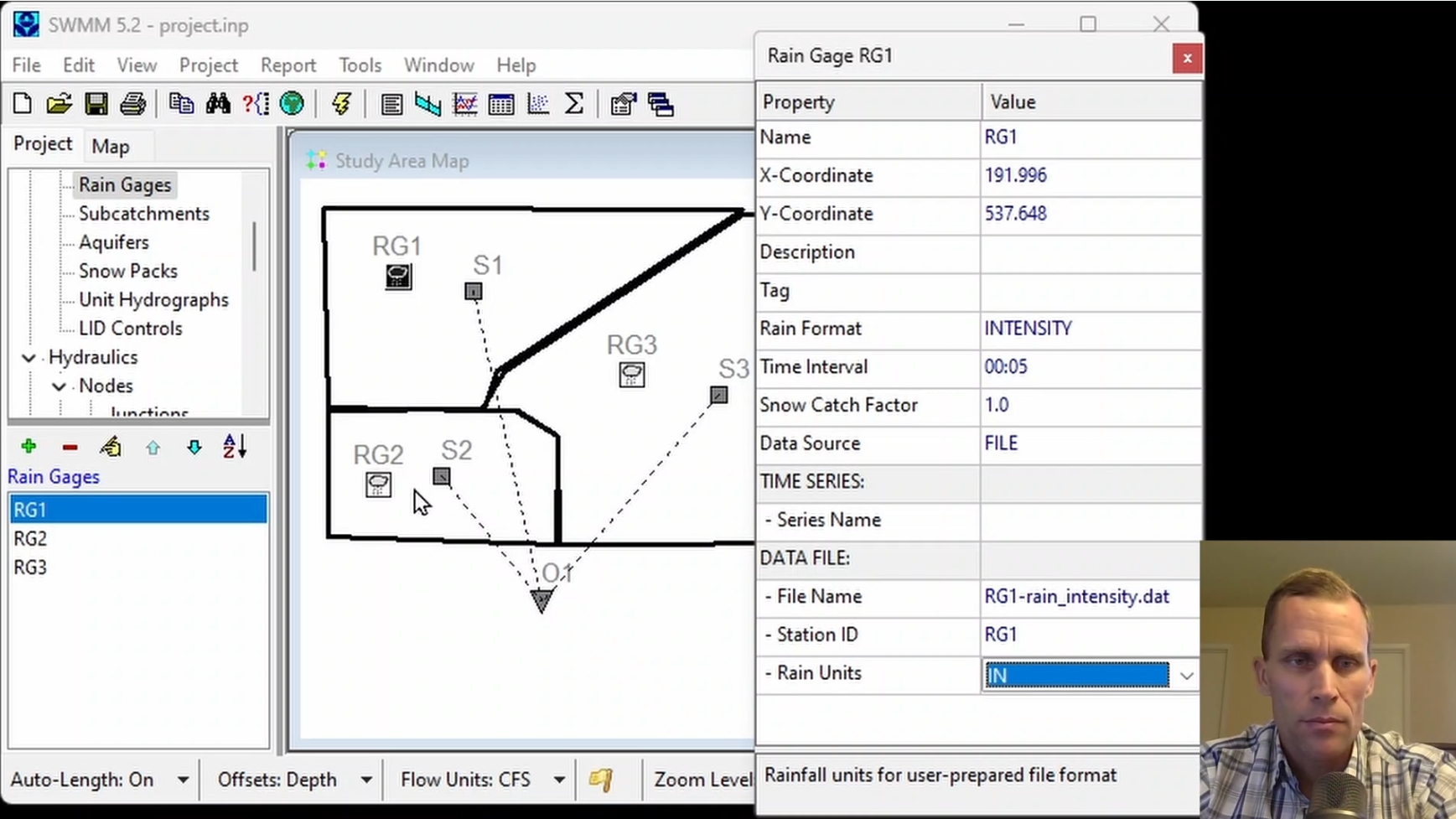
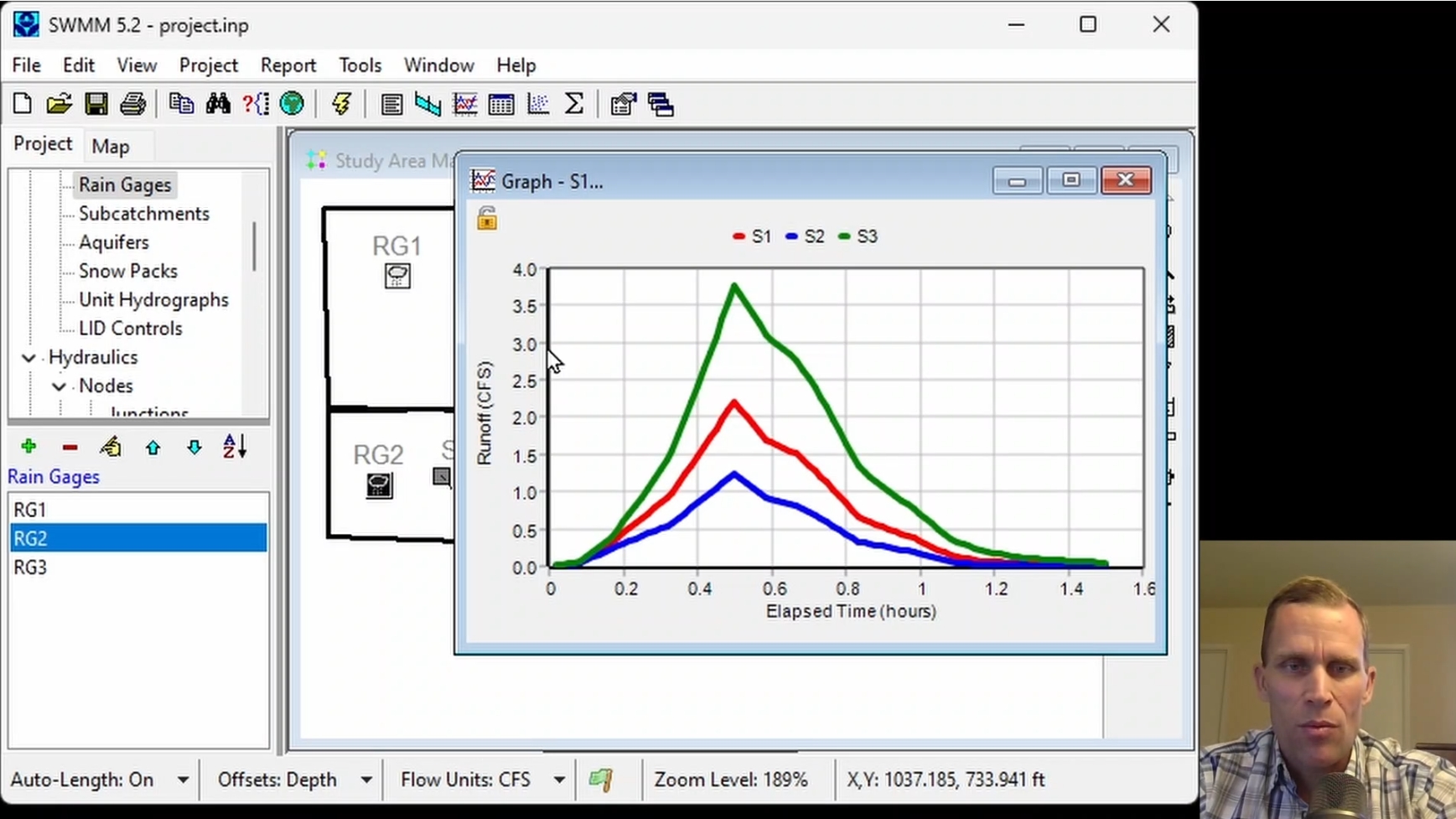
This course covers importing, scaling, and adjusting backdrop images in EPA-SWMM to establish accurate spatial dimensions for subcatchments, nodes, and links. Participants learn to use auto-length and area calculations to populate component properties, configure rain gages across three rainfall formats using time series and external files, and evaluate simulation results using hyetographs and hydrographs.
|
| Objectives: |
Upon successful completion of this course, participants will be able to:
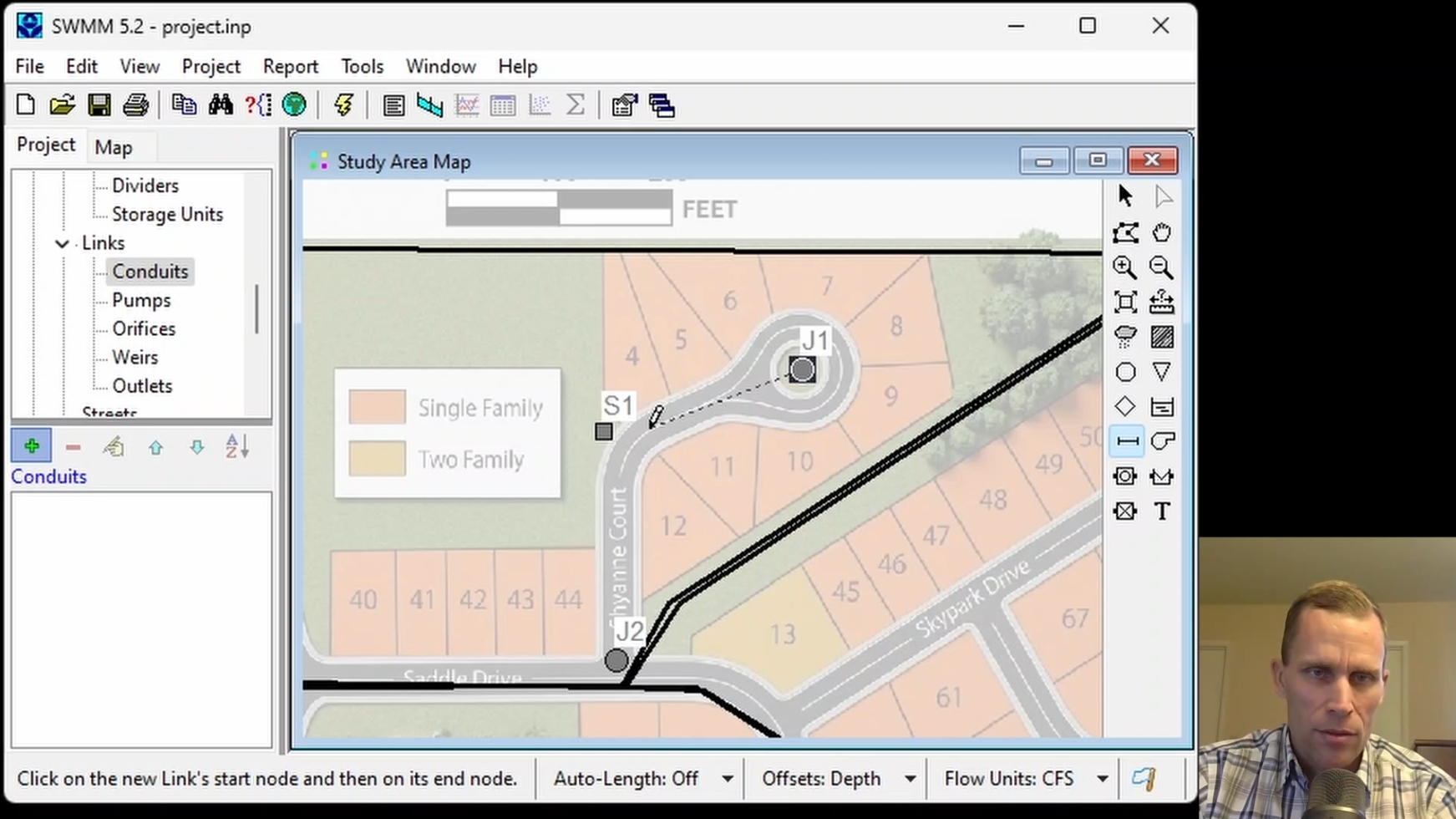
Click the image above to view various images from this course.
|
| Duration: | 50 Minute Video + Assessment |
| Assessment: | 5 questions; 80% passing score required. |
|
Price: $5.00
|
|
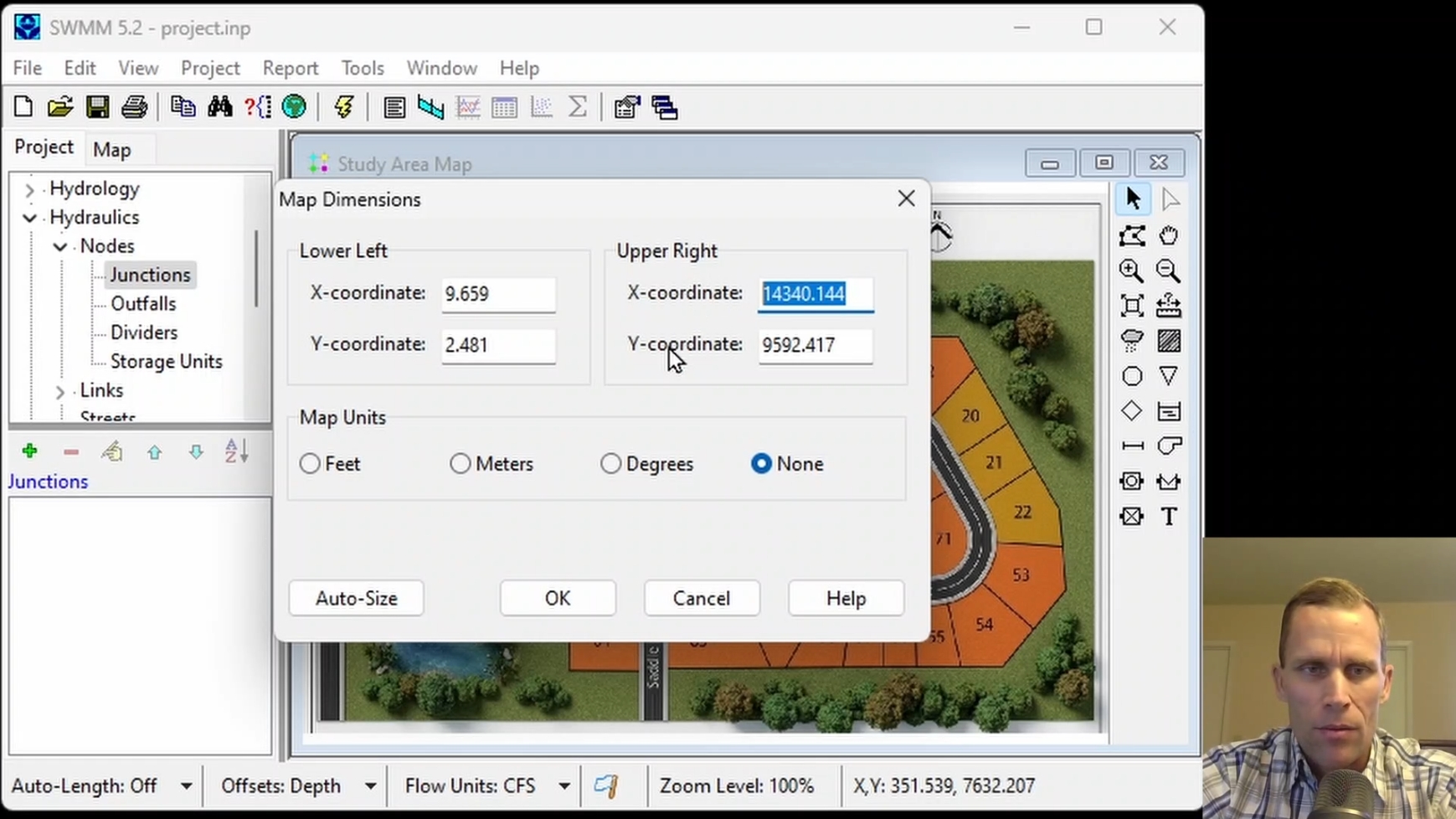
| COURSE 3 | |
| Modeling Conduits and Evaluating System Capacity | |
| Description: |
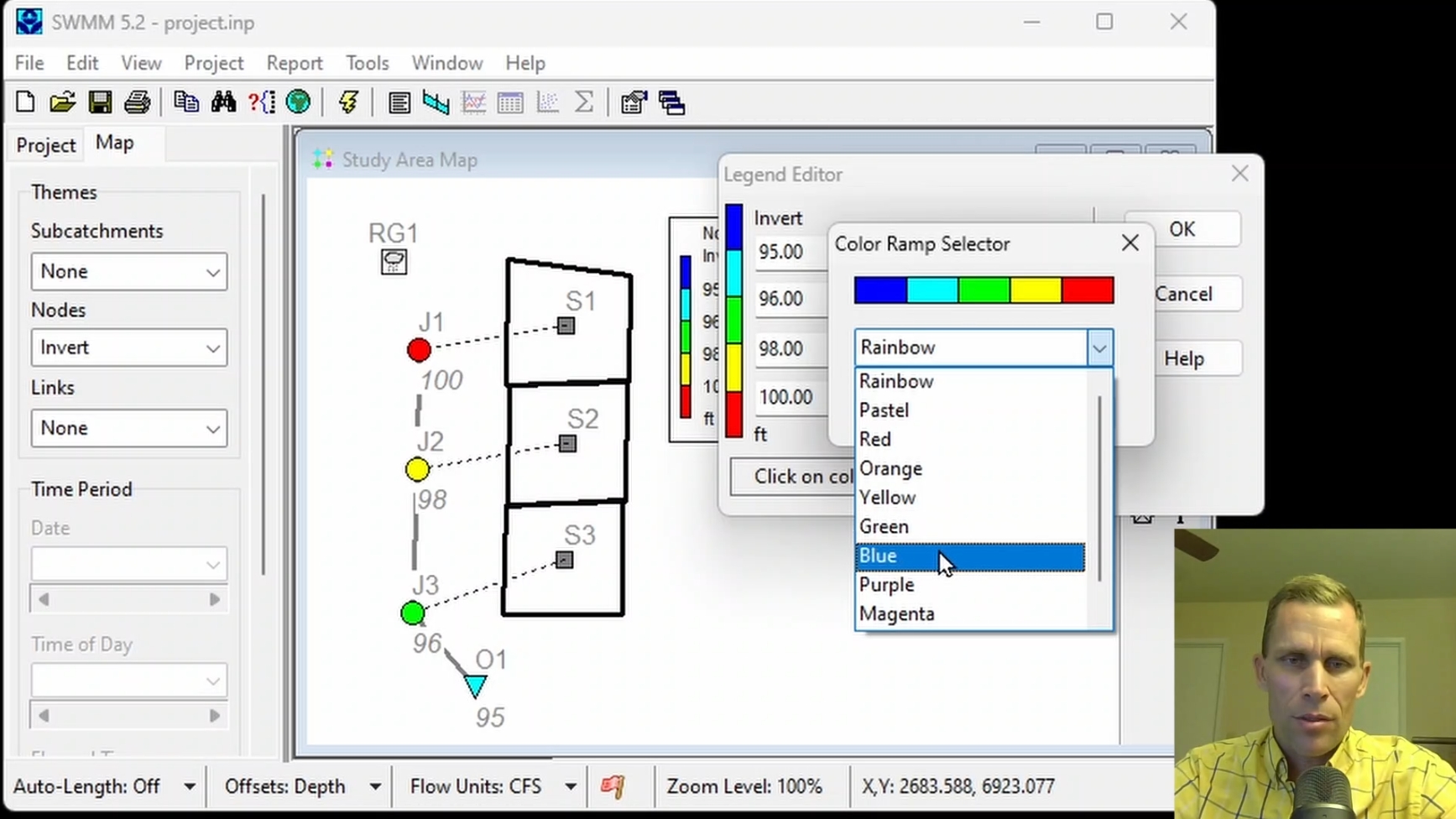
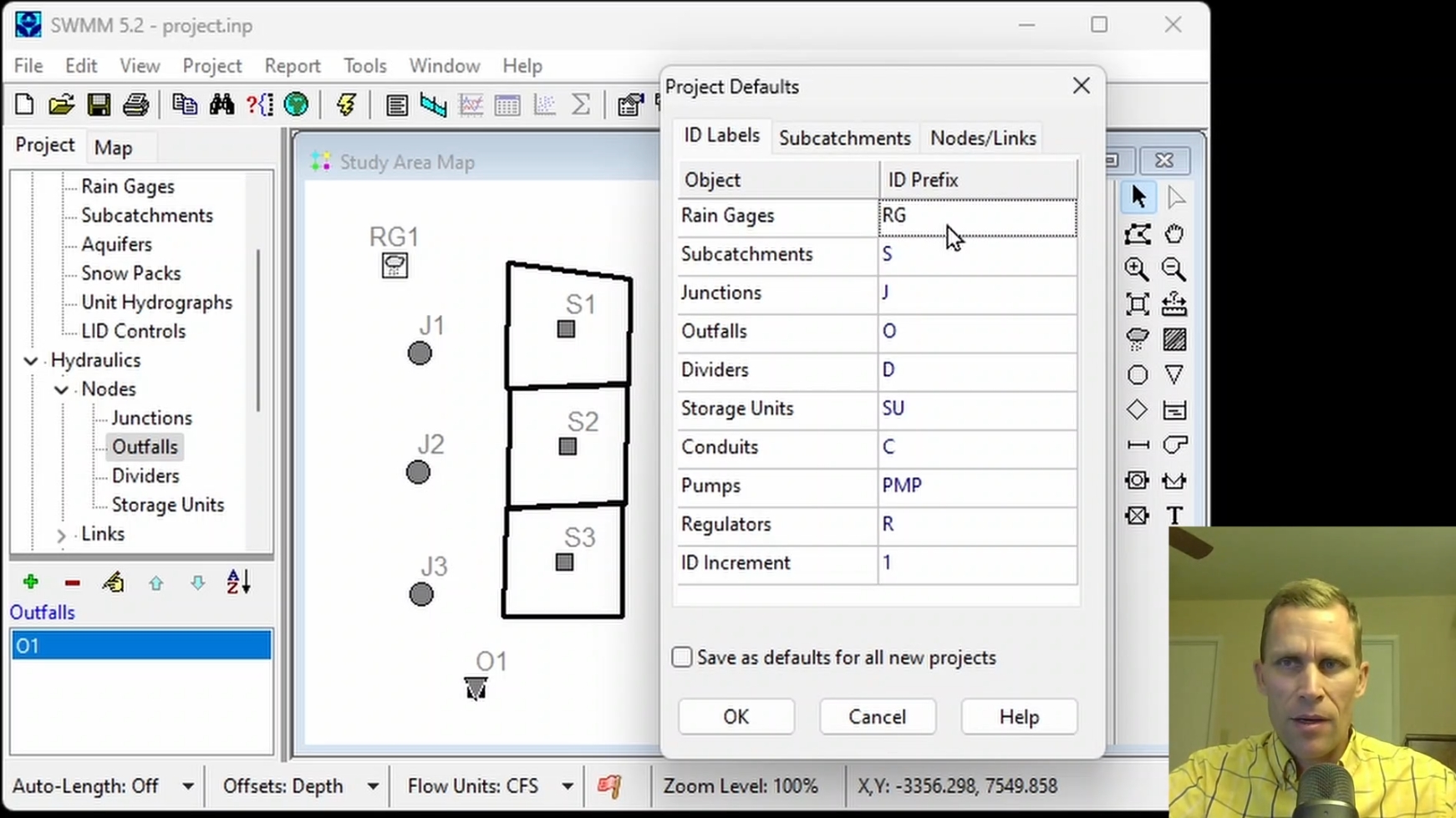
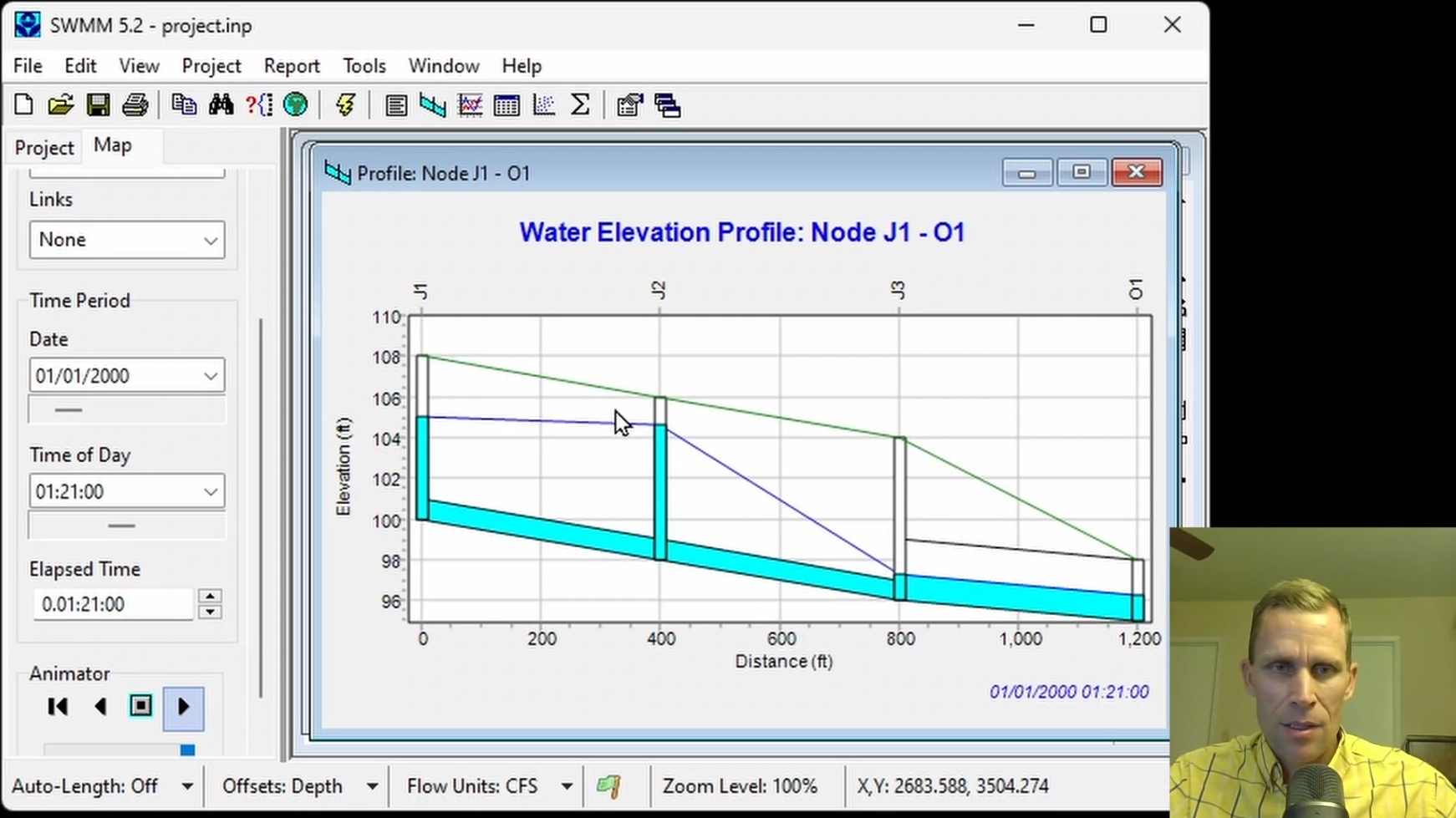
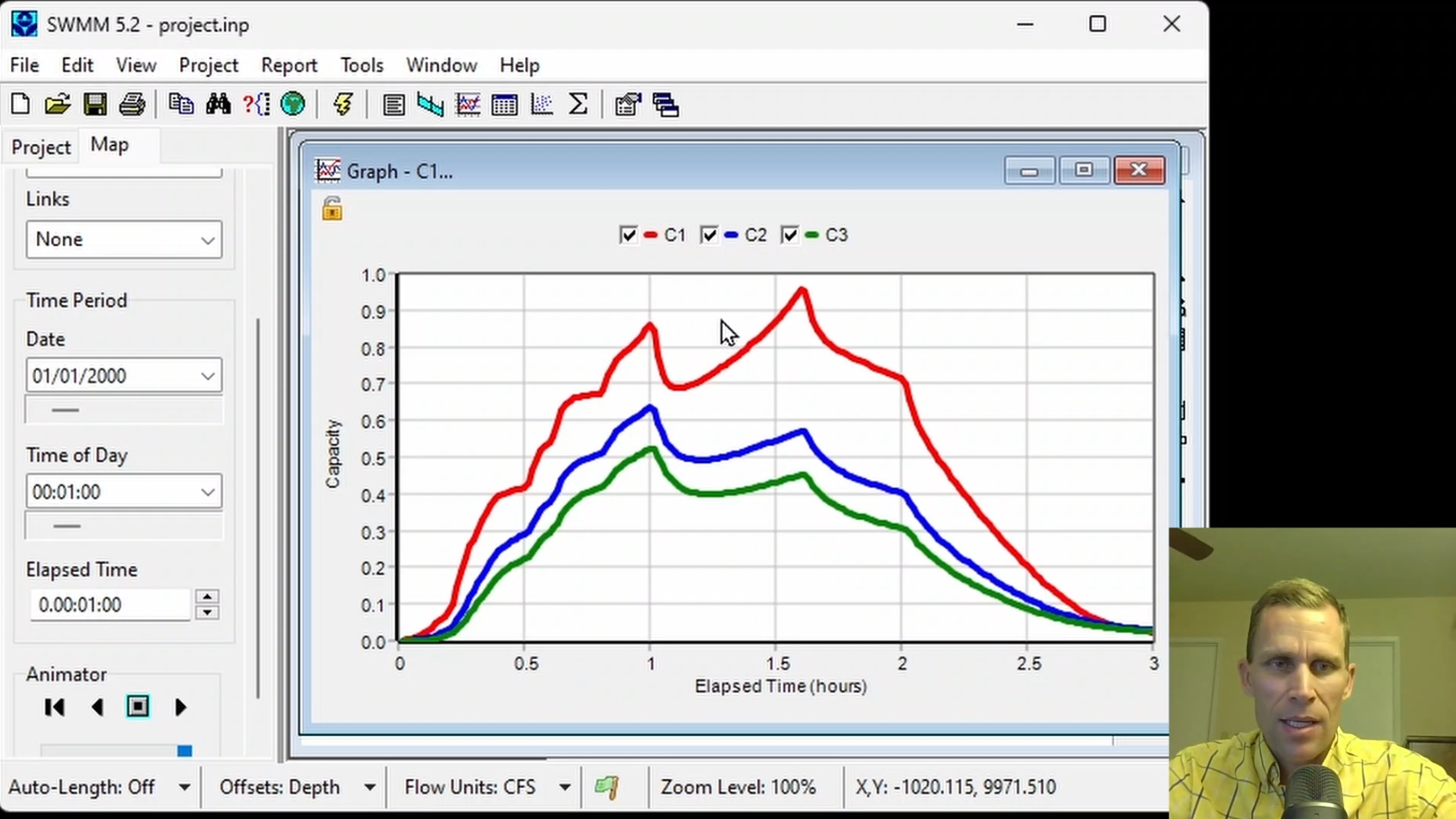
This course covers modeling and evaluating conduits in EPA-SWMM to assess stormwater capacity. Participants learn to sketch junctions, outfalls, and conduits, and configure key physical parameters such as shape, max depth, Manning's roughness, and elevation offsets, to observe their impact on flow. The course demonstrates how to read and understand model results using profile plots and time series graphs, and tables.
|
| Objectives: |
Upon successful completion of this course, participants will be able to:
Click the image above to view various images from this course.
|
| Duration: | 50 Minute Video + Assessment |
| Assessment: | 5 questions; 80% passing score required. |
|
Price: $5.00
|
|
| COURSE 4 | |
| Modeling Storage Units, Pumps, and User-Defined Controls | |
| Description: |
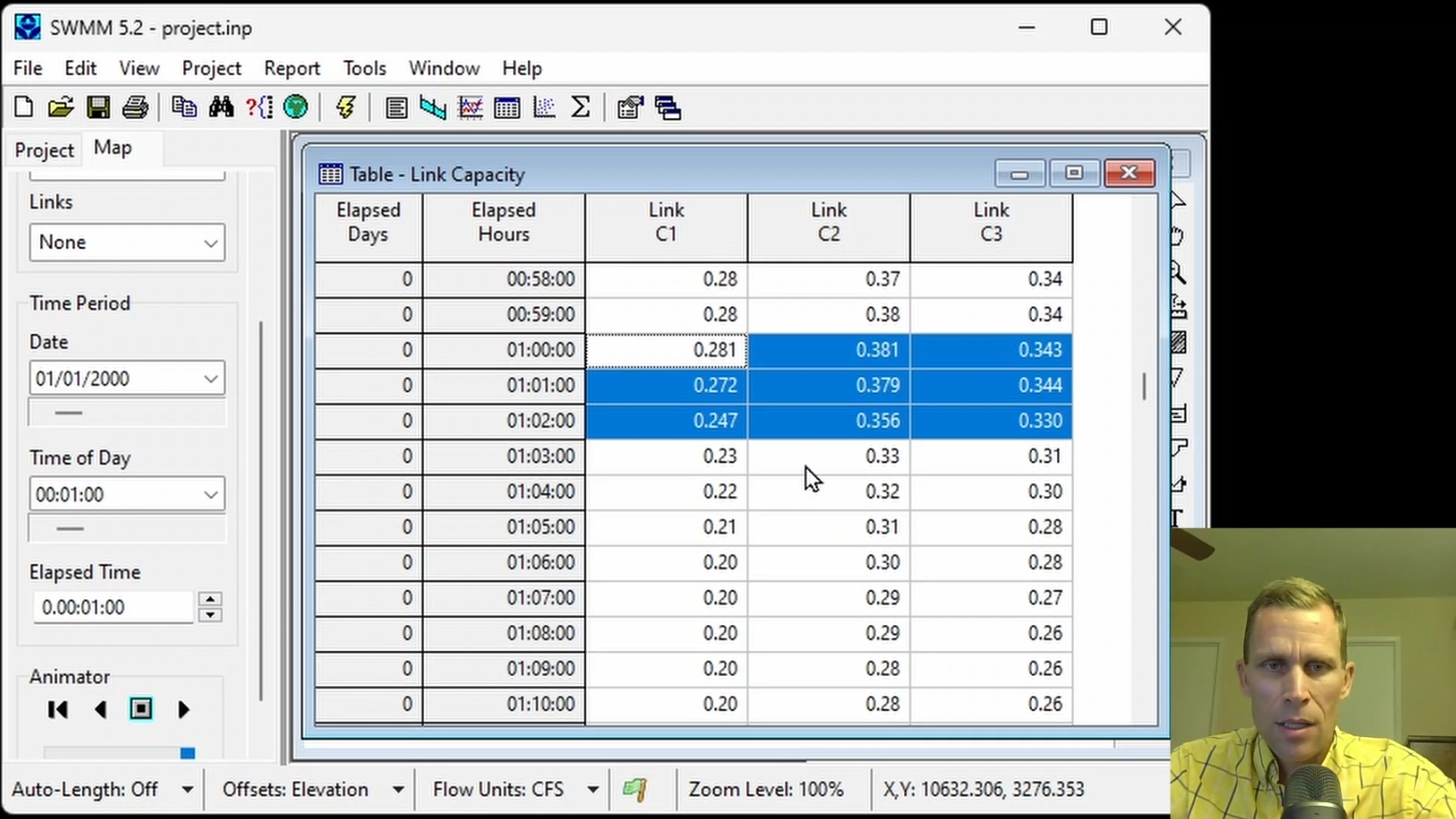
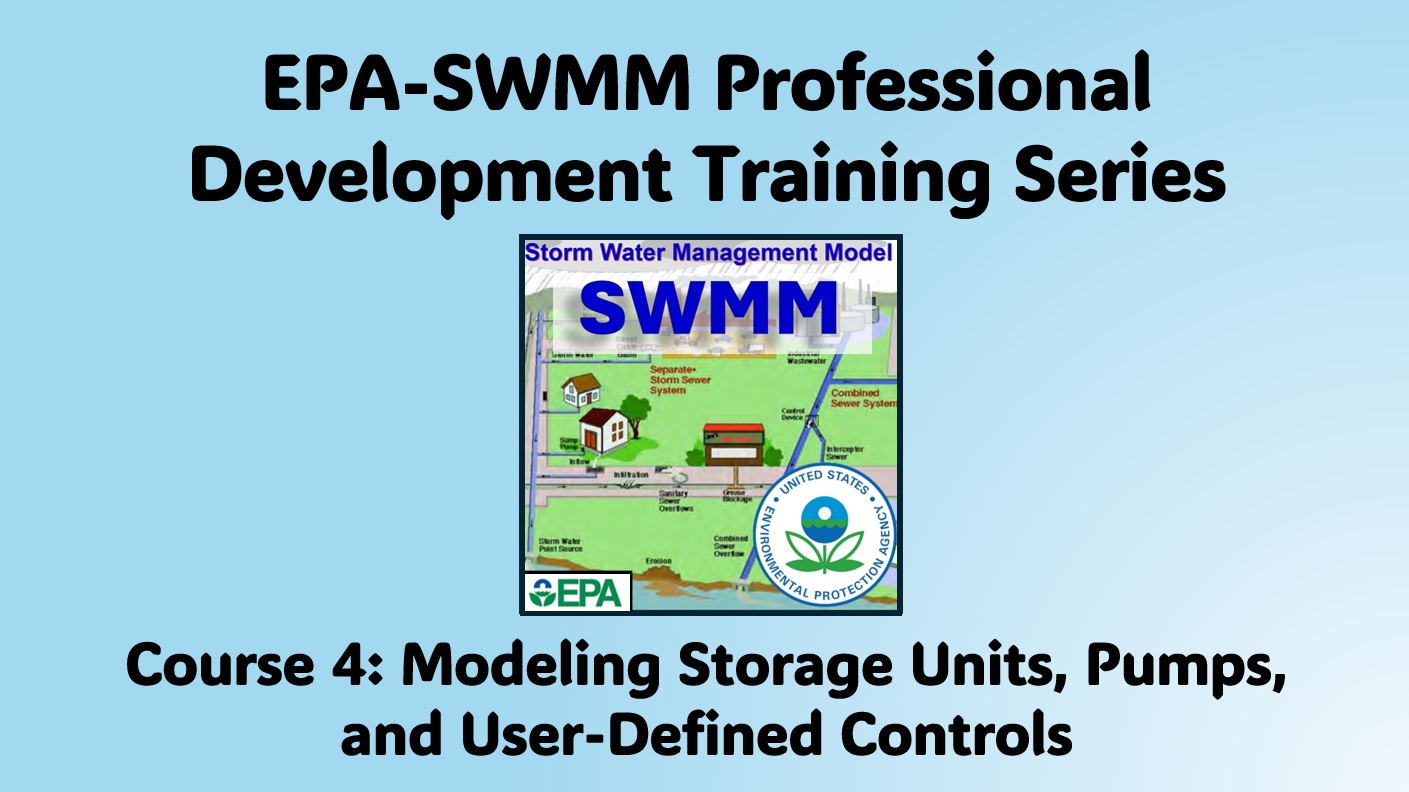
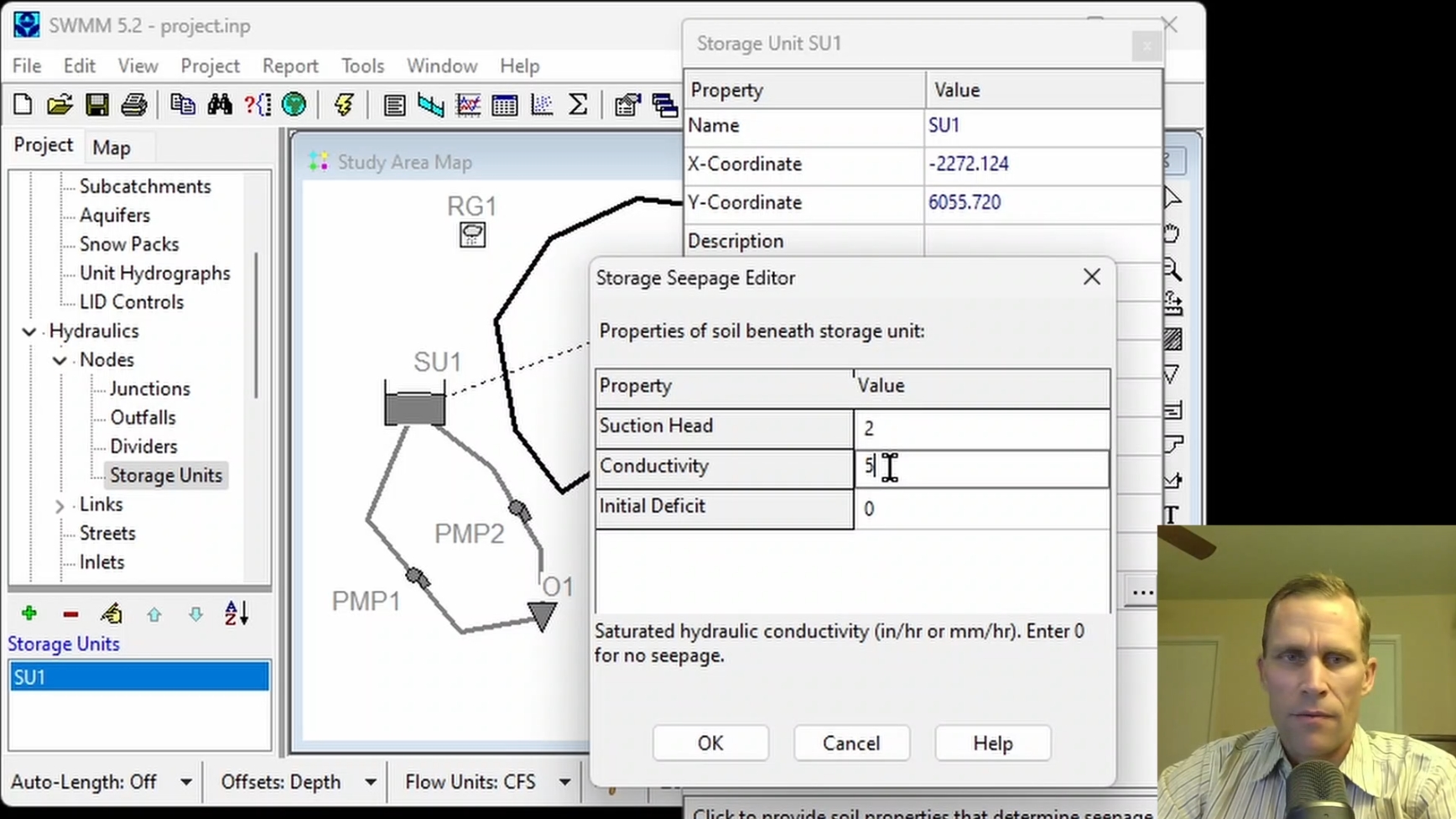
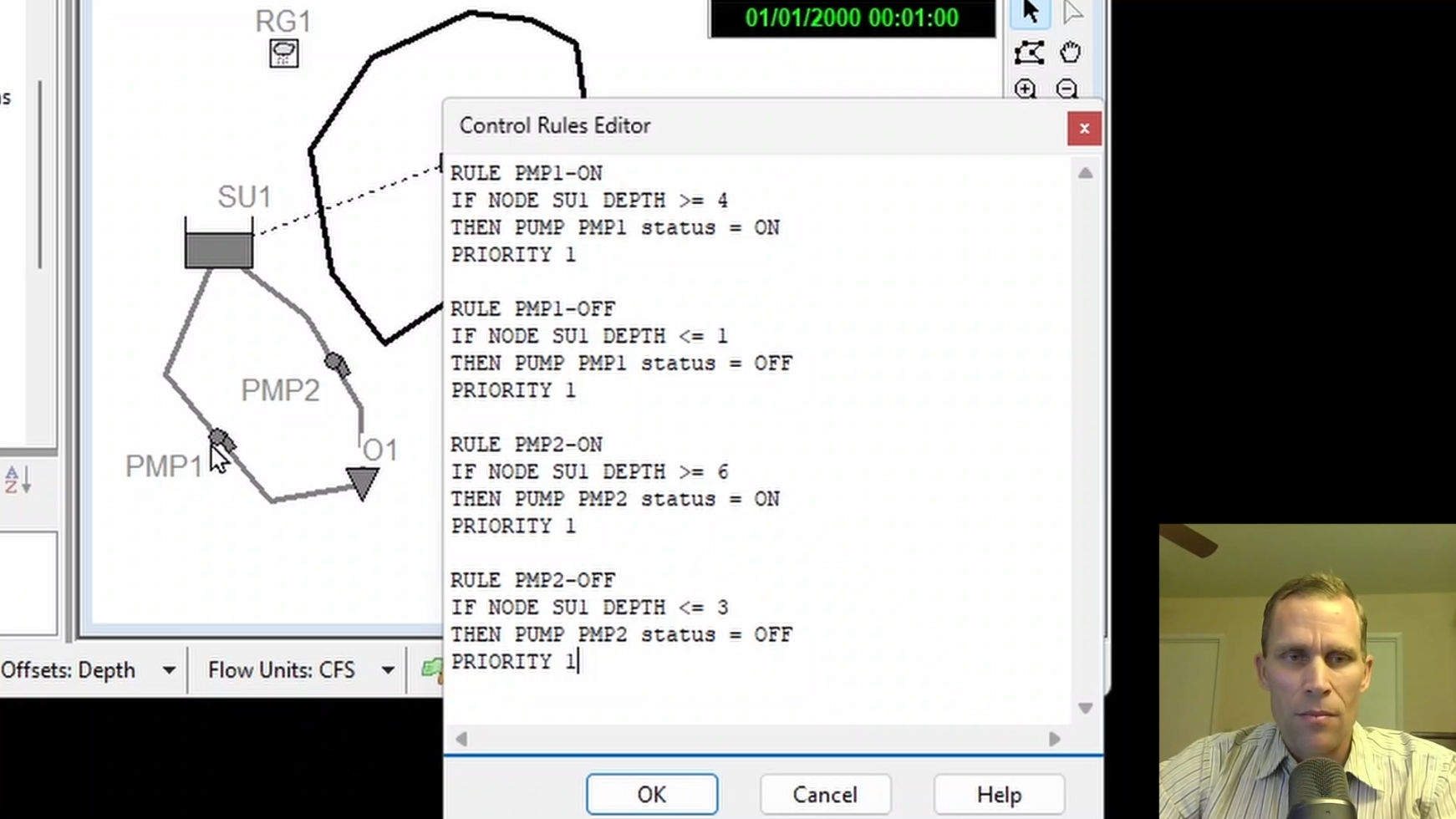
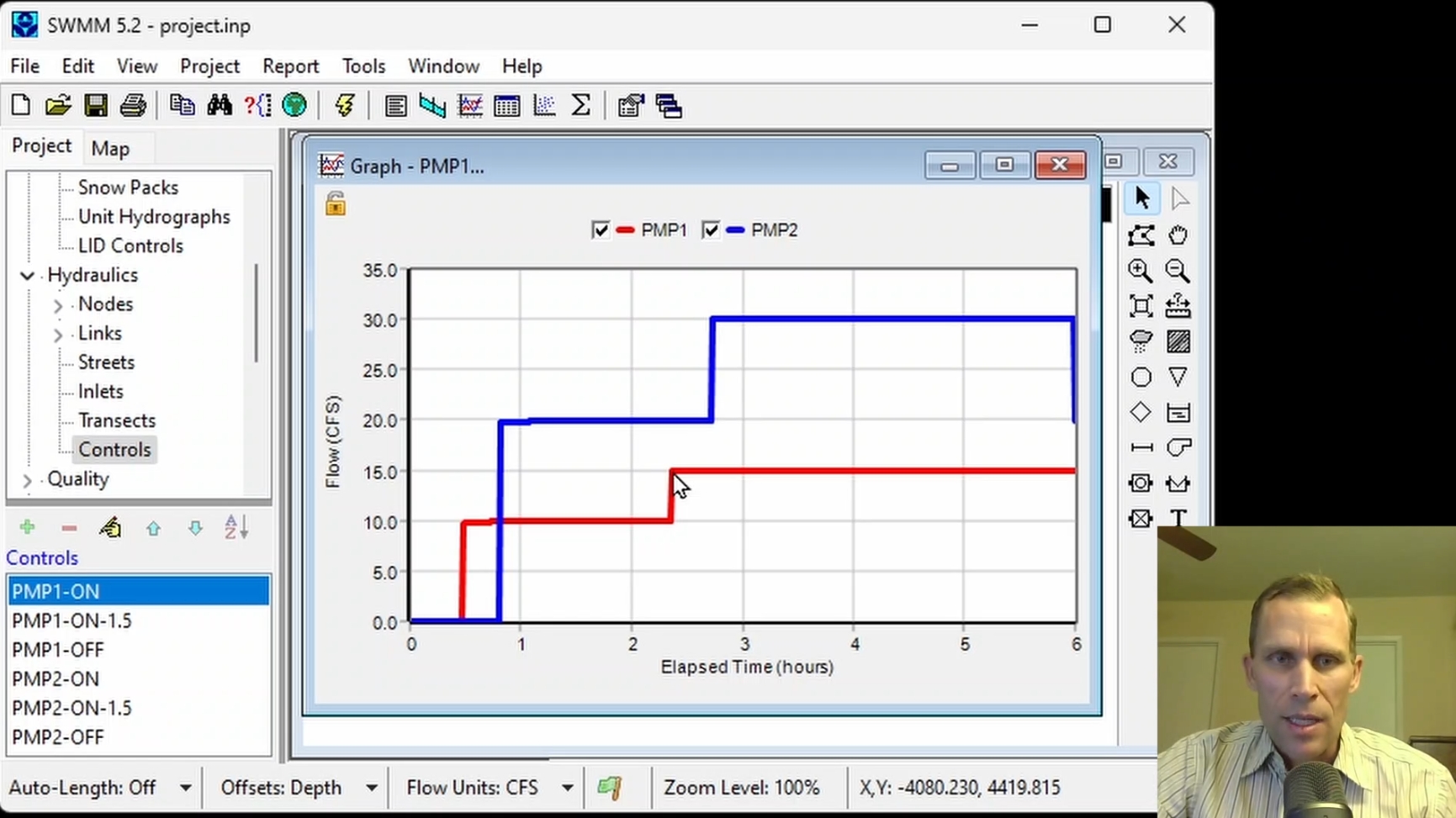
This course covers modeling storage nodes, pumps, and controls in EPA-SWMM to manage stormwater detention and conveyance. Participants learn to sketch storage units, outfalls, and pumps and set their property values. The course demonstrates how control rules can be used to specify the behavior of pumps, and model results are reviewed using timeseries plots to understand system dynamics.
|
| Objectives: |
Upon successful completion of this course, participants will be able to:
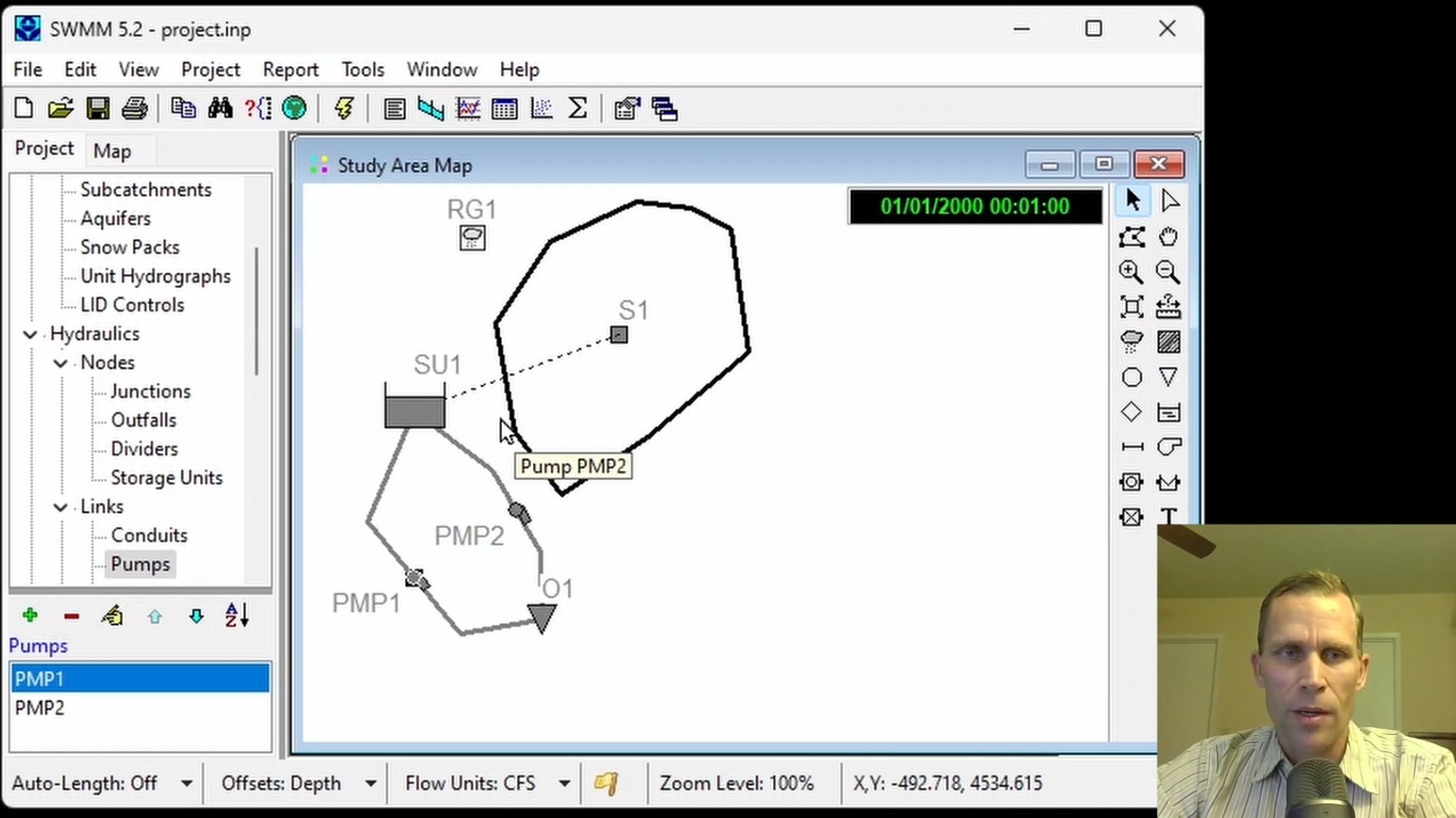
Click the image above to view various images from this course.
|
| Duration: | 50 Minute Video + Assessment |
| Assessment: | 5 questions; 80% passing score required. |
|
Price: $5.00
|
|
| COURSE 5 | |
| Modeling Groundwater and Aquifer Systems | |
| Description: |
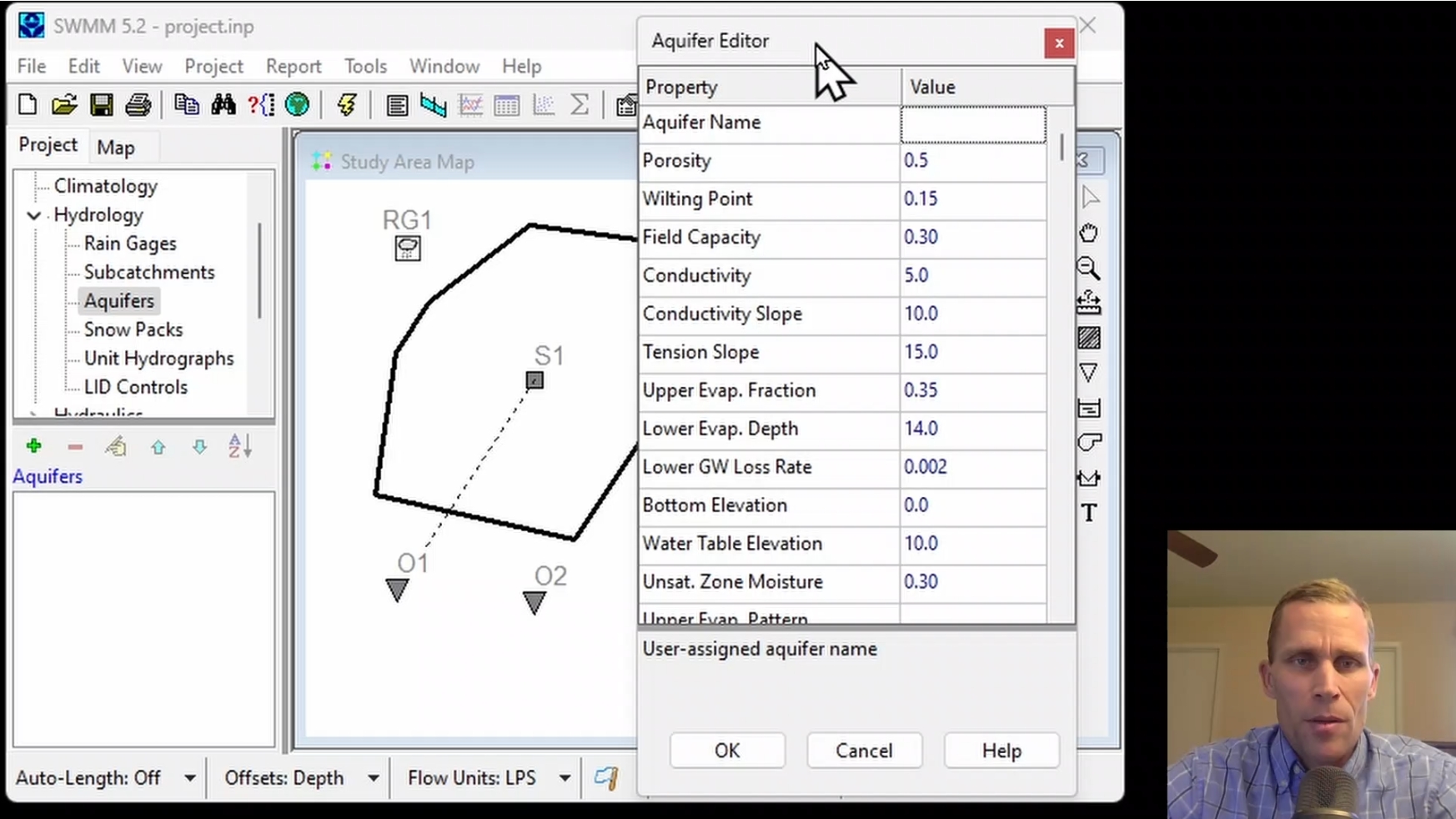
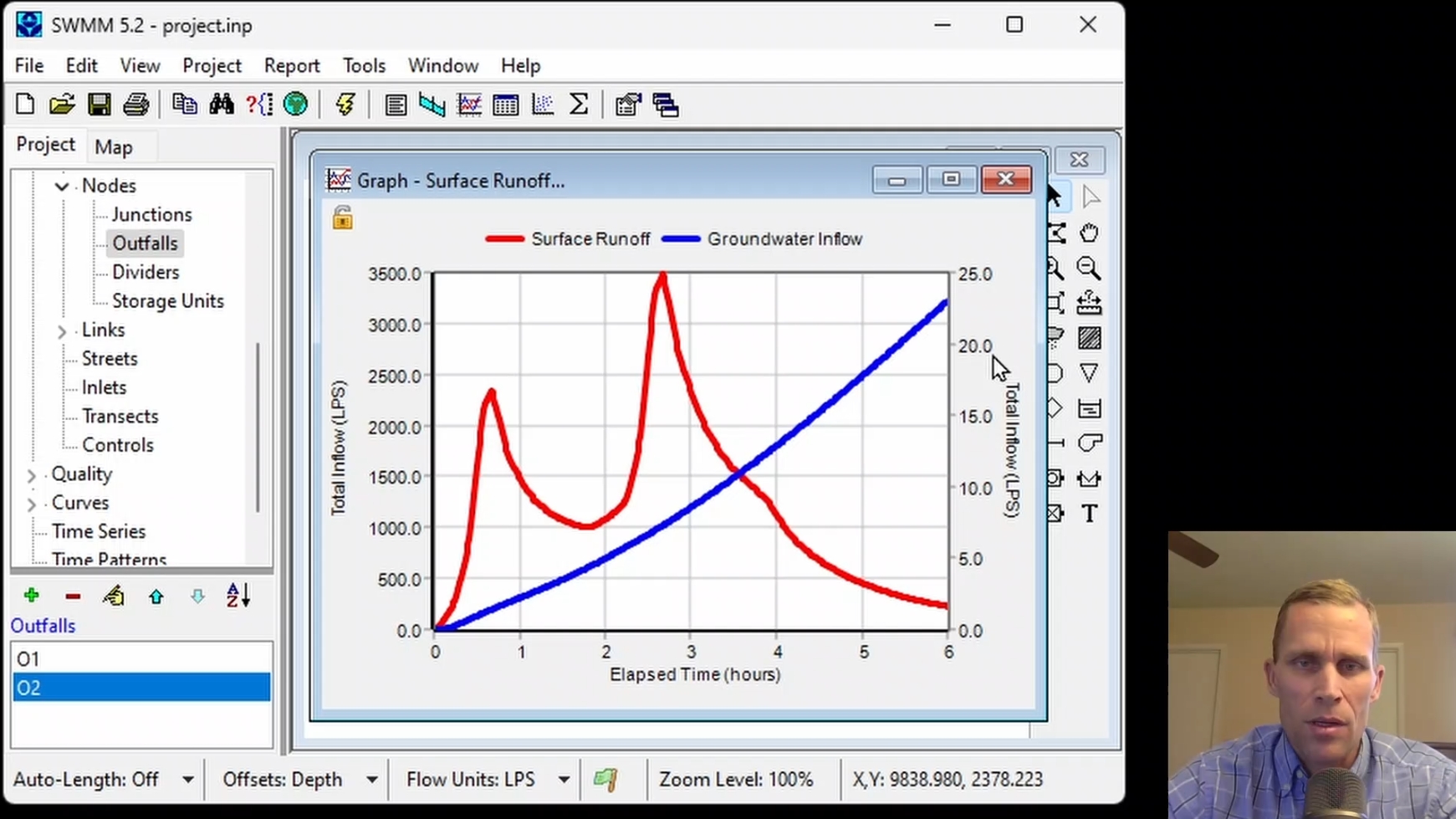
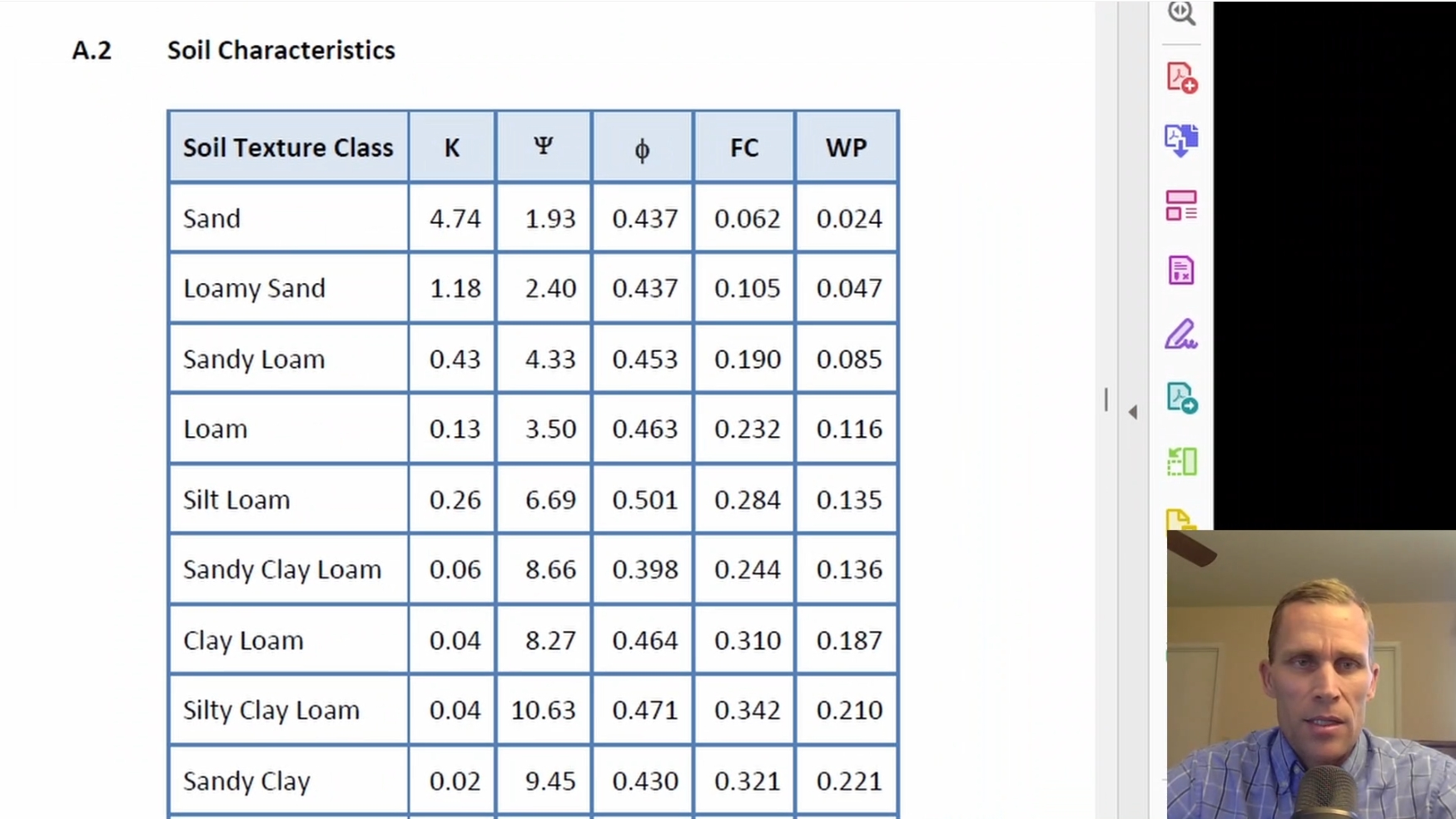
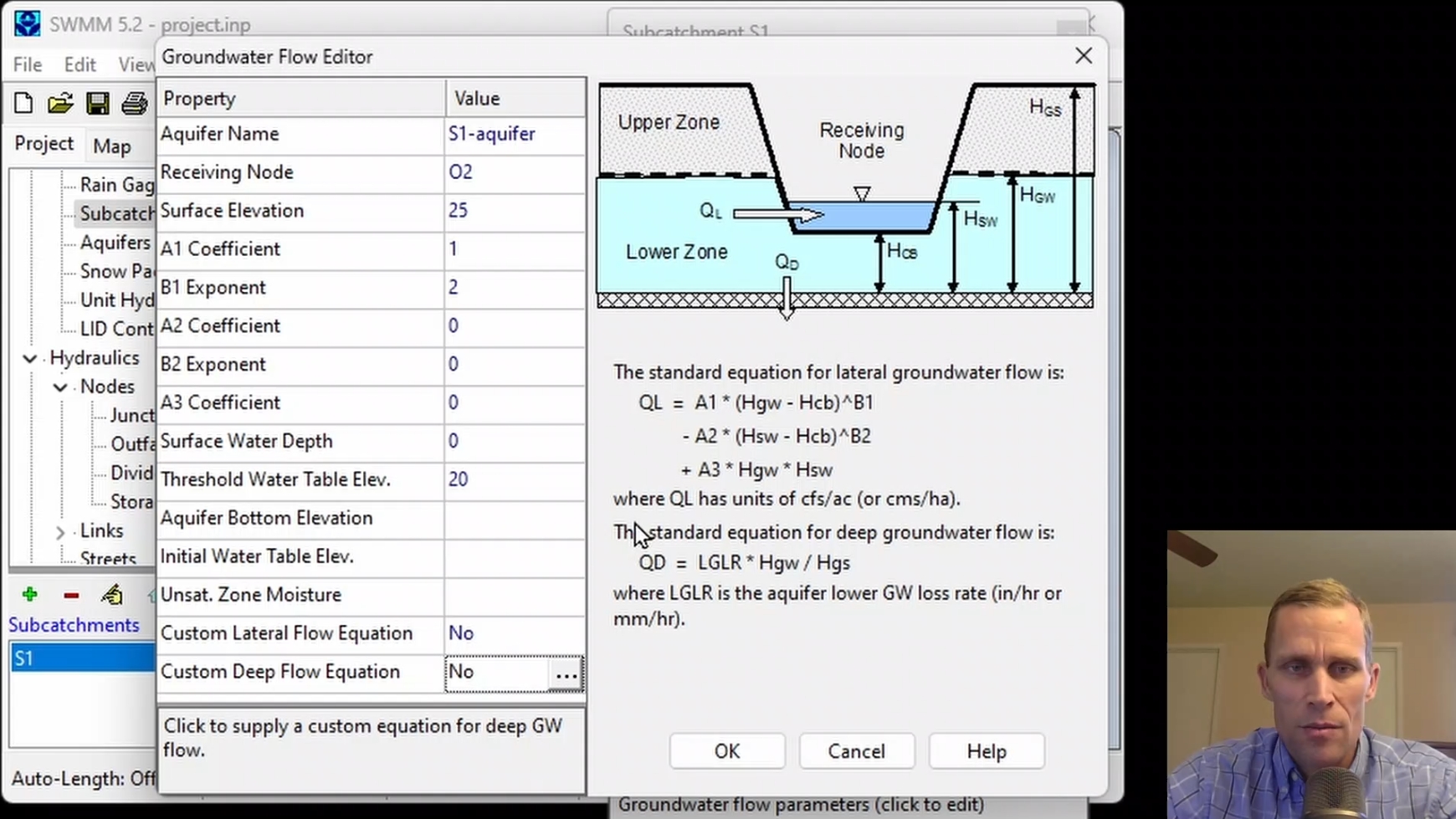
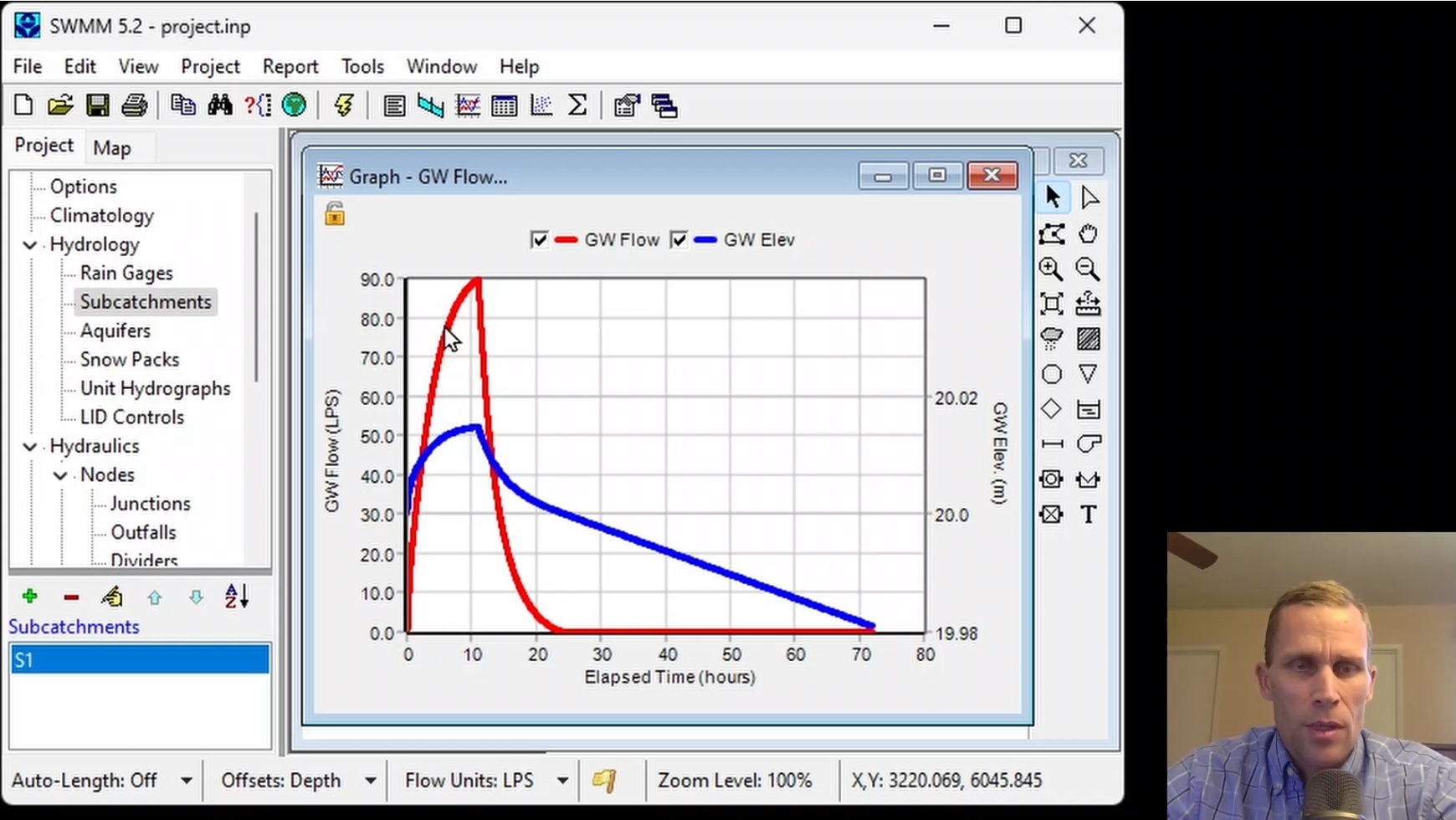
This course covers modeling groundwater and aquifer systems in EPA-SWMM to manage subsurface water movement and subcatchment interactions. Participants learn to define aquifer soil properties, set subcatchment groundwater flow settings, and establish a water table and threshold. Groundwater elevation and flowrate are observed for various model inputs, affected by lateral and deep groundwater flow.
|
| Objectives: |
Upon successful completion of this course, participants will be able to:
Click the image above to view various images from this course.
|
| Duration: | 50 Minute Video + Assessment |
| Assessment: | 5 questions; 80% passing score required. |
|
Price: $5.00
|
|
| COURSE 6 | |
| Climatology, Snowpack, and Snowmelt Modeling | |
| Description: |
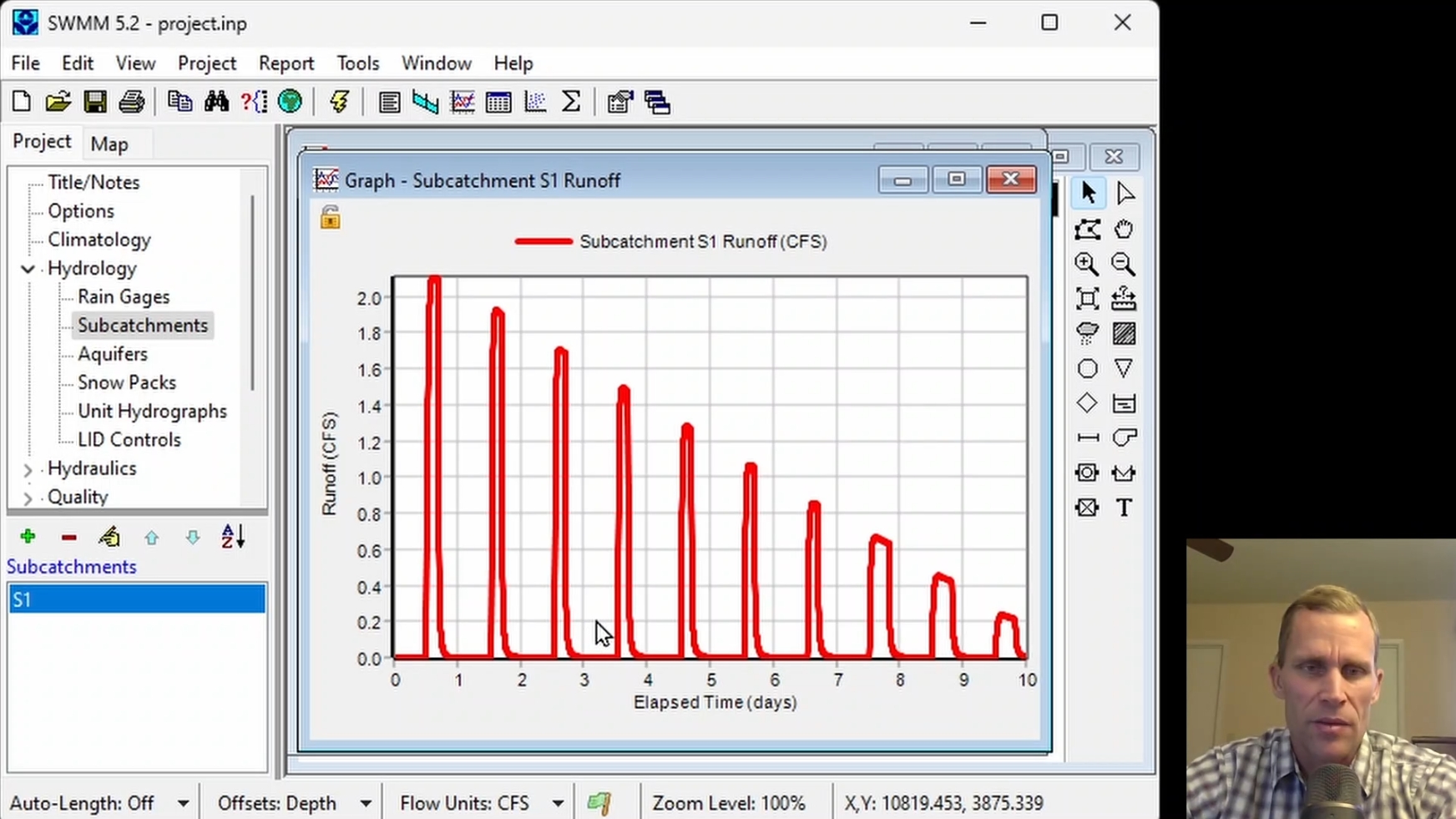
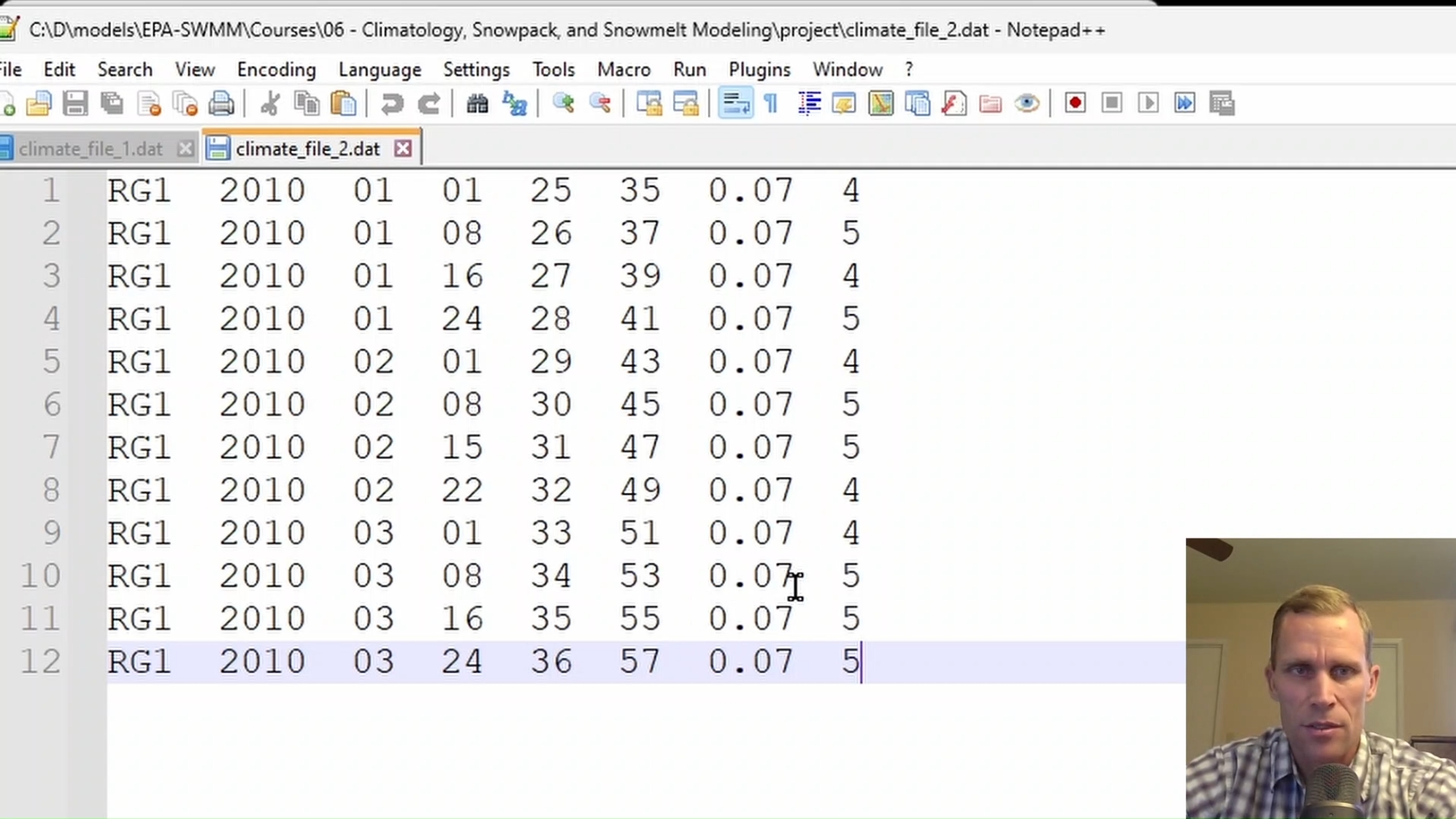
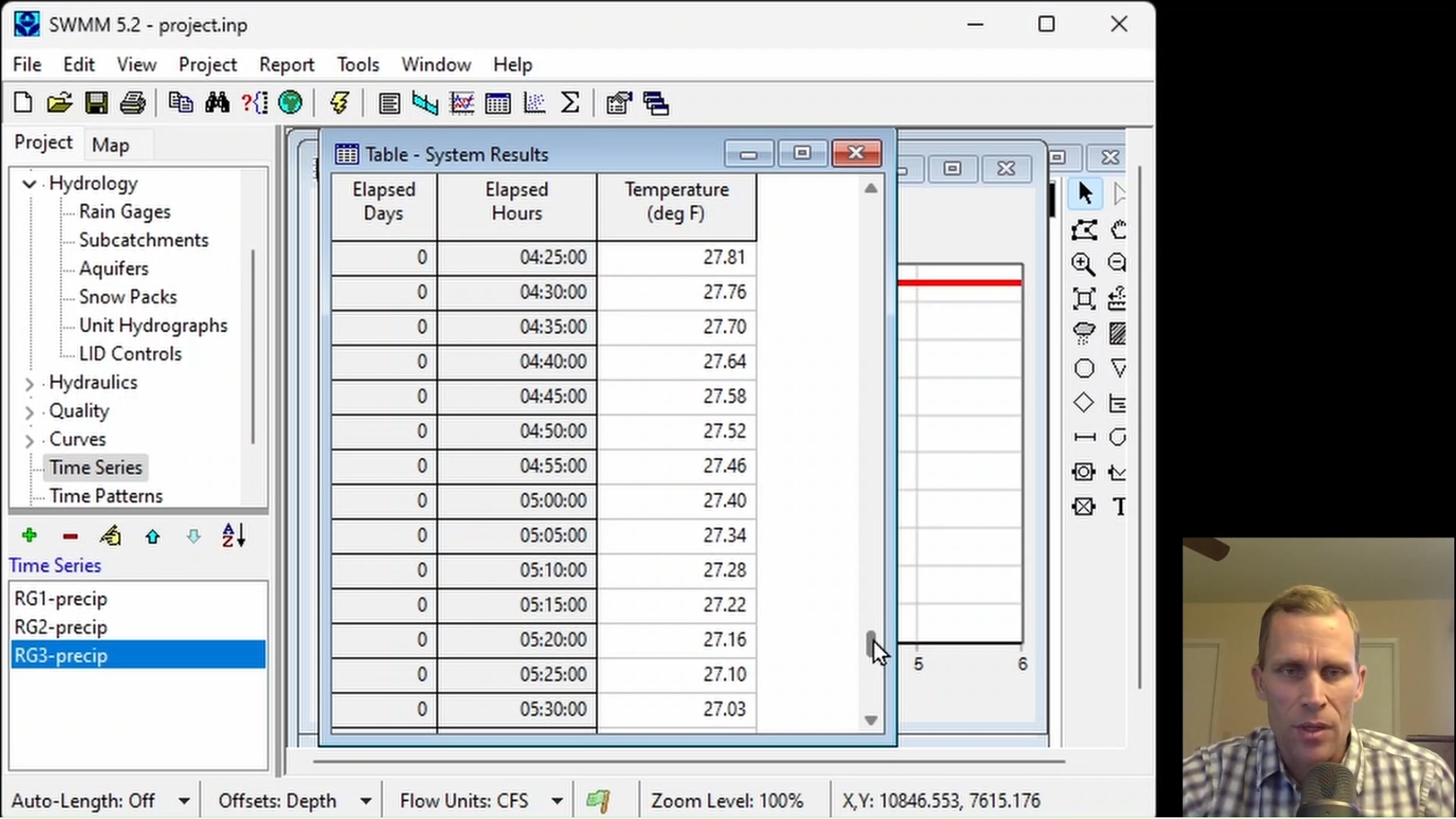
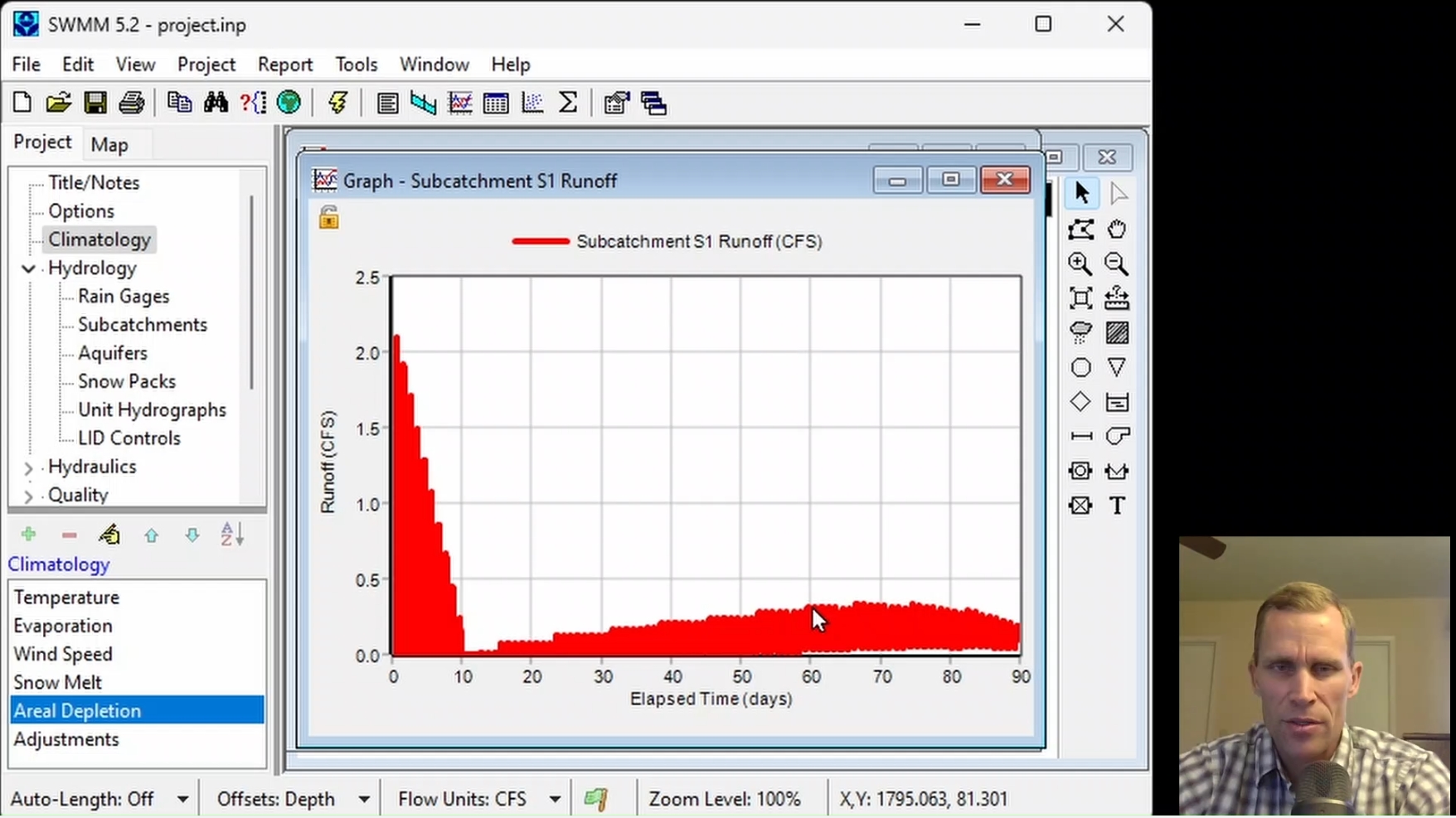
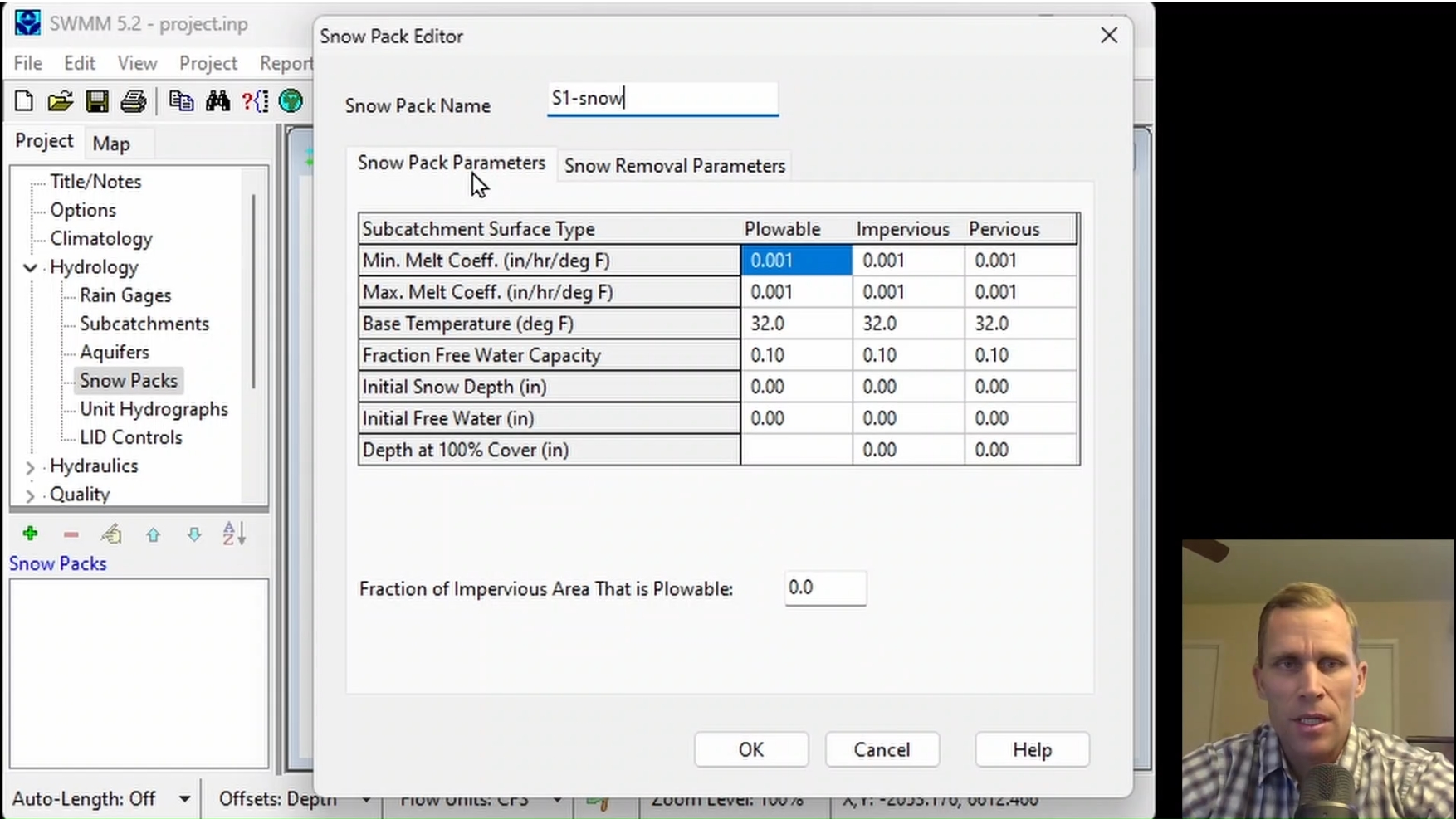
This course covers modeling climatology, snowpack properties, and snowmelt processes to evaluate their impact on stormwater runoff. Participants create a snowpack, assign it to a subcatchment, and modify the air temperature, snowmelt, melt rate coefficients, and aerial depletion data. Subcatchment runoff and snow depth is monitored during each storm event, and later when snowpack melting occurs.
|
| Objectives: |
Upon successful completion of this course, participants will be able to:
Click the image above to view various images from this course.
|
| Duration: | 50 Minute Video + Assessment |
| Assessment: | 5 questions; 80% passing score required. |
|
Price: $5.00
|
|
| COURSE 7 | |
| Modeling Stormwater Pollutant Buildup, Washoff, and Treatment | |
| Description: |
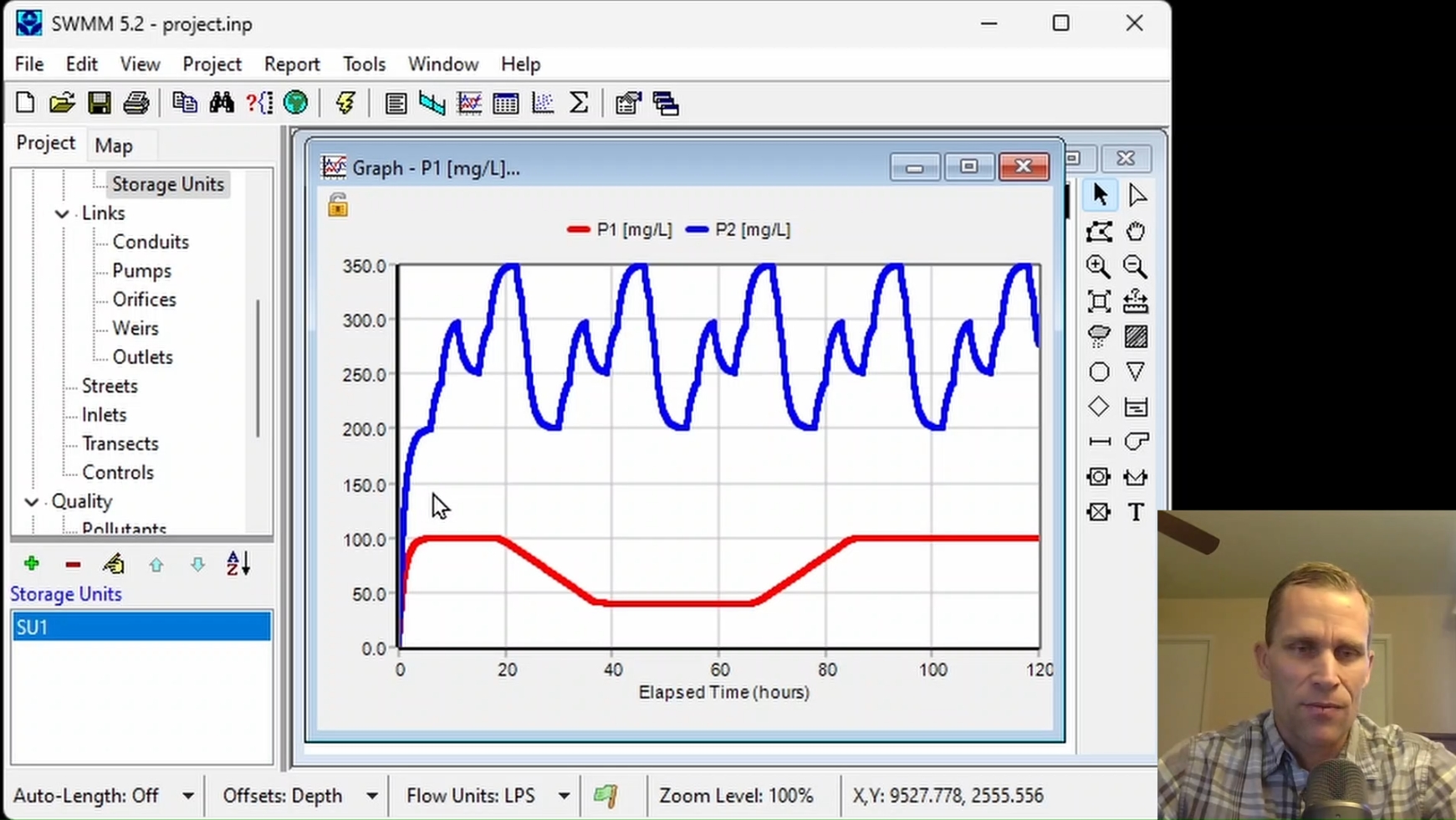
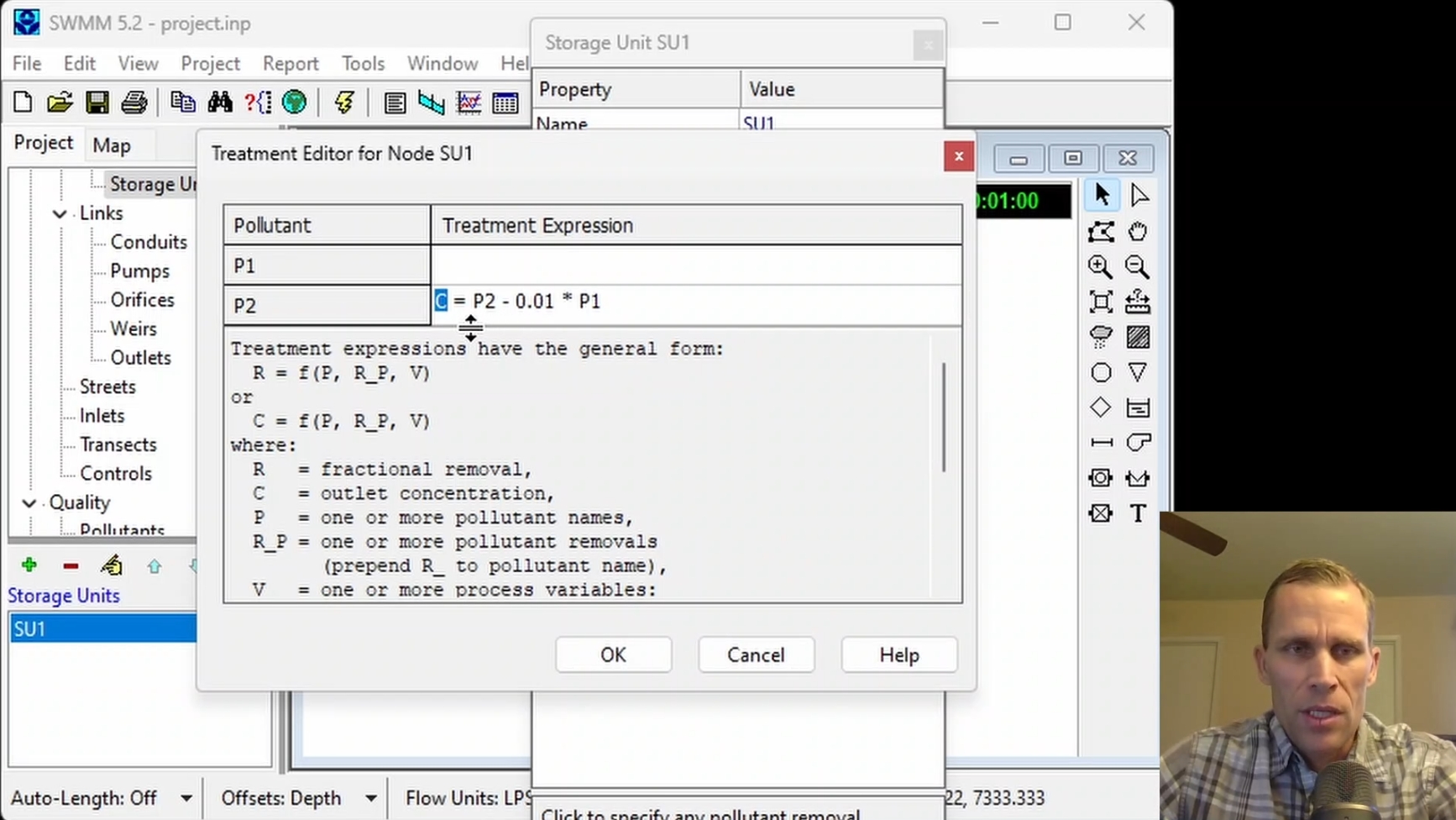
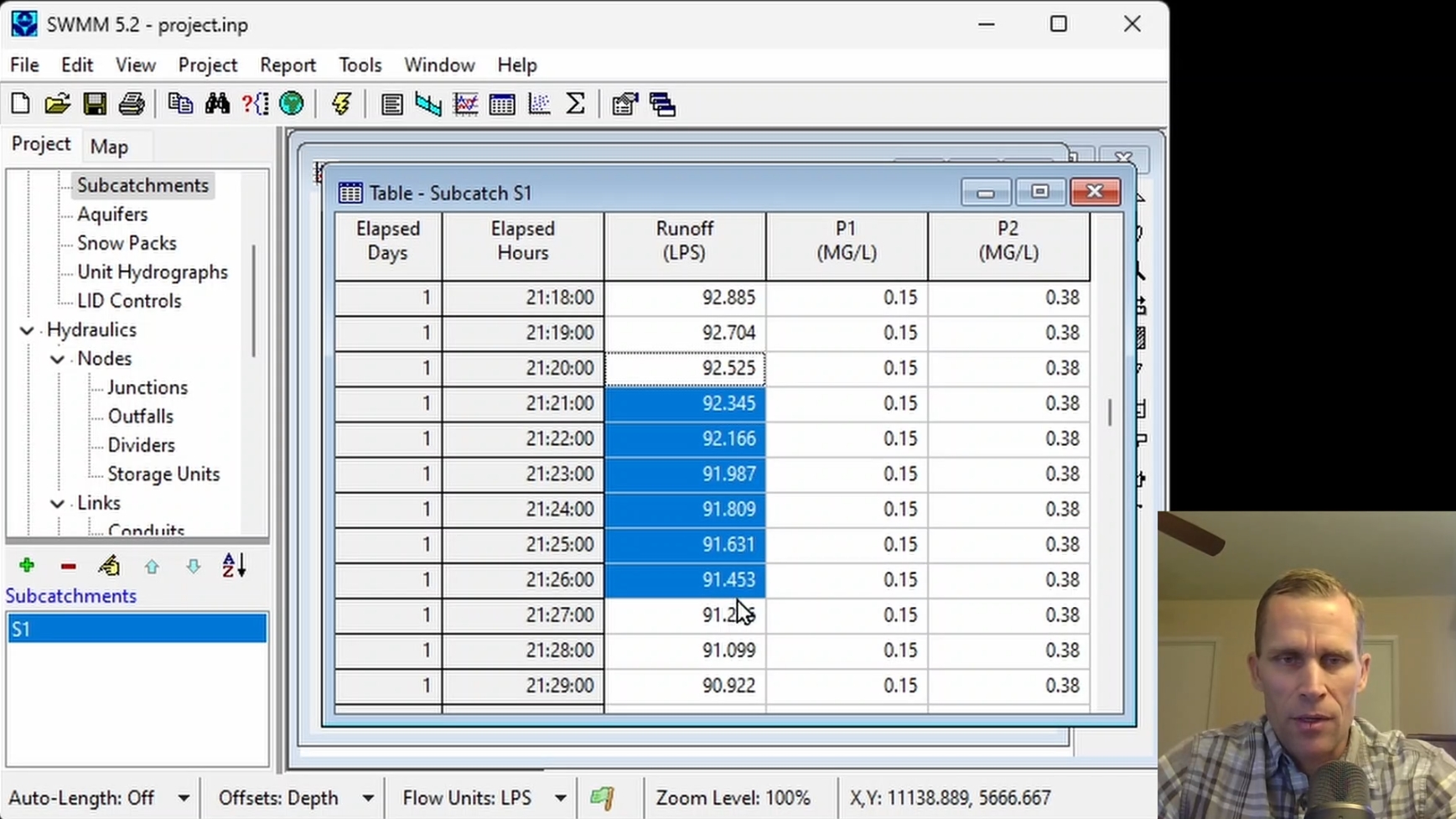
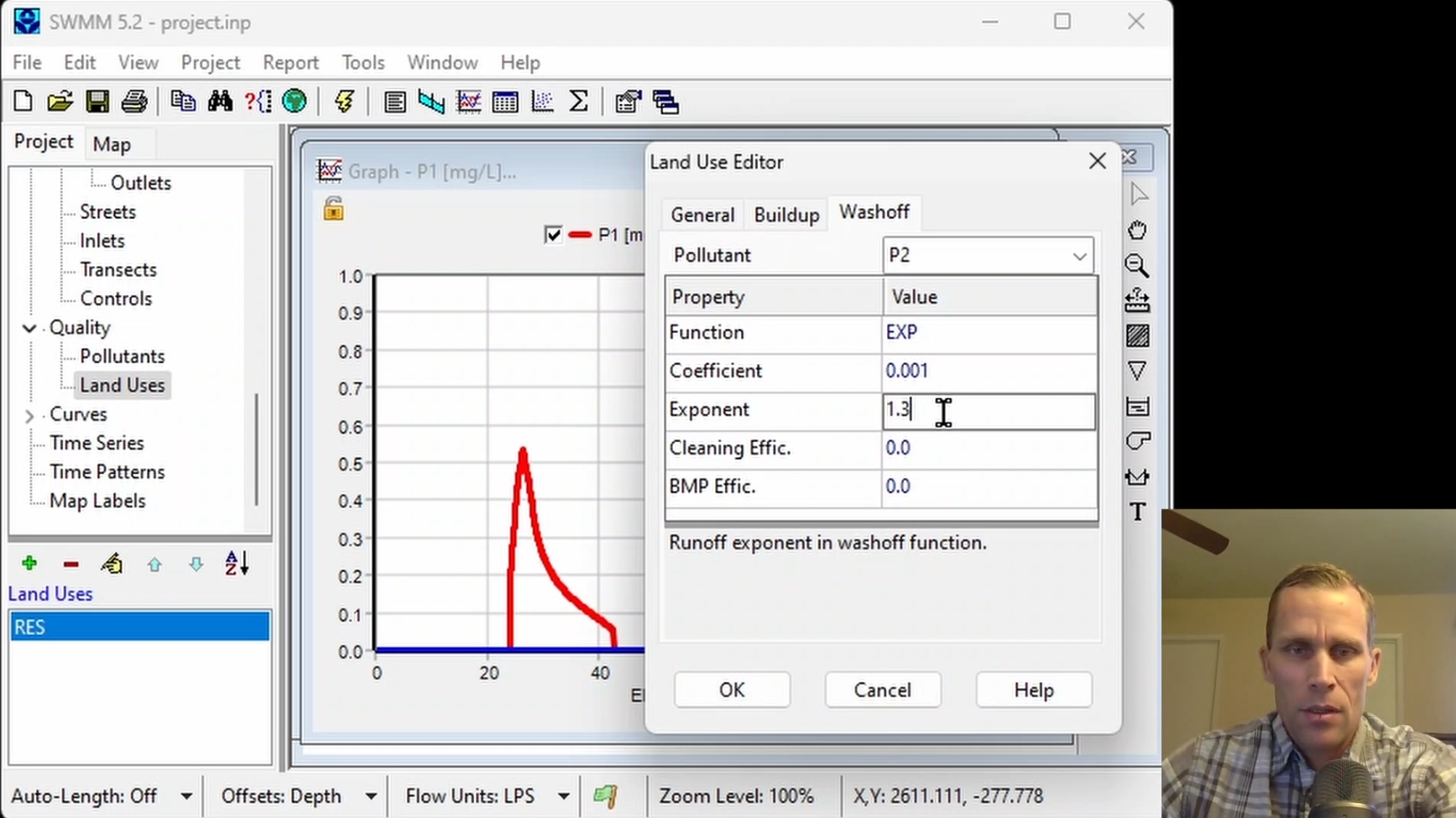
This course covers modeling pollutant concentrations, buildup, washoff, and treatment processes to evaluate their impact on stormwater quality. Participants define pollutants and land uses, assign buildup and washoff functions, and modify external inflows, initial buildup, and treatment expressions. Pollutant concentrations and subcatchment runoff are monitored during a storm event by reviewing model results.
|
| Objectives: |
Upon successful completion of this course, participants will be able to:
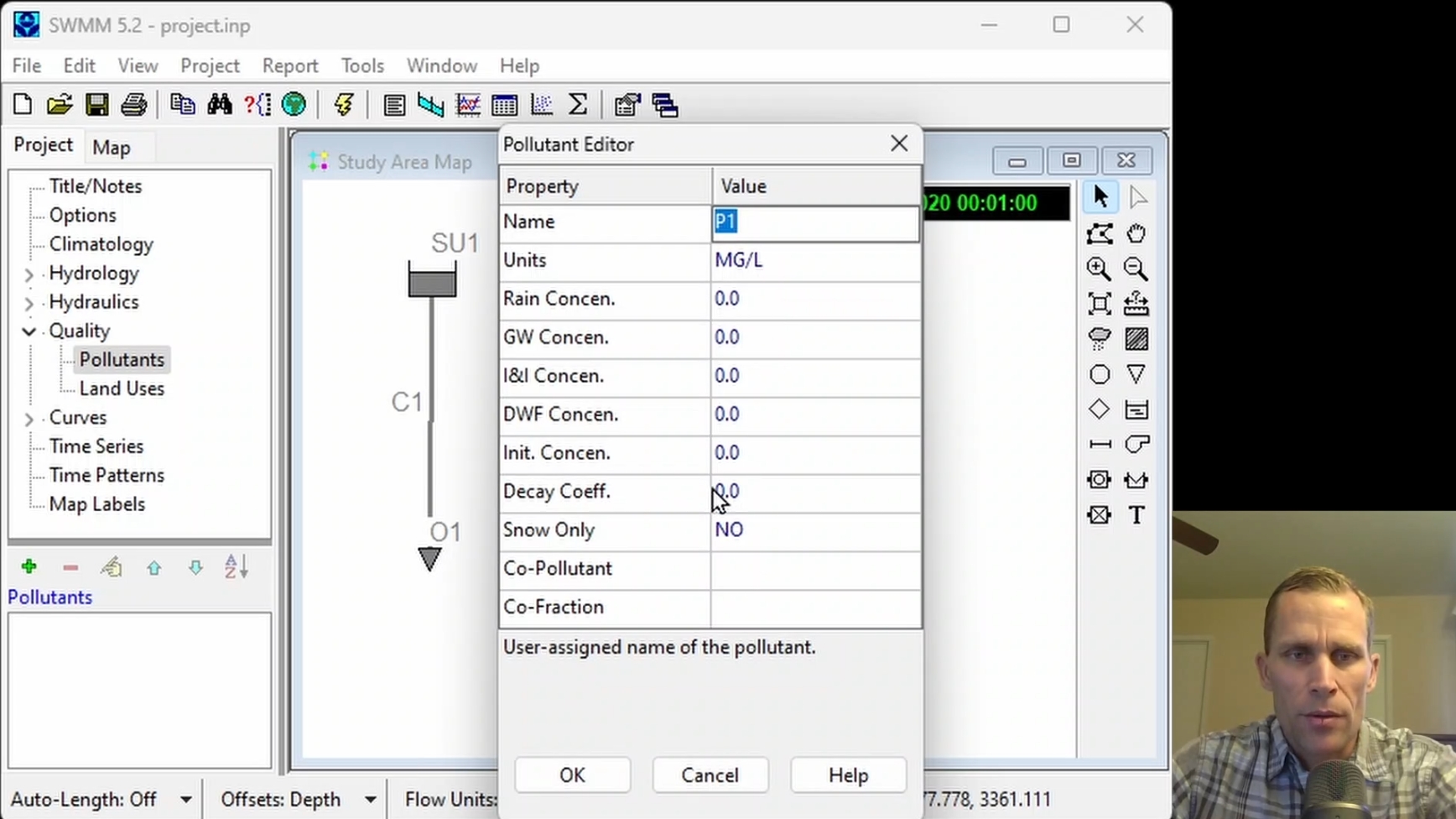
Click the image above to view various images from this course.
|
| Duration: | 50 Minute Video + Assessment |
| Assessment: | 5 questions; 80% passing score required. |
|
Price: $5.00
|
|
| COURSE 8 | |
| Modeling Transects and Flow Dividers | |
| Description: |
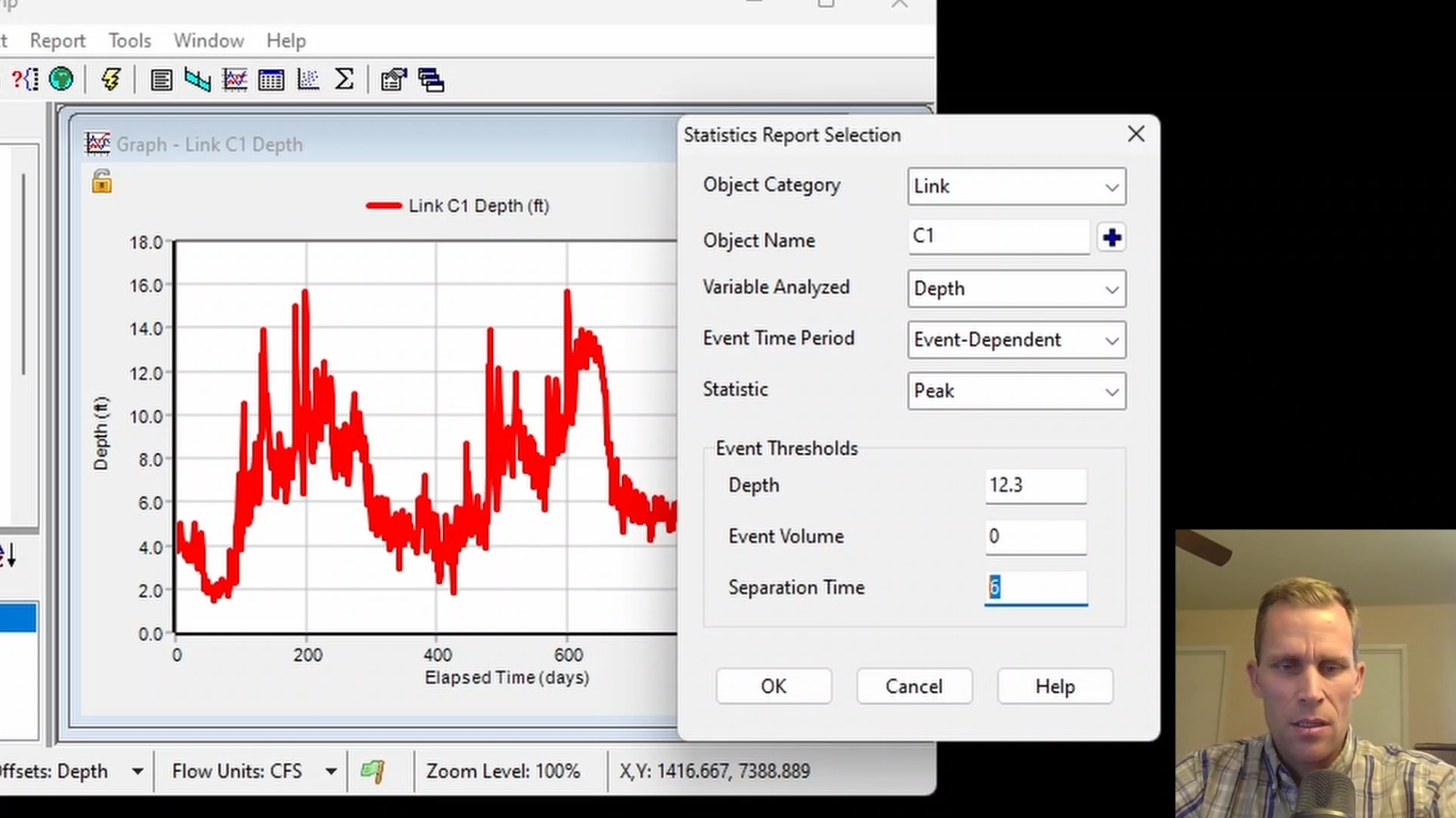
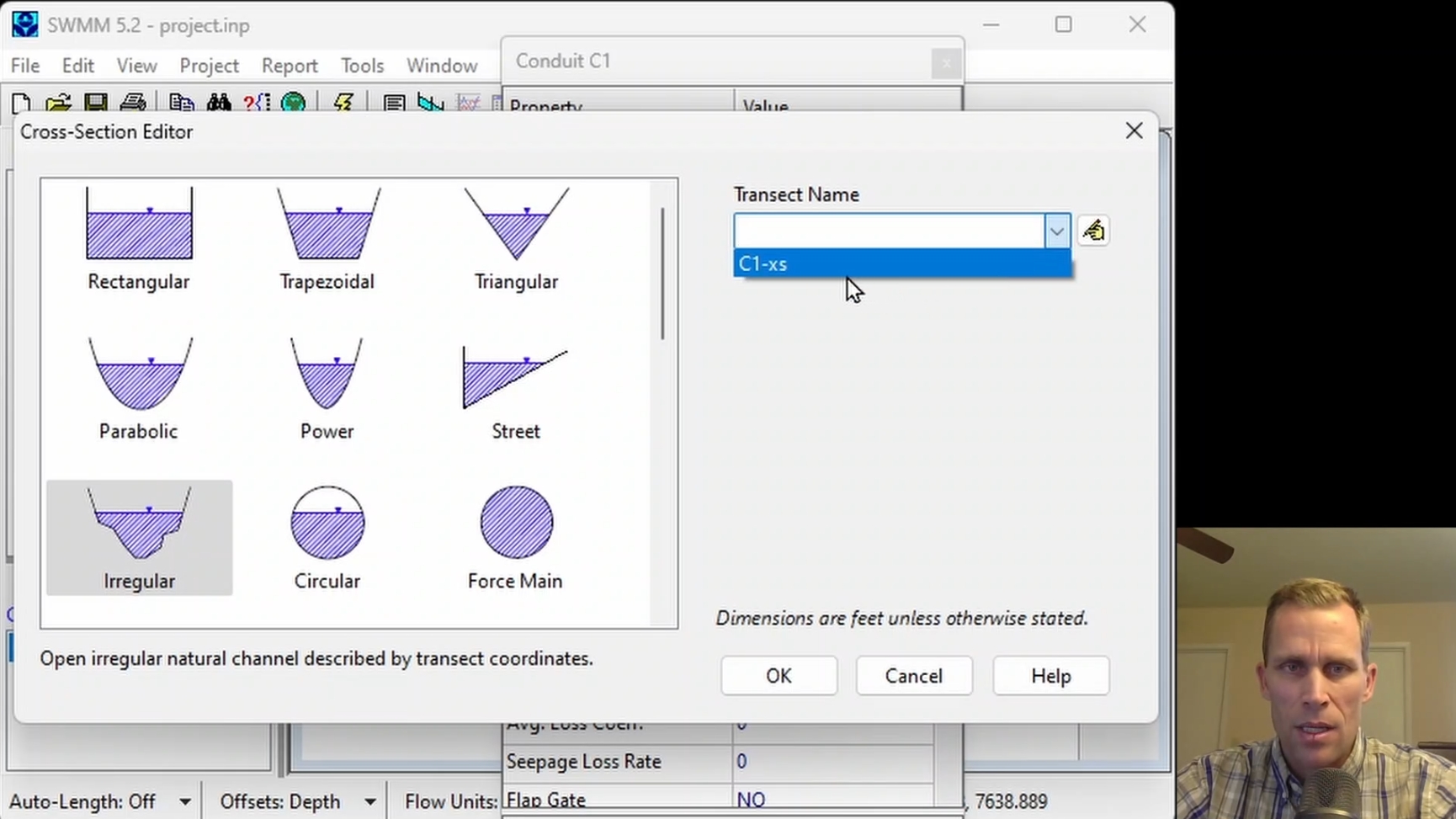
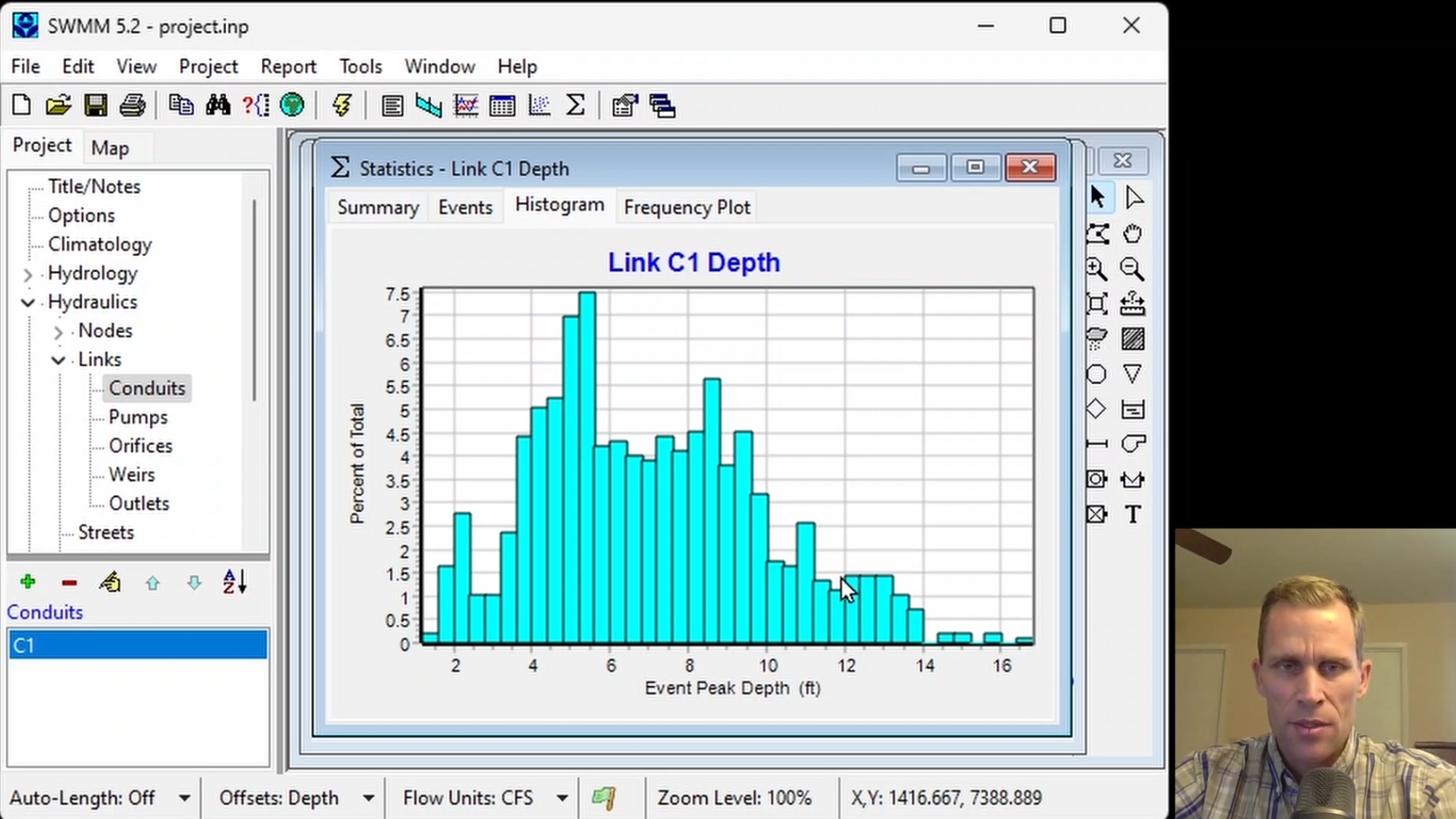
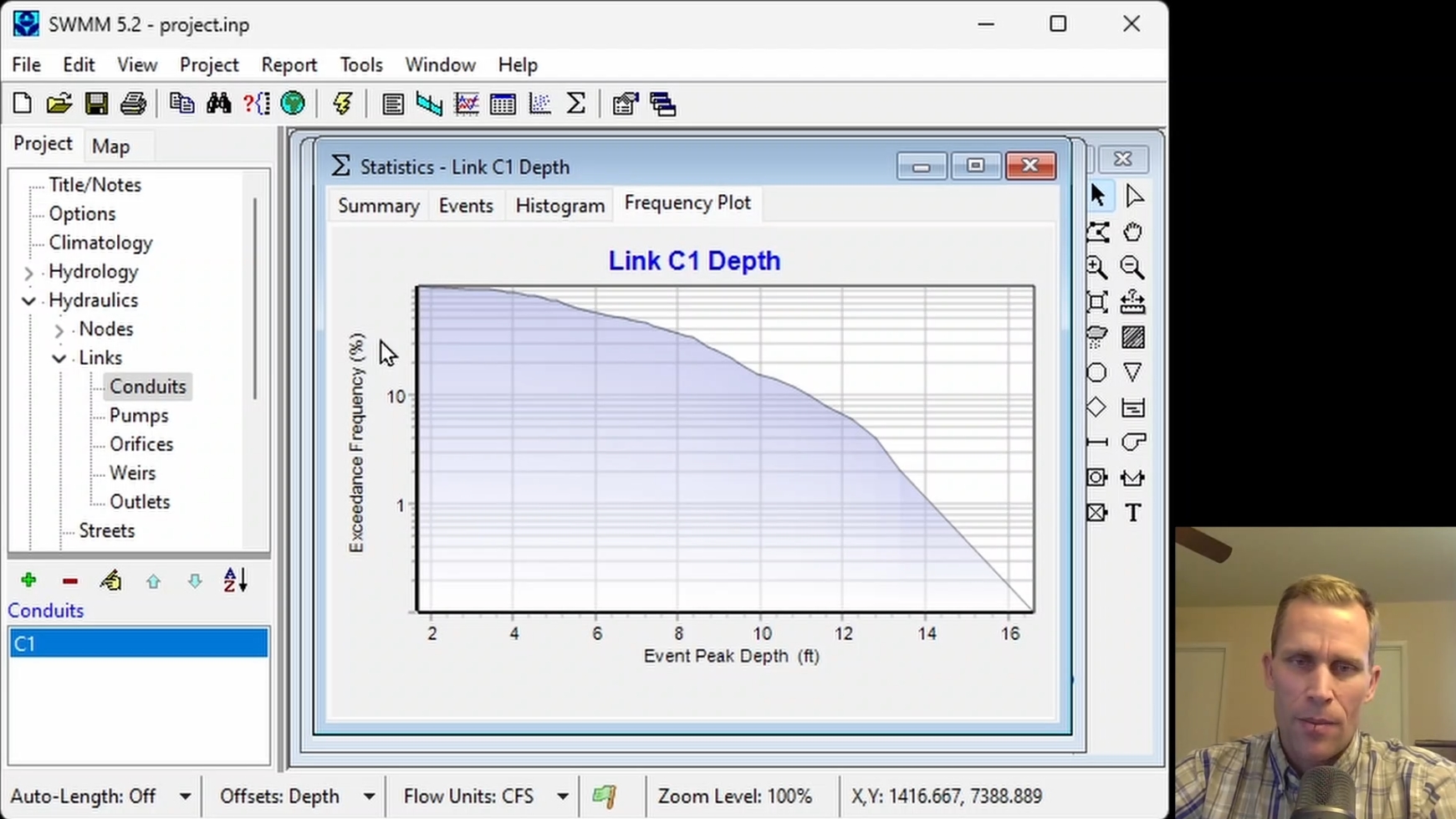
This course covers creating and applying transects to represent irregular channel cross-sections in a stormwater model. This course also demonstrates how flow dividers divert flow. Participants will generate and analyze timeseries plot, histograms, and exceedance probability curves to understand and modify a stormwater system to meet specific goals to maintain specific water depths in a channel.
|
| Objectives: |
Upon successful completion of this course, participants will be able to:
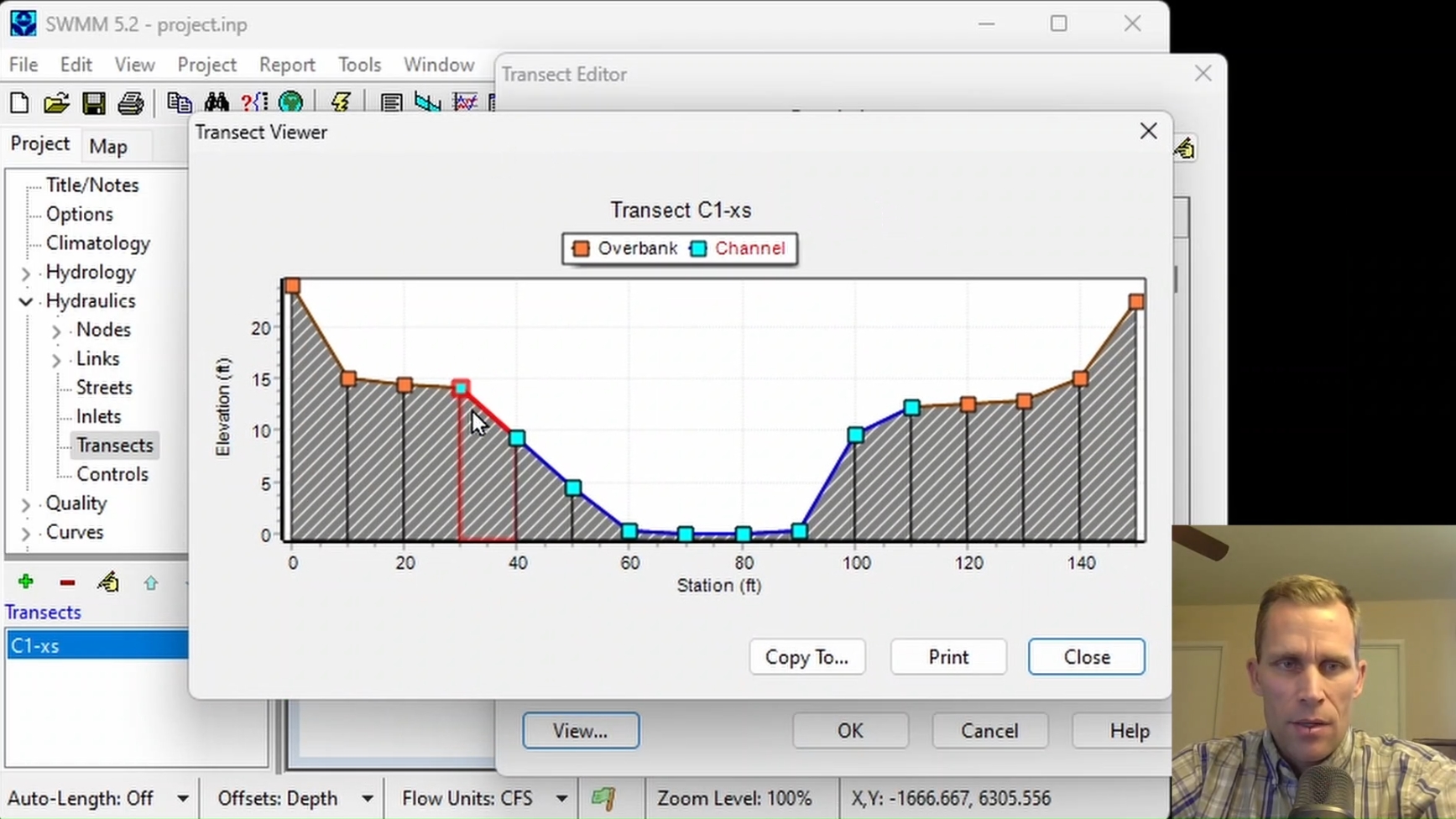
Click the image above to view various images from this course.
|
| Duration: | 50 Minute Video + Assessment |
| Assessment: | 5 questions; 80% passing score required. |
|
Price: $5.00
|
|
| COURSE 9 | |
| Street Flow, Inlet Capture, and Storm Sewer Hydraulics | |
| Description: |
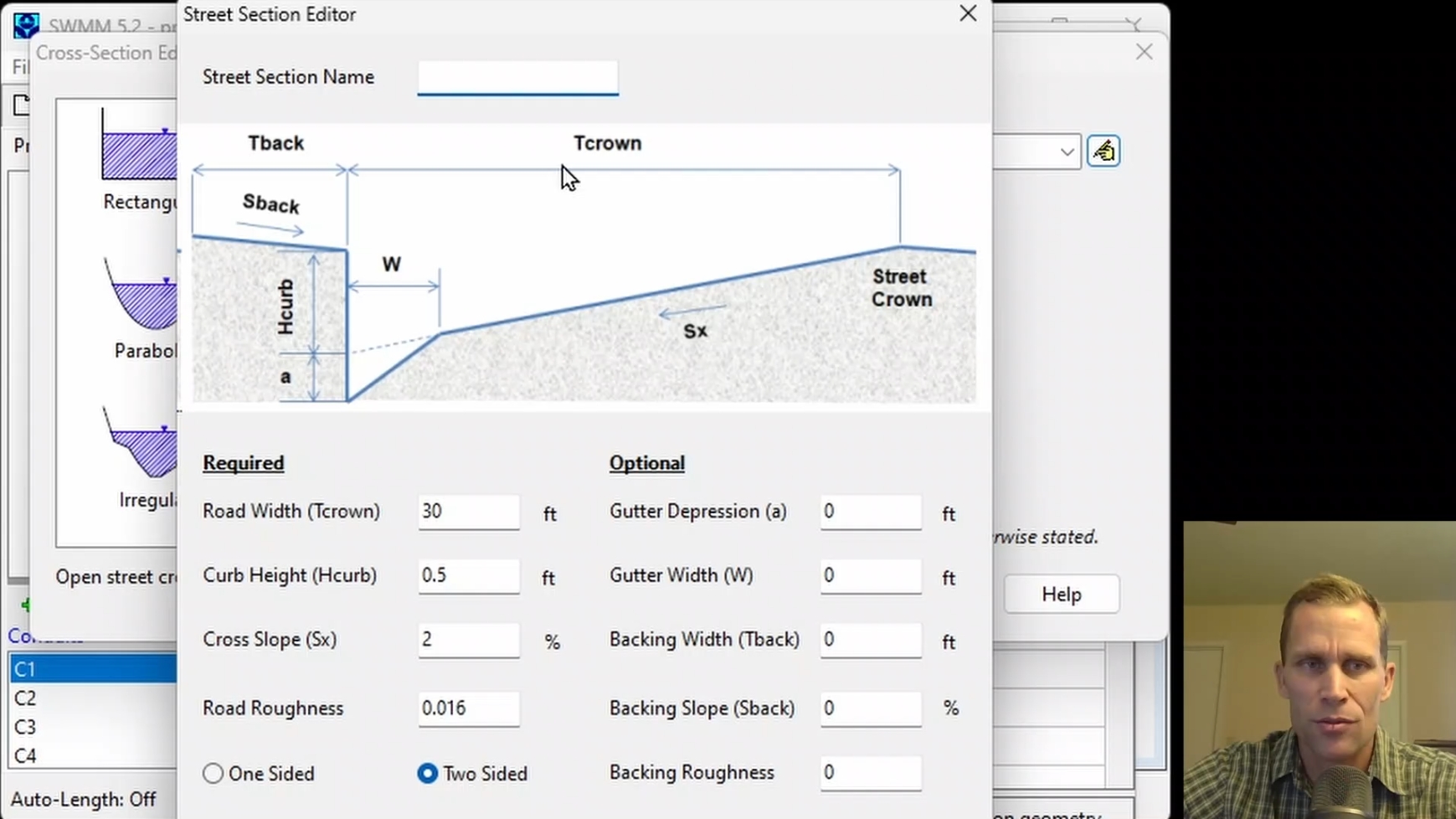
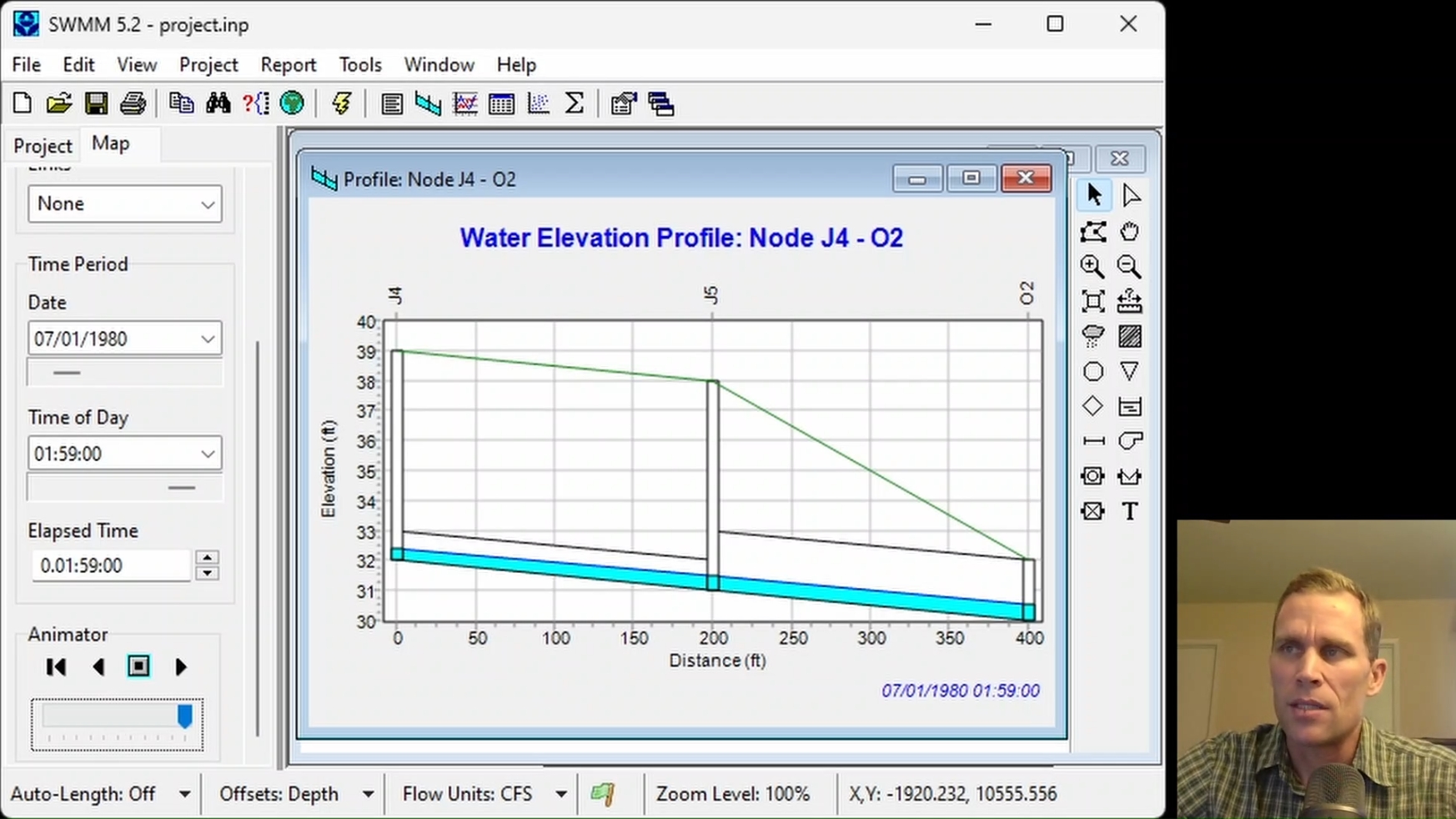
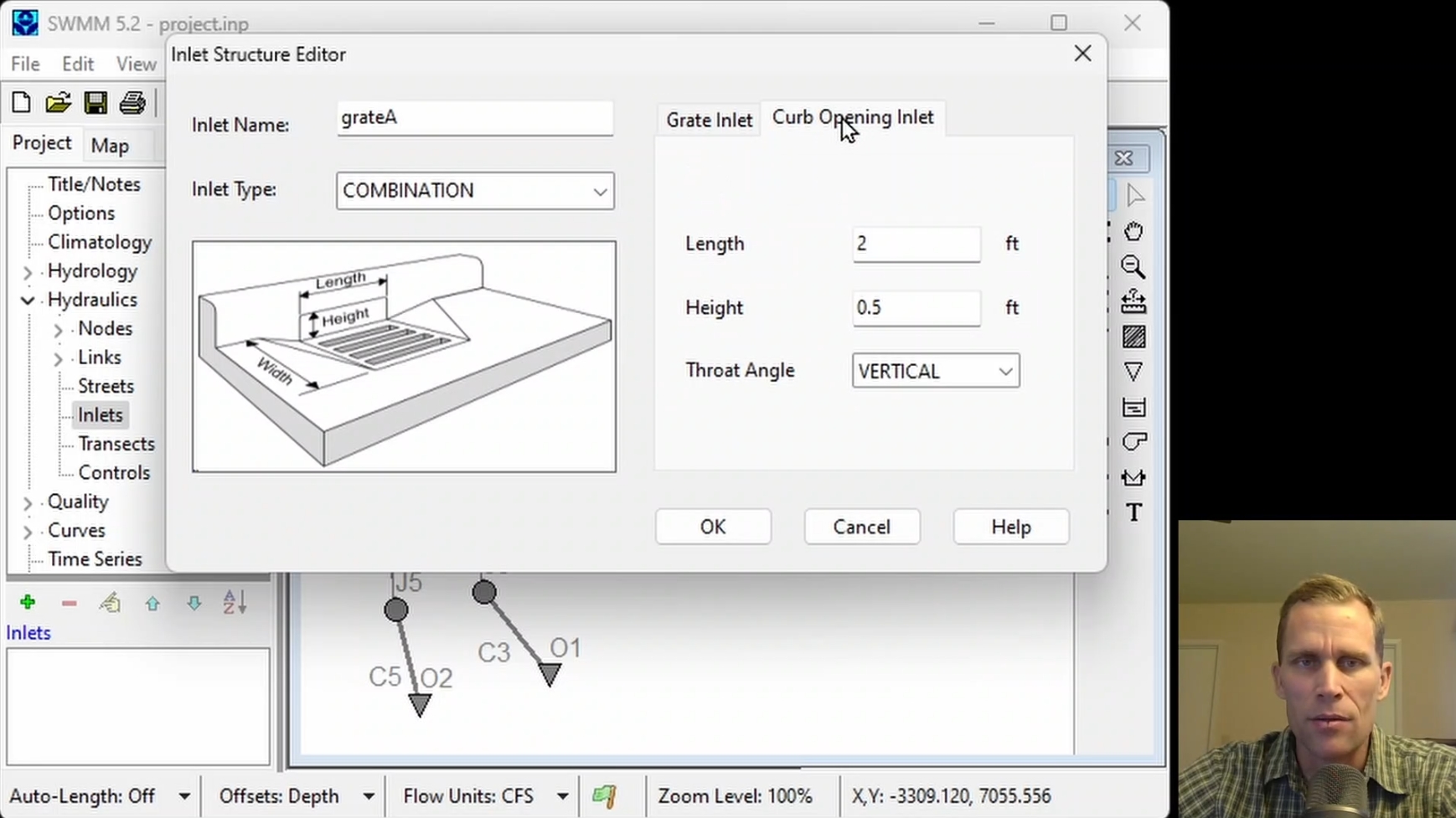
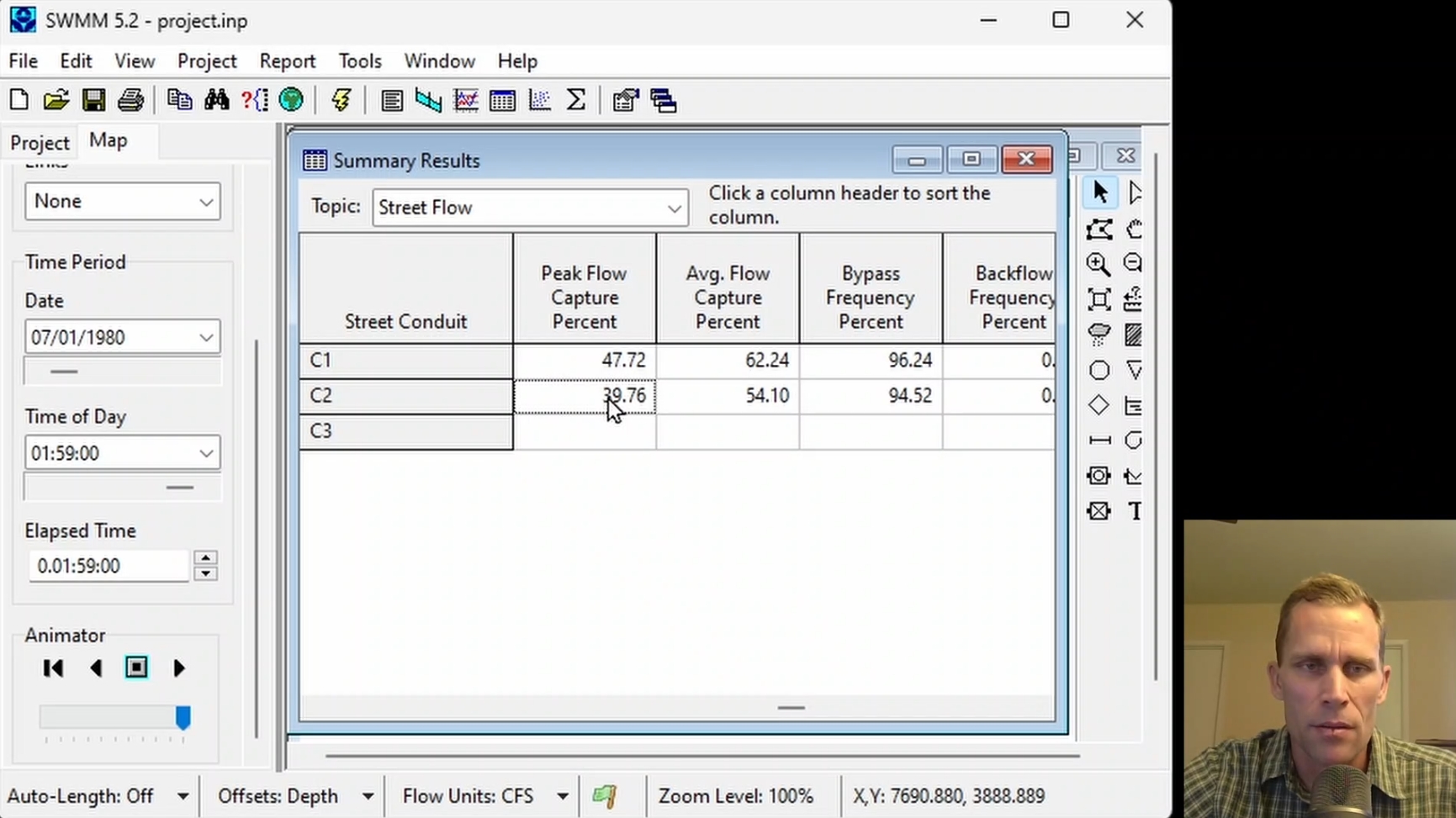
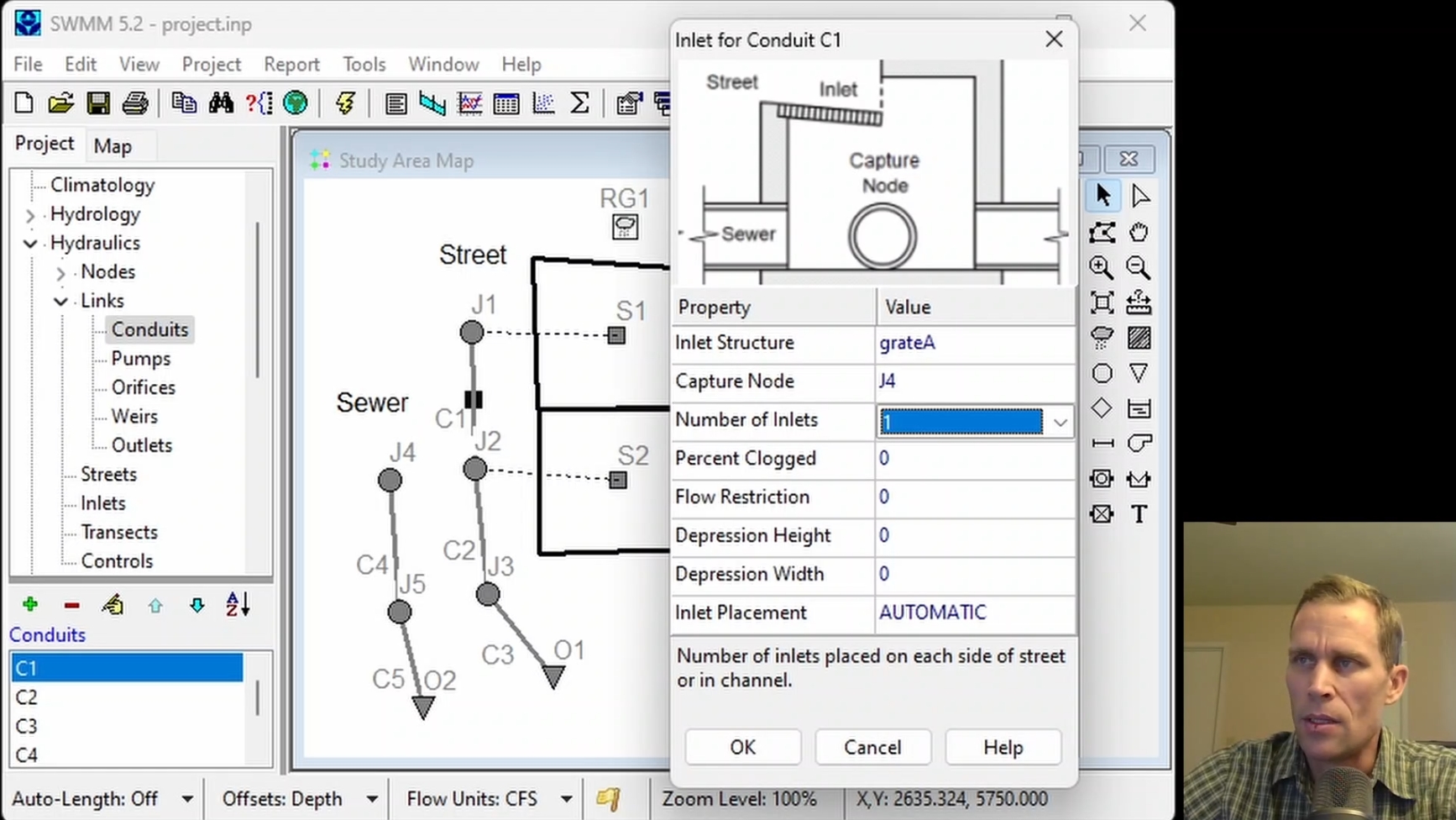
This course covers modeling stormwater flow along street sections, including defining street sections and inlet structures. This course also demonstrates how inlet size, inlet spacing, clogging, flow restrictions, and sewer pipe capacity affect stormwater conveyance and inlet capture efficiency. Participants will modify their models to improve inlet capture and maintain adequate sewer capacity.
|
| Objectives: |
Upon successful completion of this course, participants will be able to:
Click the image above to view various images from this course.
|
| Duration: | 50 Minute Video + Assessment |
| Assessment: | 5 questions; 80% passing score required. |
|
Price: $5.00
|
|
| COURSE 10 | |
| Modeling Green Infrastructure and Low Impact Development | |
| Description: |
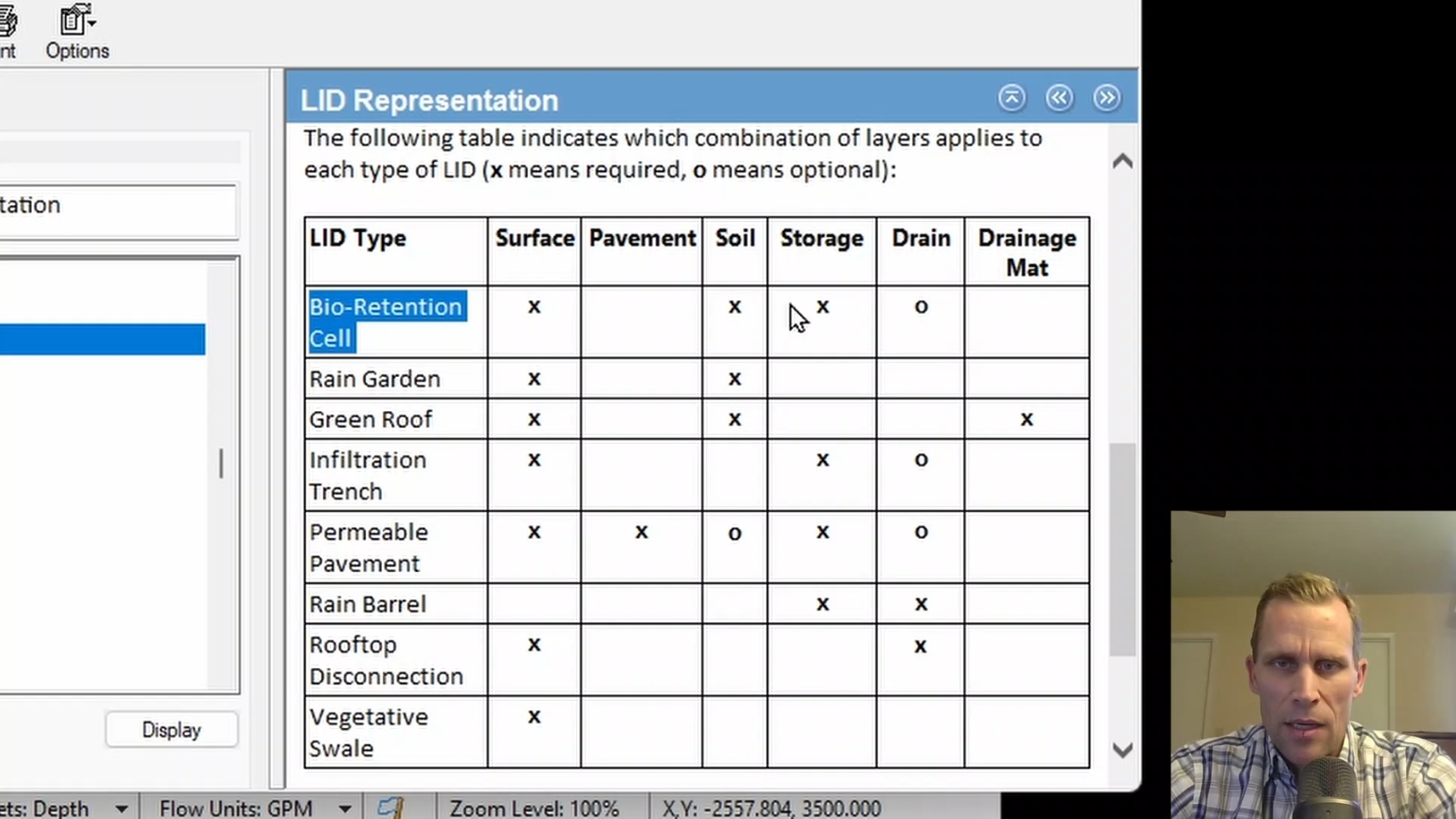
This course covers stormwater modeling using Low Impact Development (LID) controls. This course demonstrates how LID layer properties, drainage characteristics, and treated area withing a subcatchment affect stormwater runoff and drainage. Numerous model simulations are used to better understand how changes to LID parameters influence subcatchment surface runoff and LID capture and drain flows.
|
| Objectives: |
Upon successful completion of this course, participants will be able to:
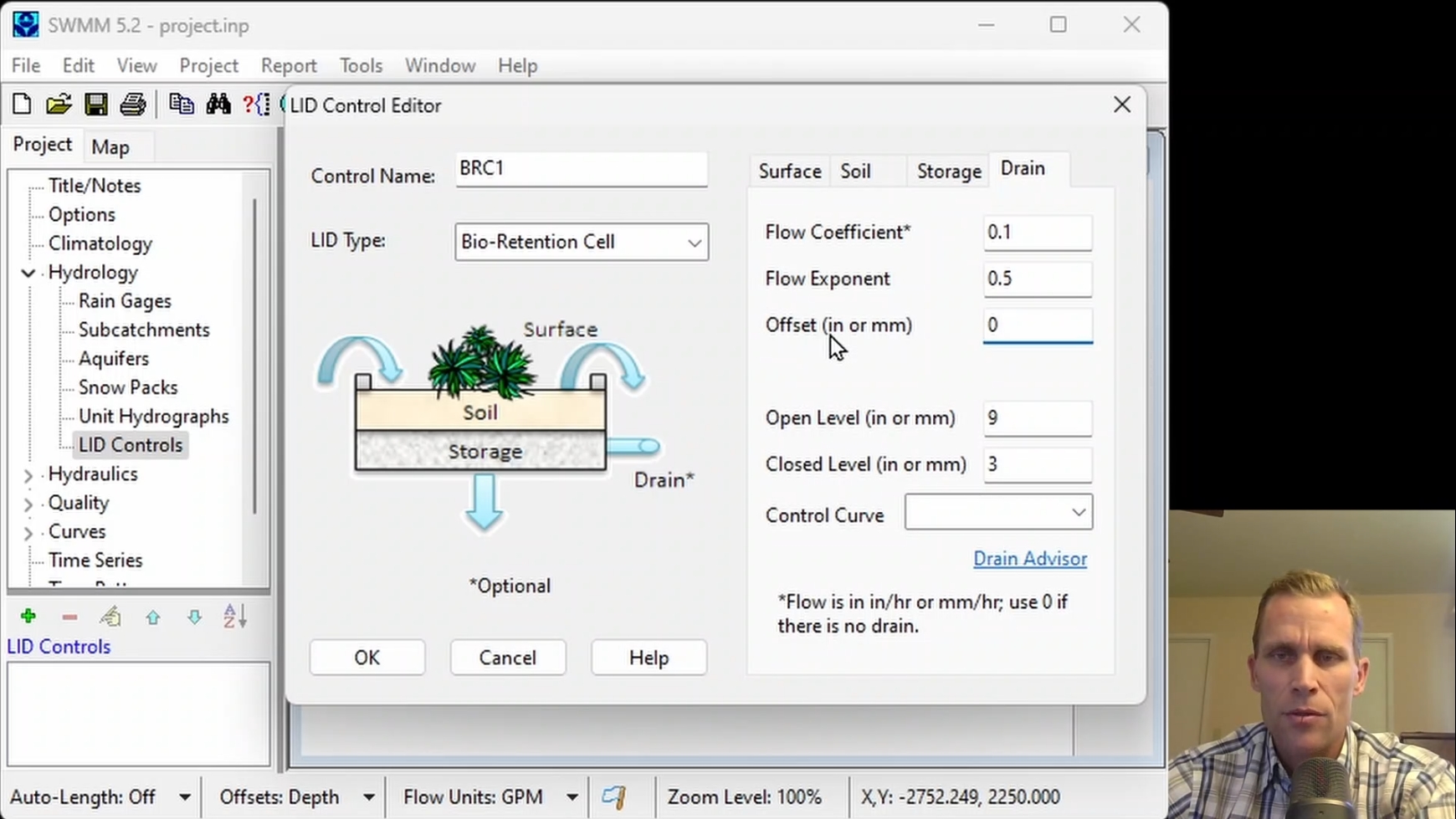
Click the image above to view various images from this course.
|
| Duration: | 50 Minute Video + Assessment |
| Assessment: | 5 questions; 80% passing score required. |
|
Price: $5.00
|
|
| COURSE 11 | |
| Unit Hydrographs, RDII, and Dry Weather Inflow Modeling | |
| Description: |
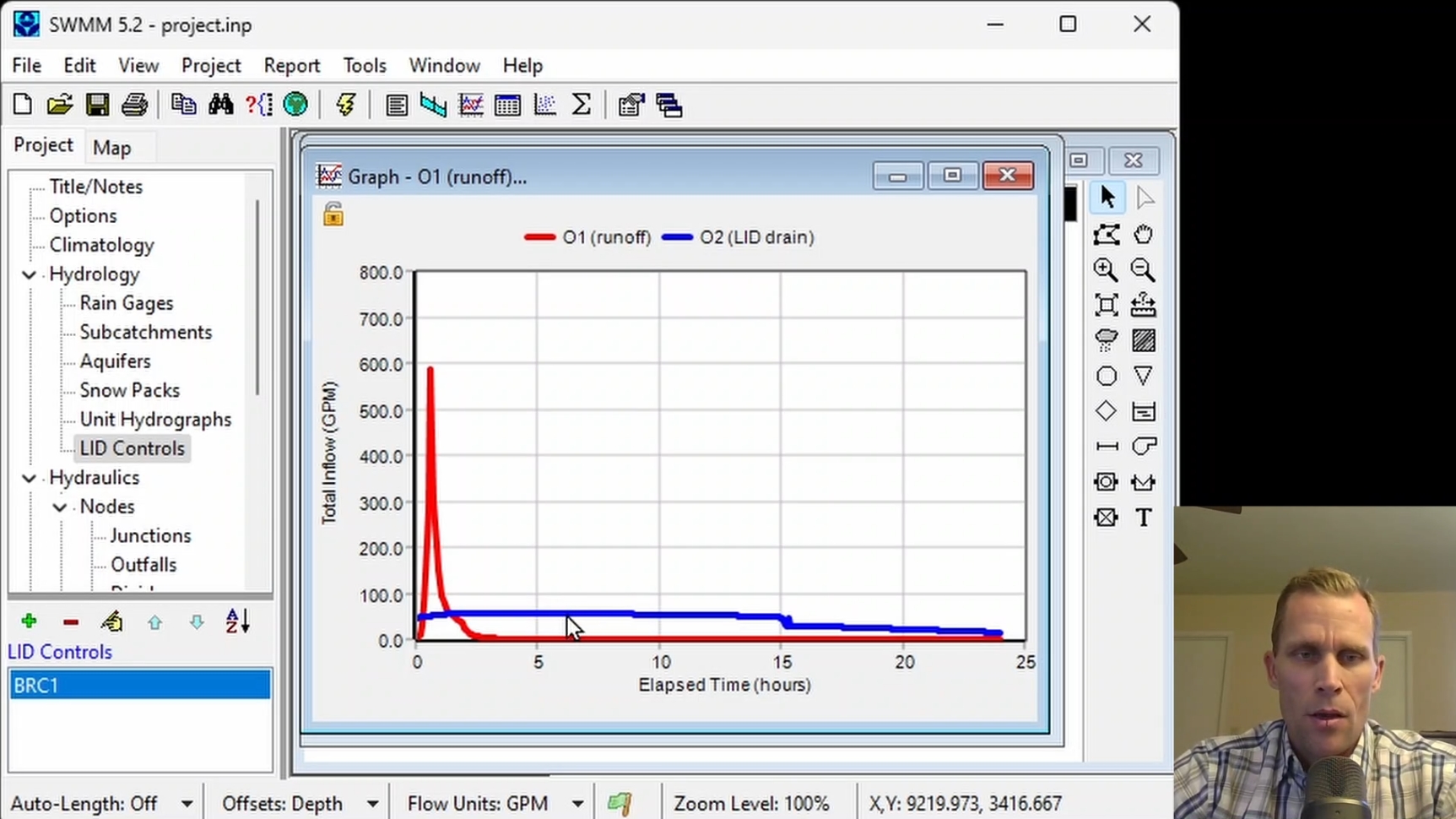
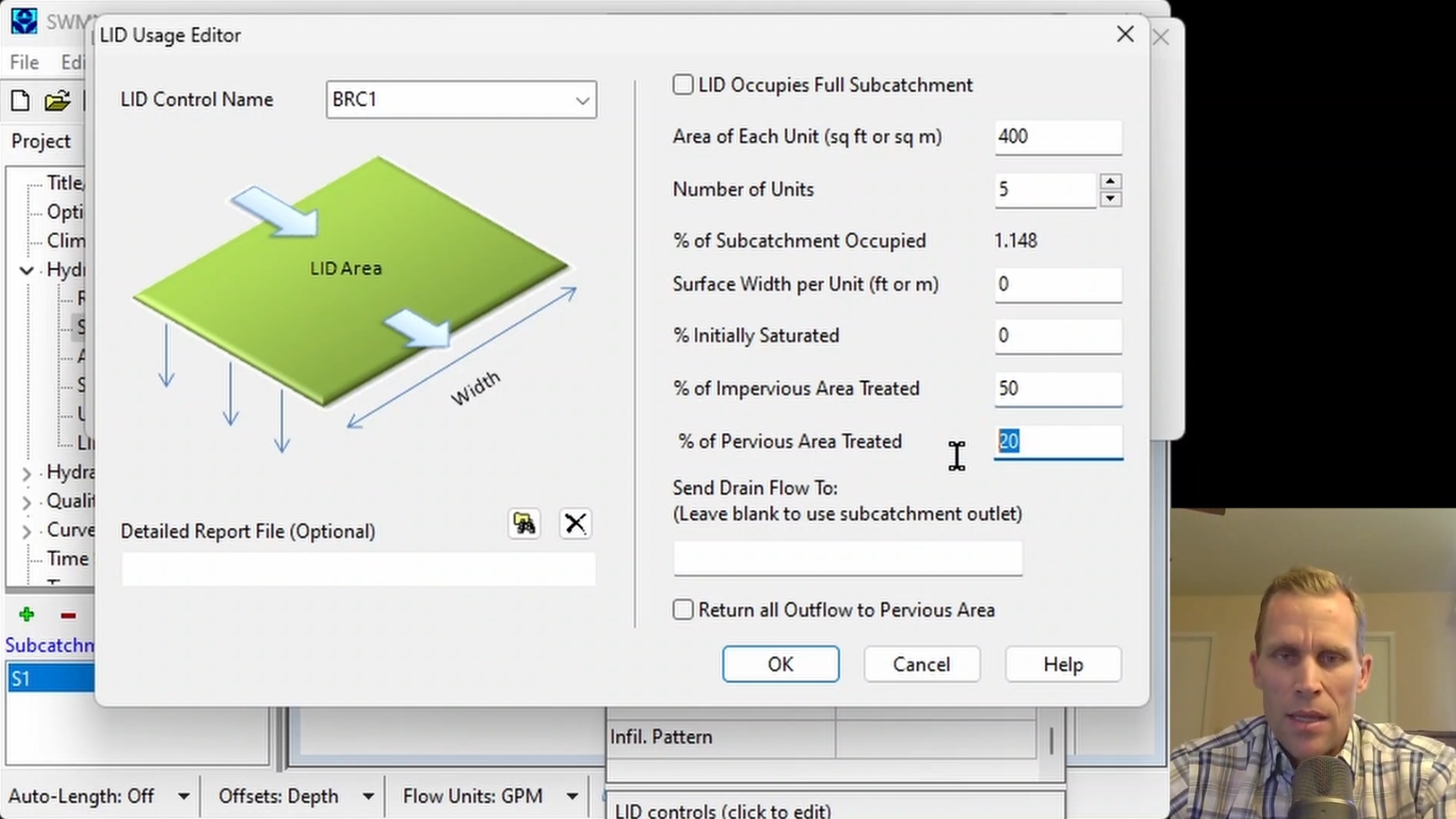
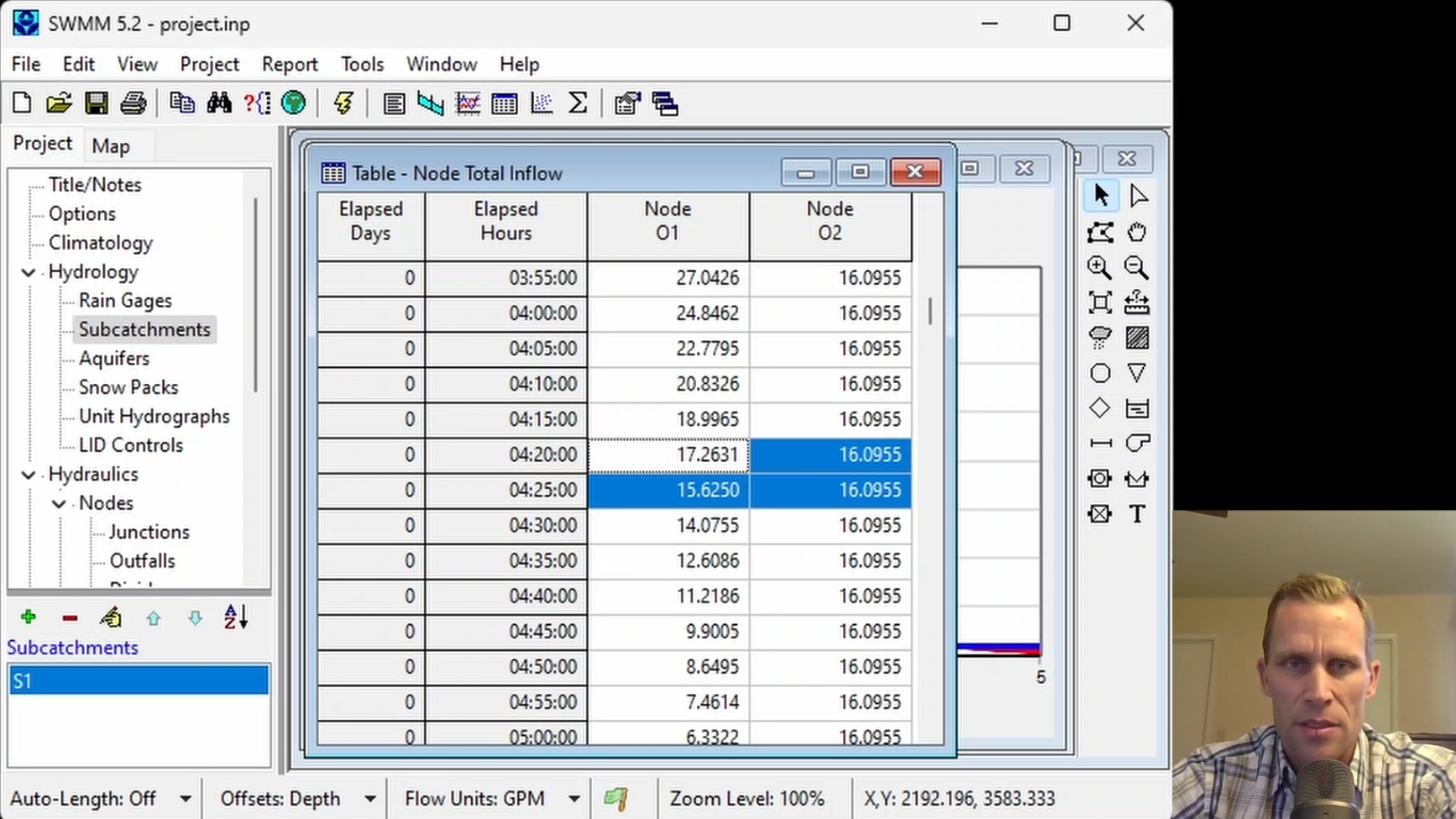
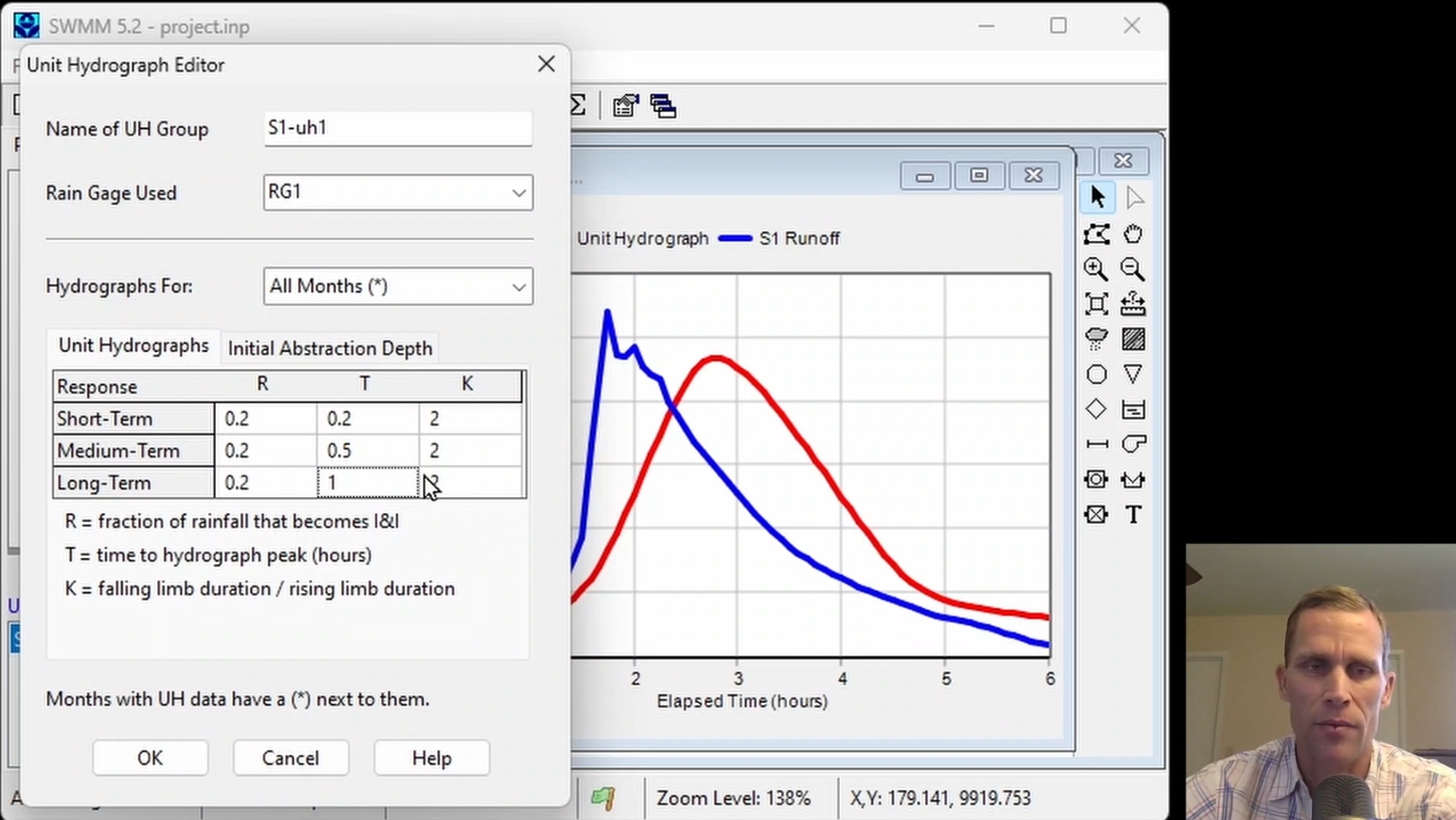
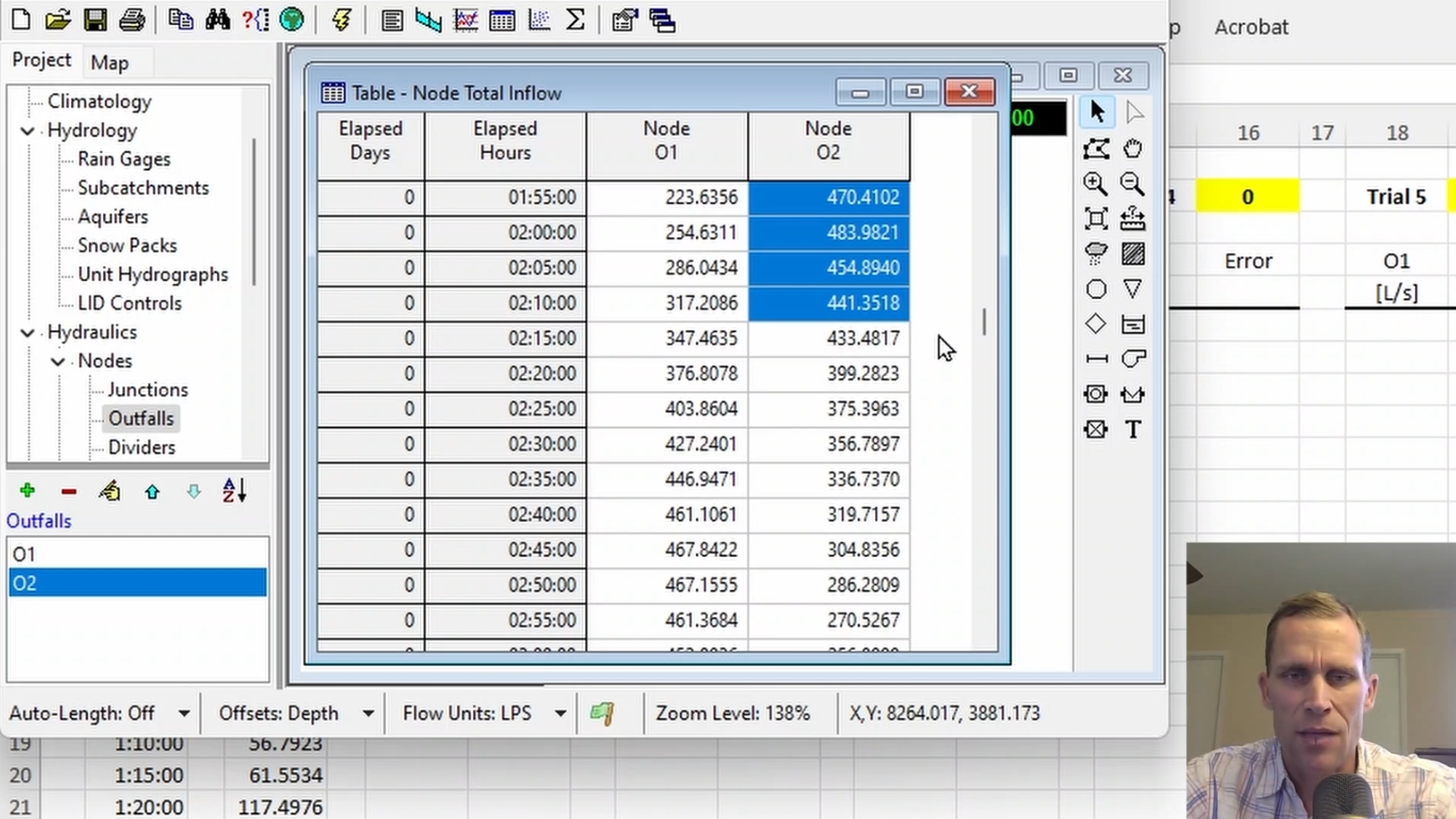
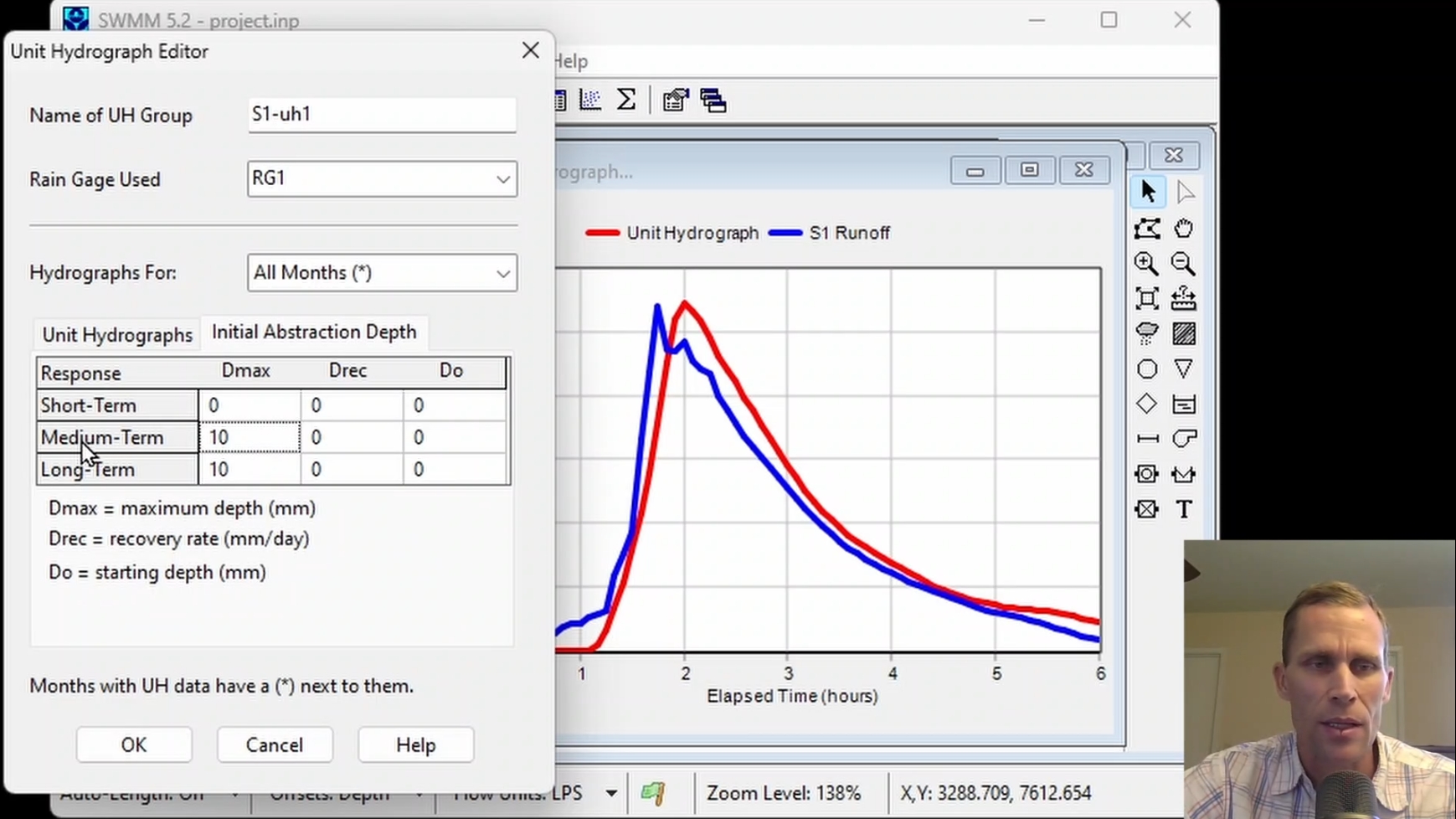
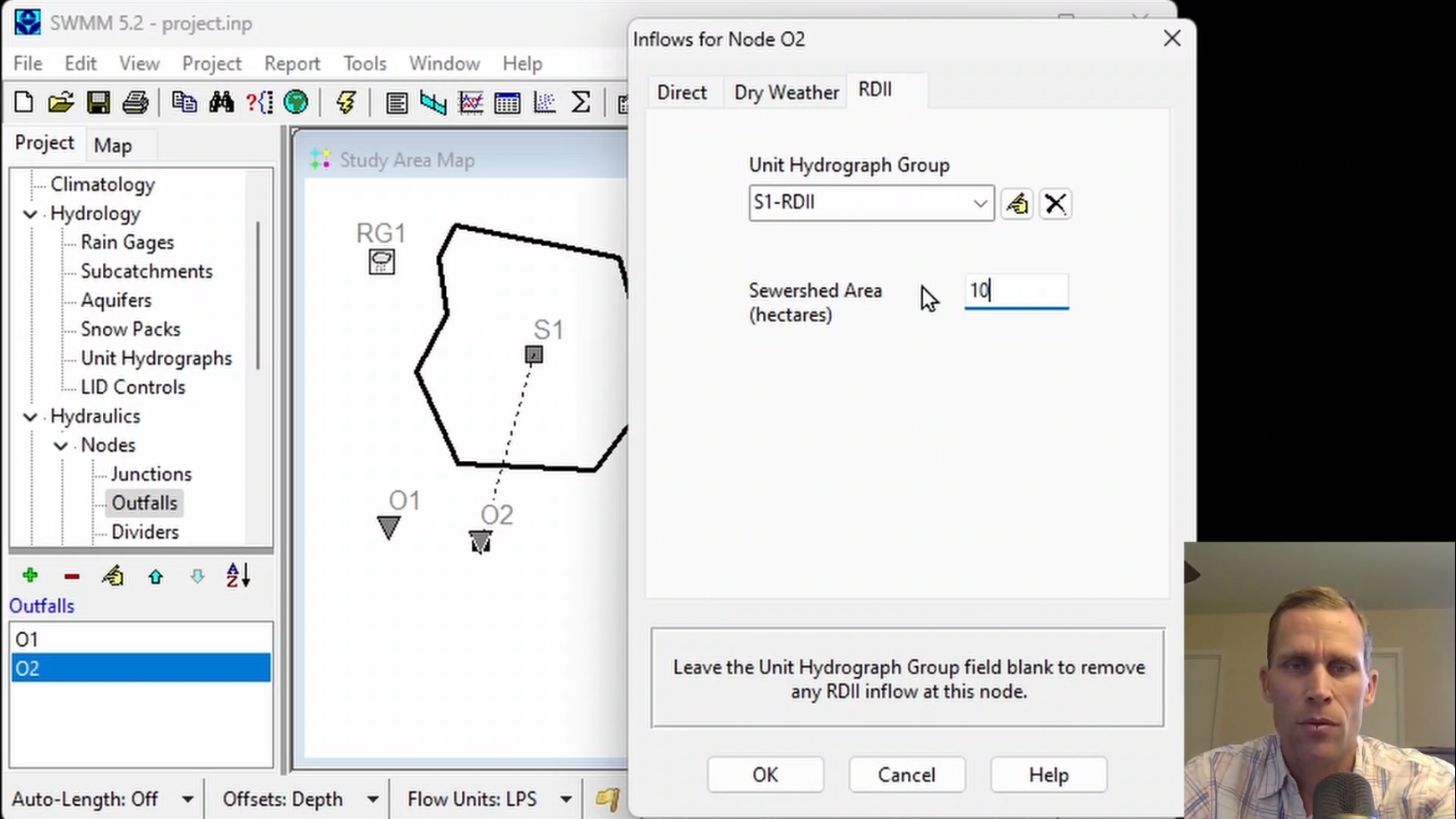
This course covers adding external inflows to nodes with a focus on defining a unit hydrograph to convert rainfall data to (1) direct runoff, and (2) rainfall-dependent infiltration and inflow (RDII). Unit hydrograph parameters are modified to match the known runoff from a subcatchment. This course also shows how dry weather flows are added to nodes, and how such flows are a product of a base flow and pattern multipliers.
|
| Objectives: |
Upon successful completion of this course, participants will be able to:
Click the image above to view various images from this course.
|
| Duration: | 50 Minute Video + Assessment |
| Assessment: | 5 questions; 80% passing score required. |
|
Price: $5.00
|
|
| COURSE 12 | |
| Stormwater Model Calibration and Parameter Adjustment | |
| Description: |
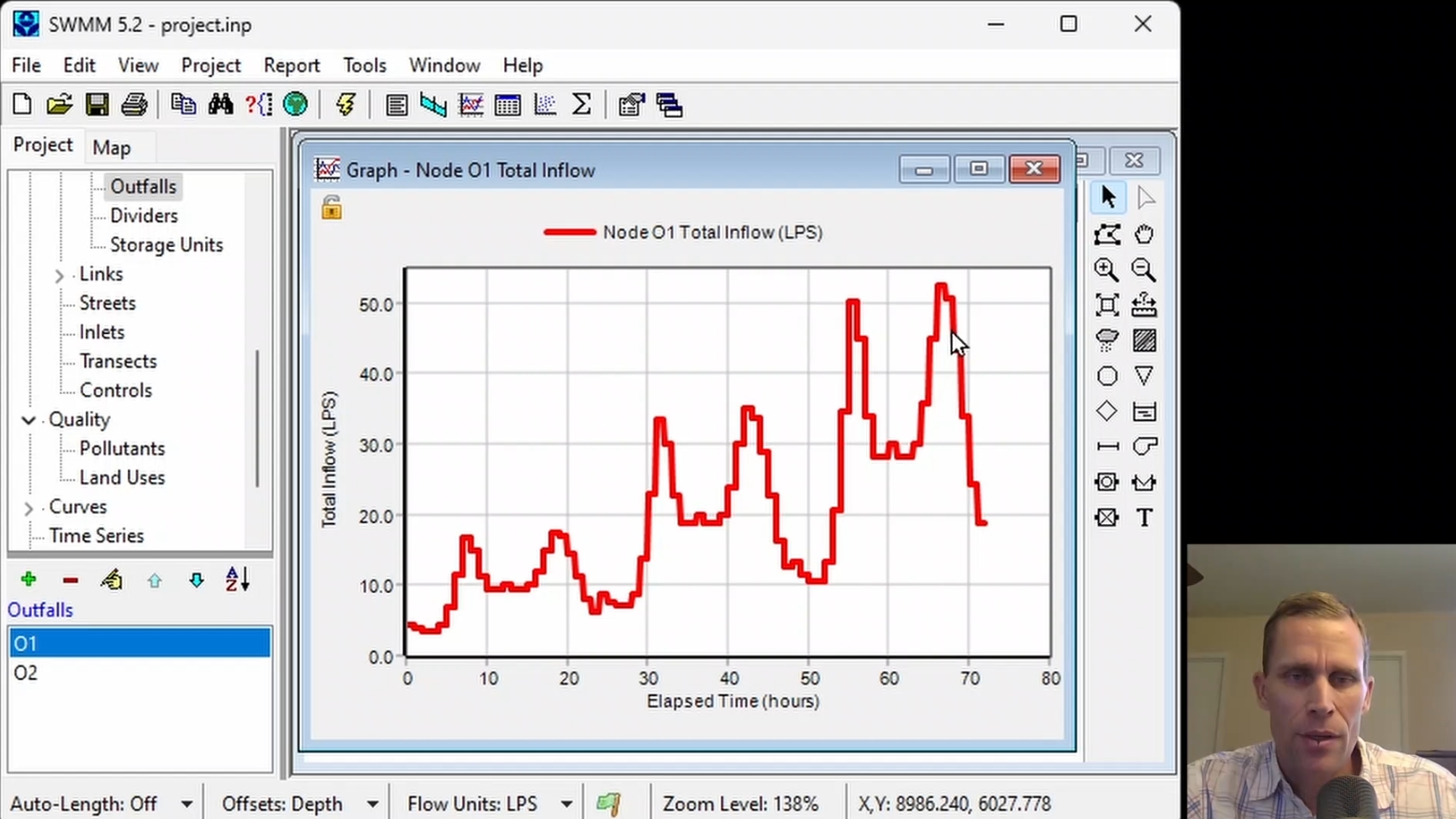
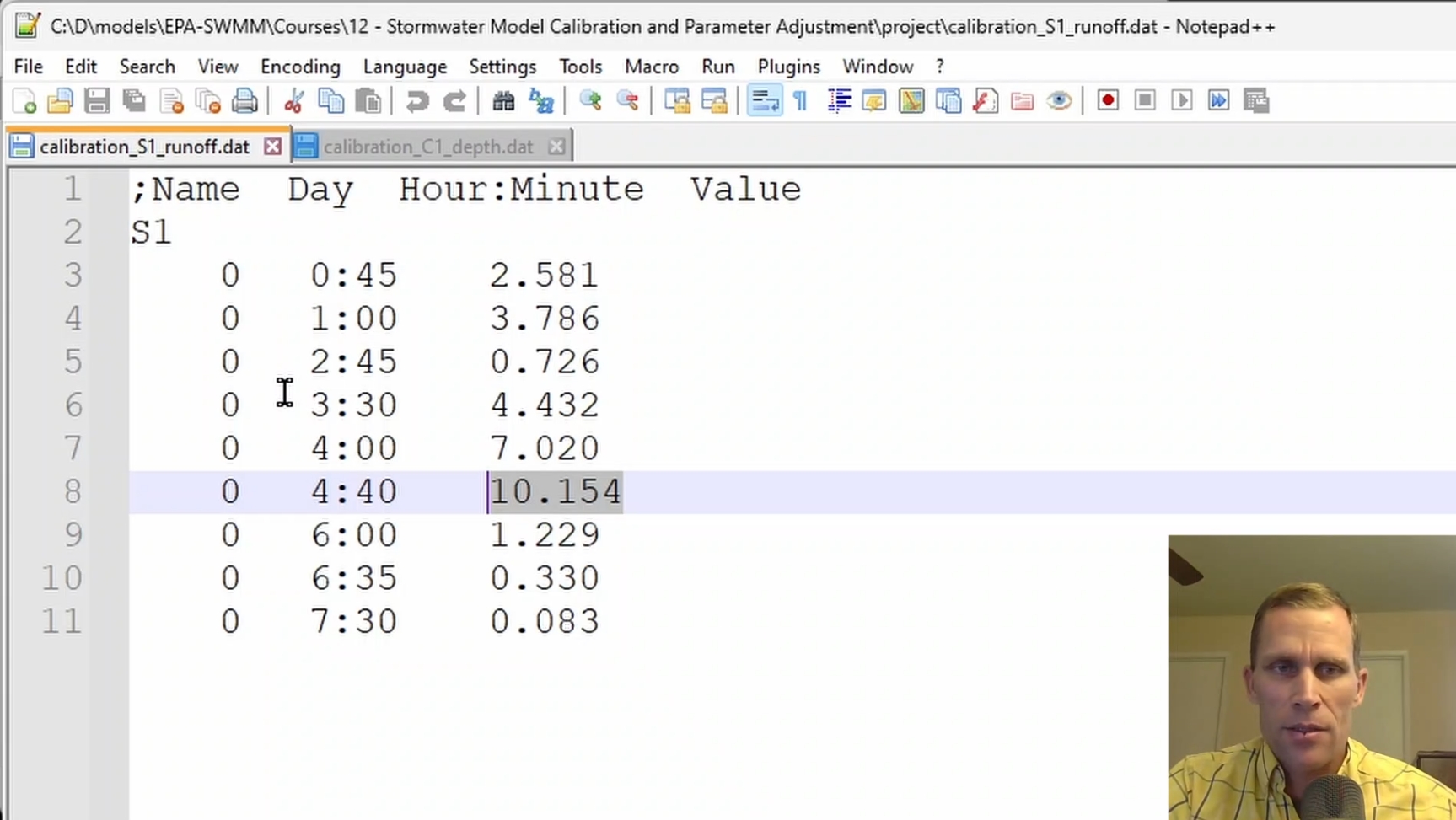
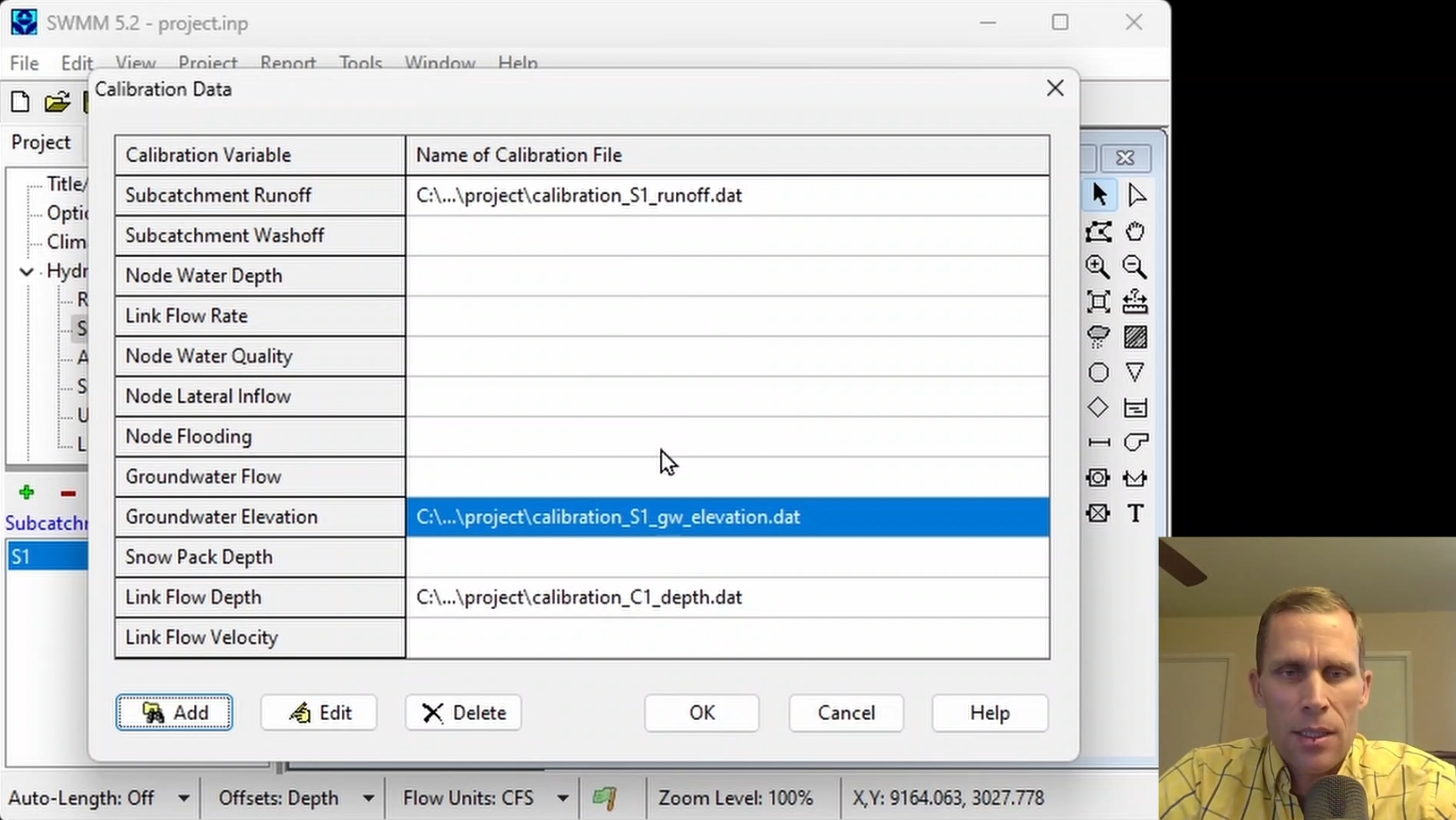
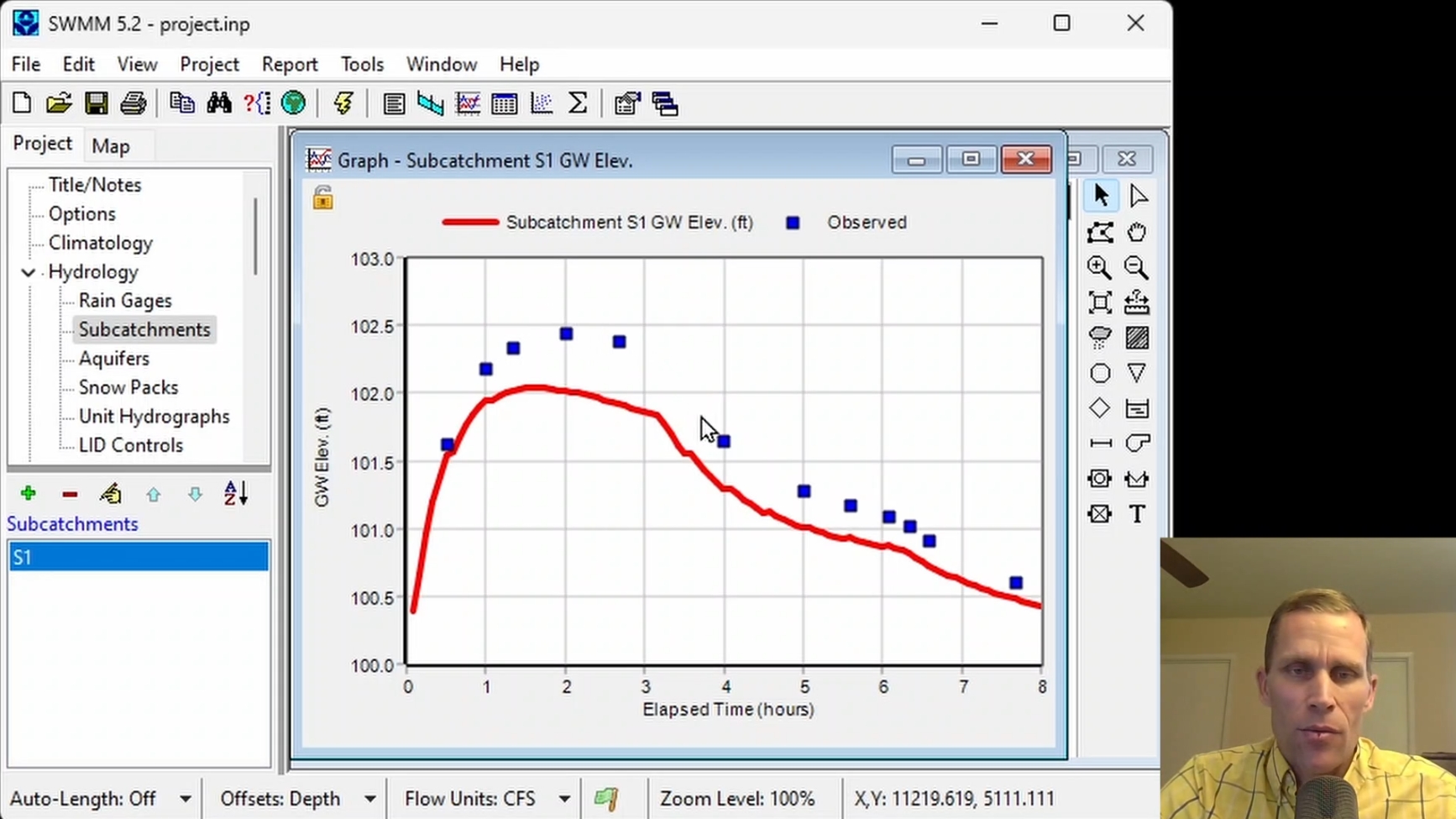
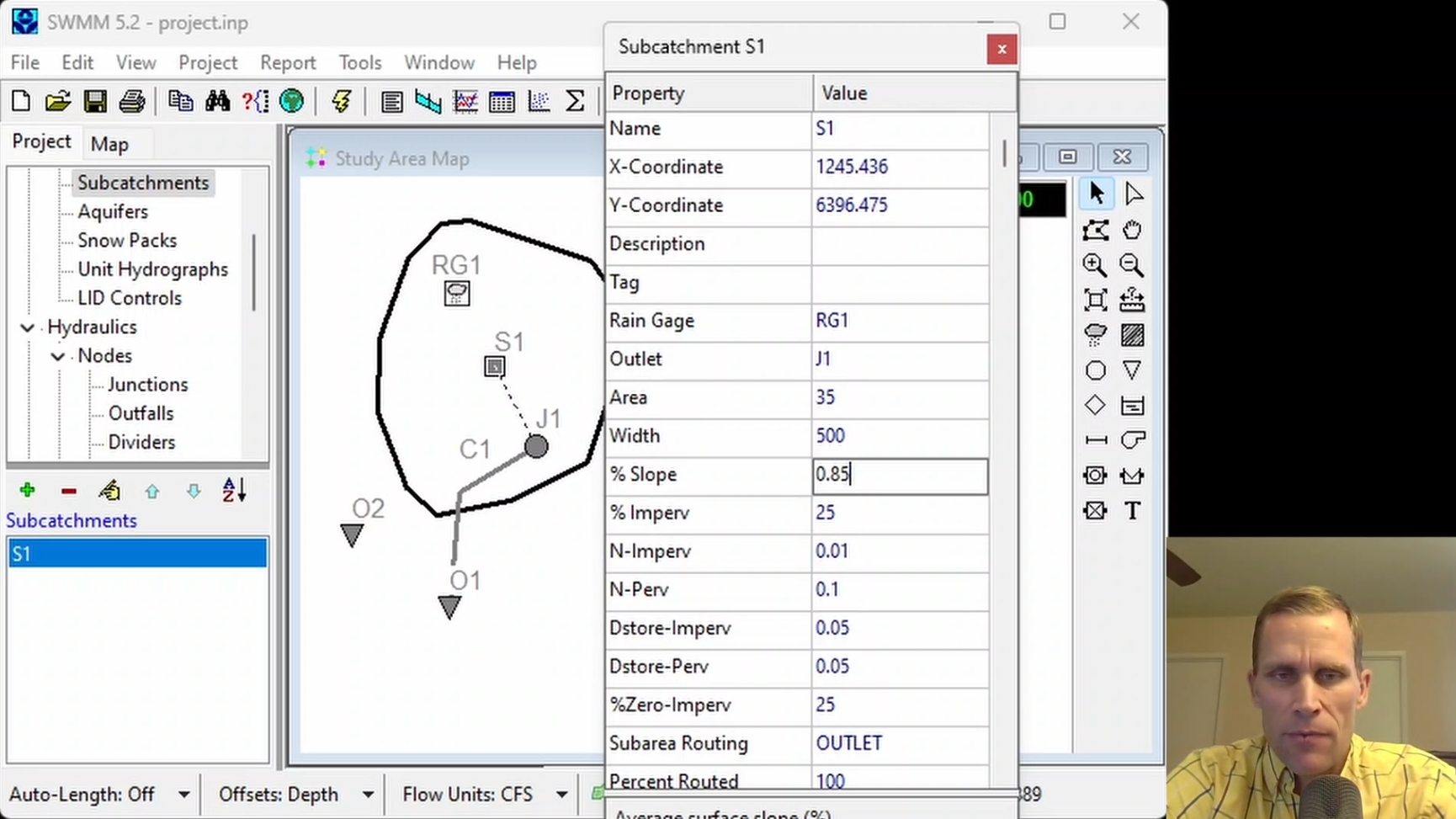
This course describes the calibration process and runs through a few examples demosntrating how a modeler can adjust parameters values that result in their model results matching observed/measured data. This course explains how to format external calibration text files and how to reference those files to their EPA-SWMM project, in order to visually compare that observed data with model results.
|
| Objectives: |
Upon successful completion of this course, participants will be able to:
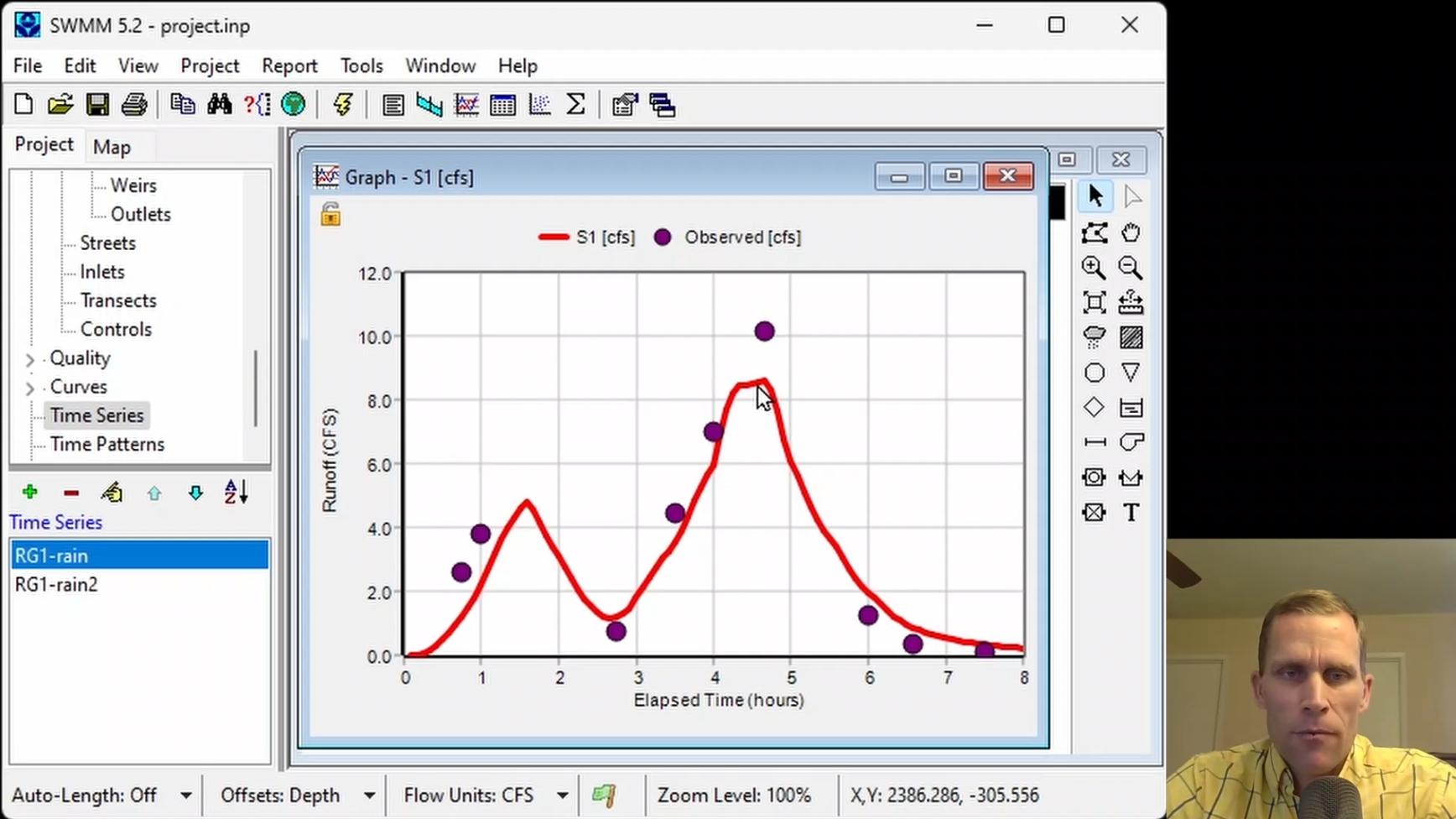
Click the image above to view various images from this course.
|
| Duration: | 50 Minute Video + Assessment |
| Assessment: | 5 questions; 80% passing score required. |
|
Price: $5.00
|
|
| COURSE 13 | |
| Advanced Real-Time Controls in Stormwater Modeling | |
| Description: |
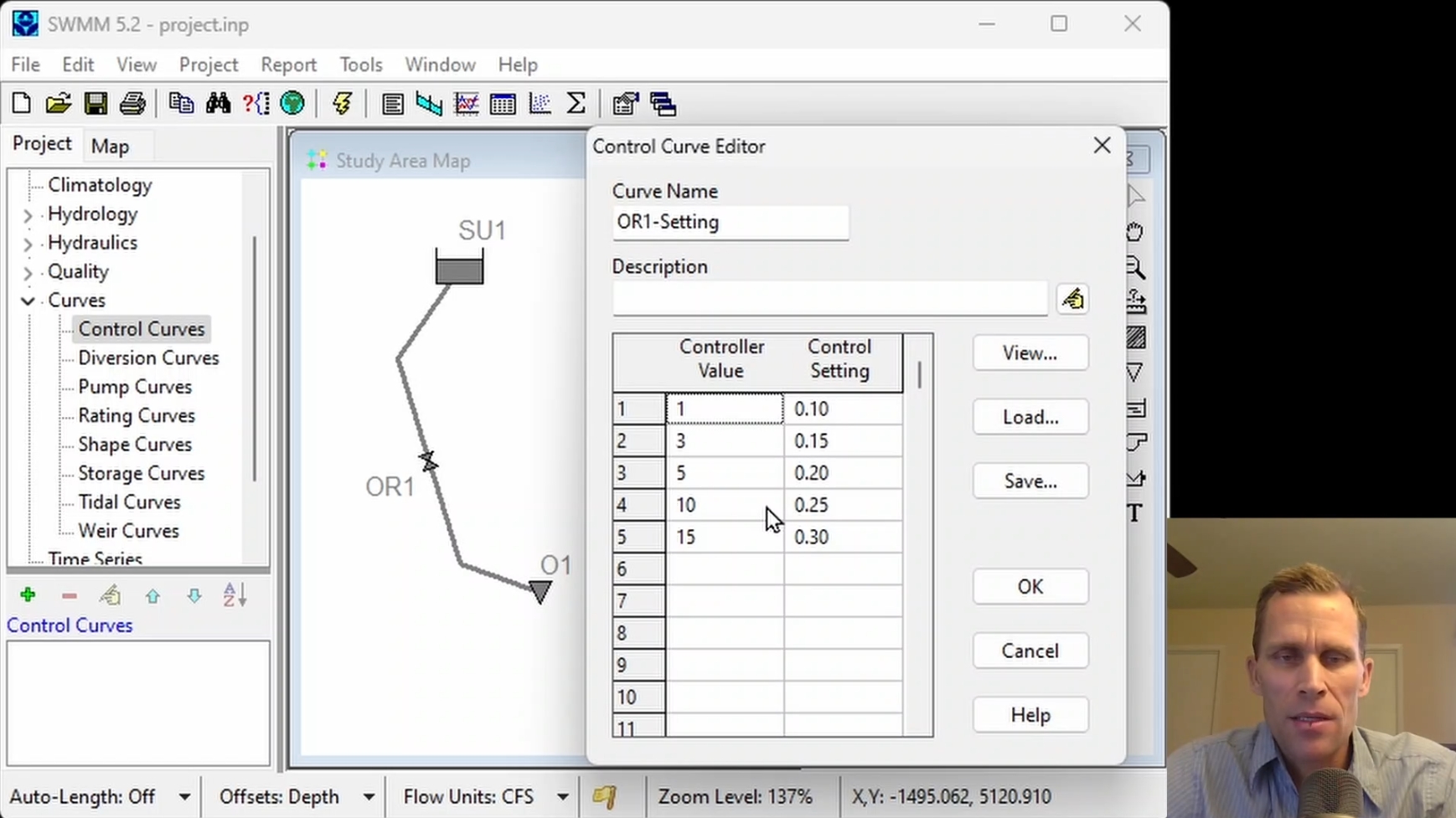
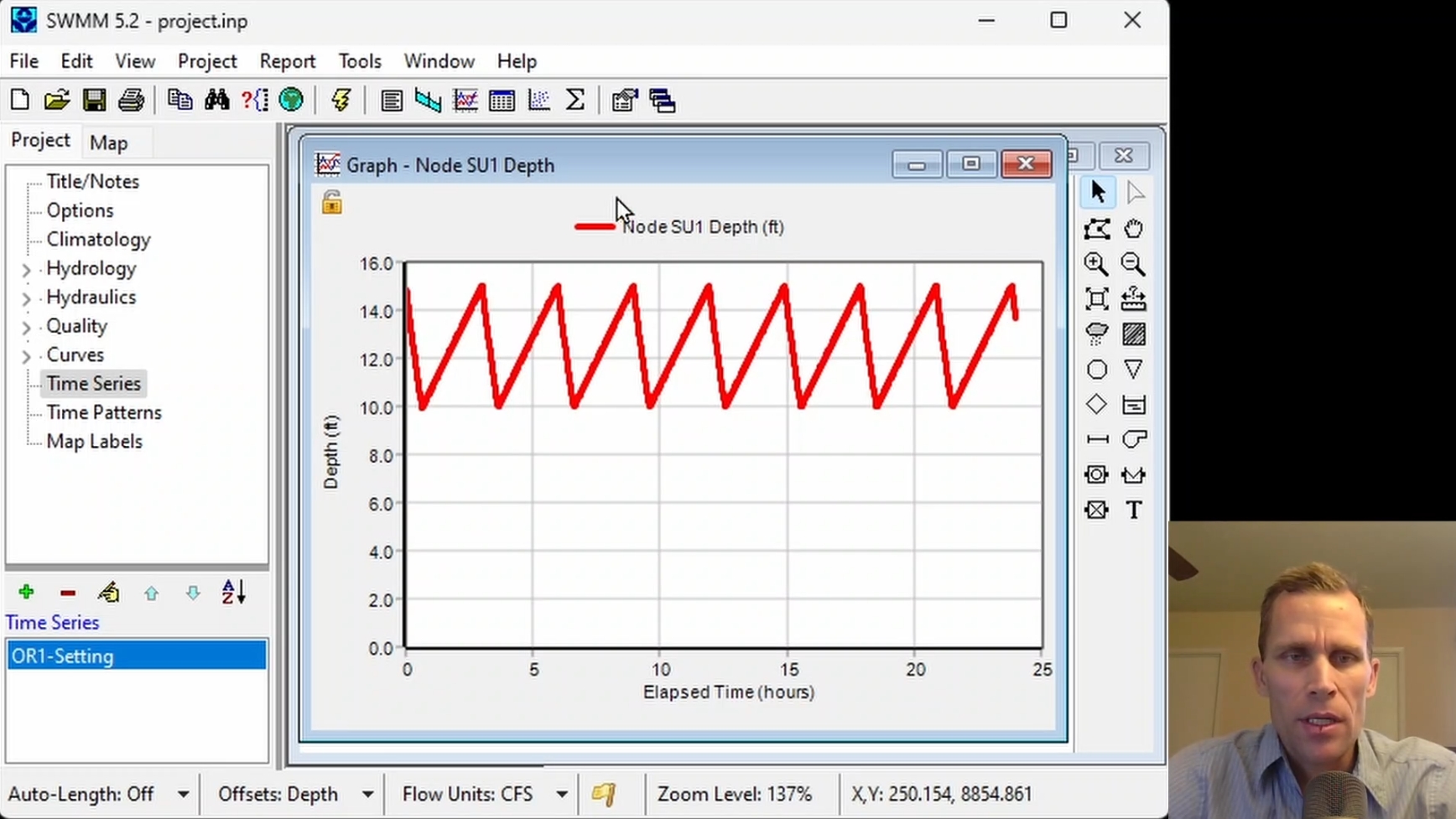
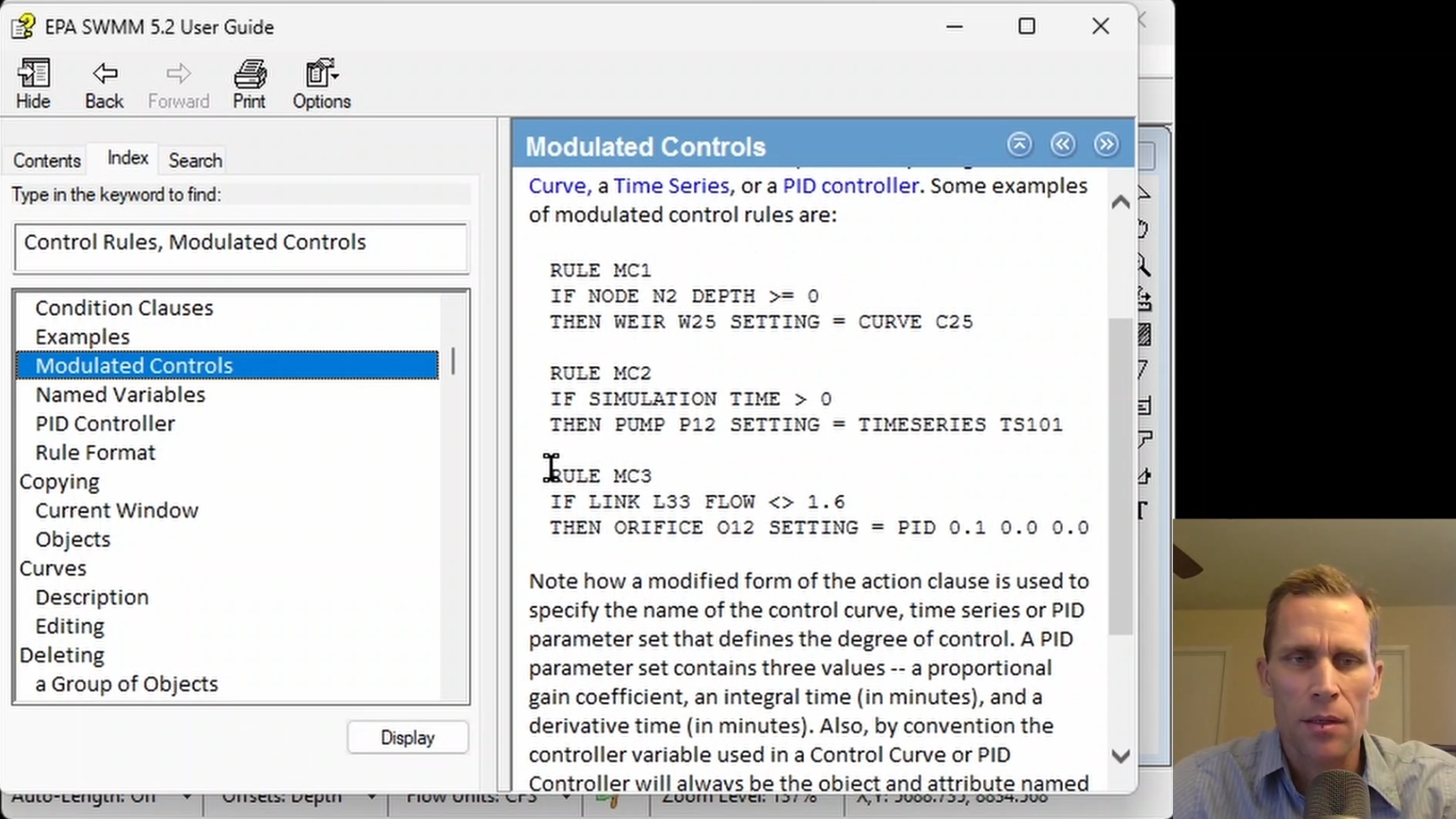
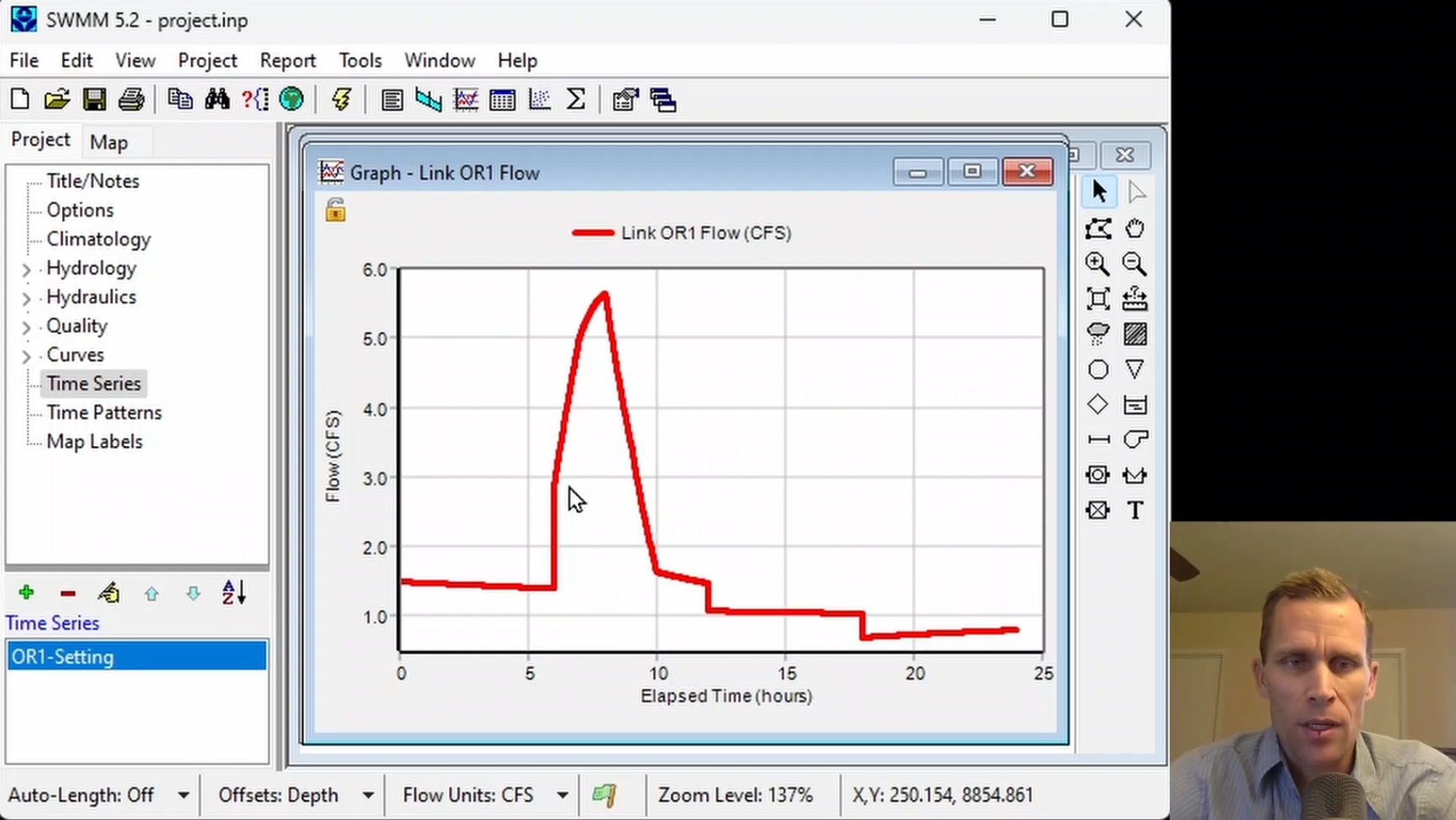
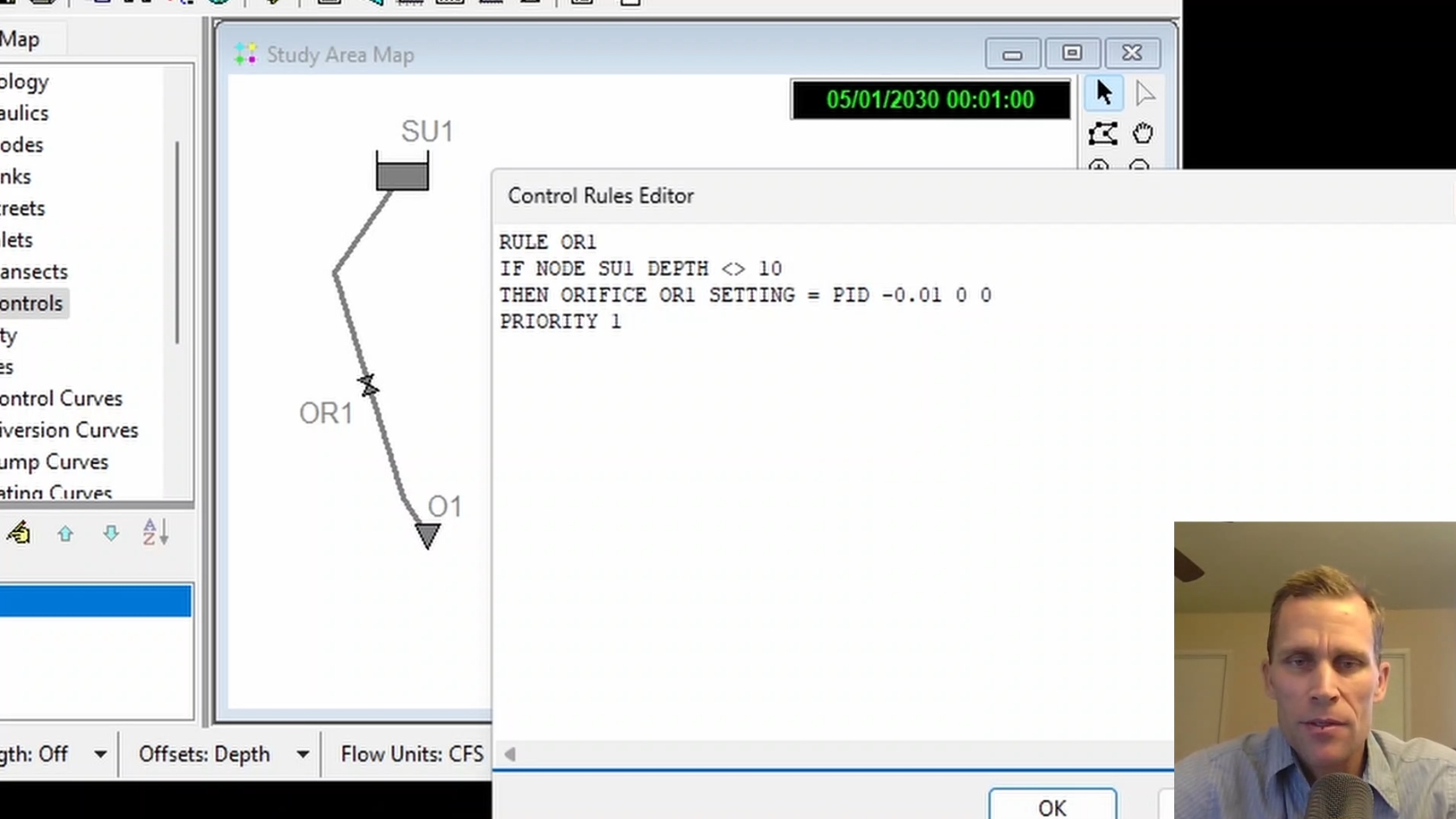
This course explains how to create and apply modulated controls in EPA-SWMM to dynamically adjust the settings of flow regulators based on changing model conditions. This course demonstrates how to use time series, control curves, and PID controllers to control an orifice based on variables such as water depth and inflow, and how to evaluate the resulting changes in storage unit depth and flow.
|
| Objectives: |
Upon successful completion of this course, participants will be able to:
Click the image above to view various images from this course.
|
| Duration: | 50 Minute Video + Assessment |
| Assessment: | 5 questions; 80% passing score required. |
|
Price: $5.00
|
|
| COURSE 14 | |
| Efficient Model Editing with Excel Add-In Tool | |
| Description: |
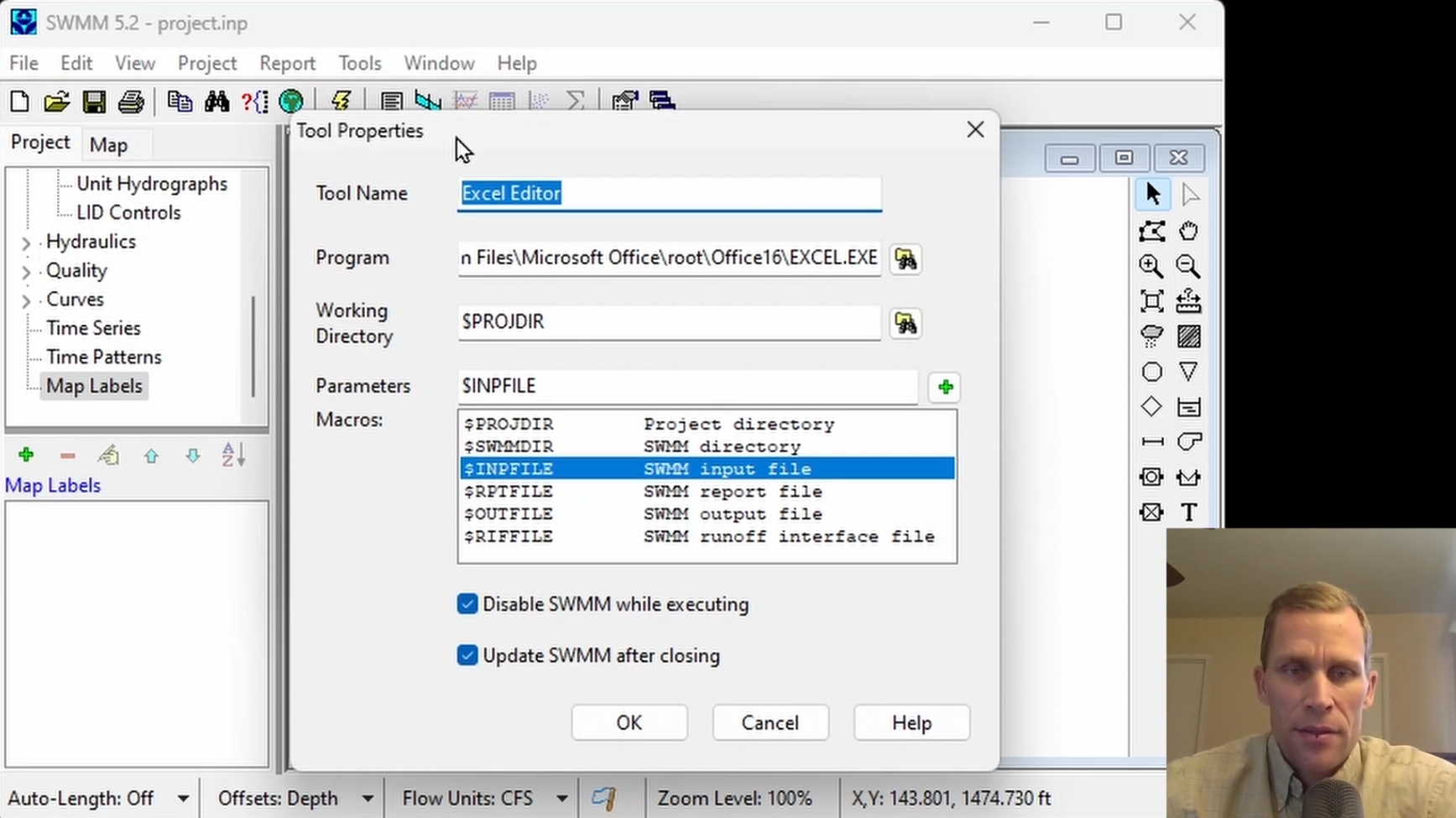
This course shows how to add an add-in tool to EPA-SWMM, specifically Microsoft Excel to be used for editing the project's .inp file. Multiple examples demonstrate how to use the "Excel Editor" Add-In tool, from simple to more complex examples, demonstrating different ways you may harness the power of Excel to more efficiently make edits to your model, compared with using the SWMM user interface.
|
| Objectives: |
Upon successful completion of this course, participants will be able to:
Click the image above to view various images from this course.
|
| Duration: | 50 Minute Video + Assessment |
| Assessment: | 5 questions; 80% passing score required. |
|
Price: $5.00
|
|